

Utilities Windows
WinMerge for Windows
Compare and merge files or folders with WinMerge, a free Windows tool that highlights text differences and helps reconcile changes between versions.
- Operating system
- Windows 7 or newer
- Architecture
- x64 (64-bit)
- Download package
- EXE installer
Requires administrator privileges. Per-user, x86 and ARM64 installers and ZIP binaries are separate publisher downloads.
Link checked · Download guidance
What is WinMerge?
WinMerge shows what changed between files or folders so you can review differences and merge the changes you want to keep. Its text editor highlights differences within lines, detects moved lines and supports three-way comparisons. Folder comparison can include subfolders and use file filters to narrow the results, making it useful for checking two copies of a project.
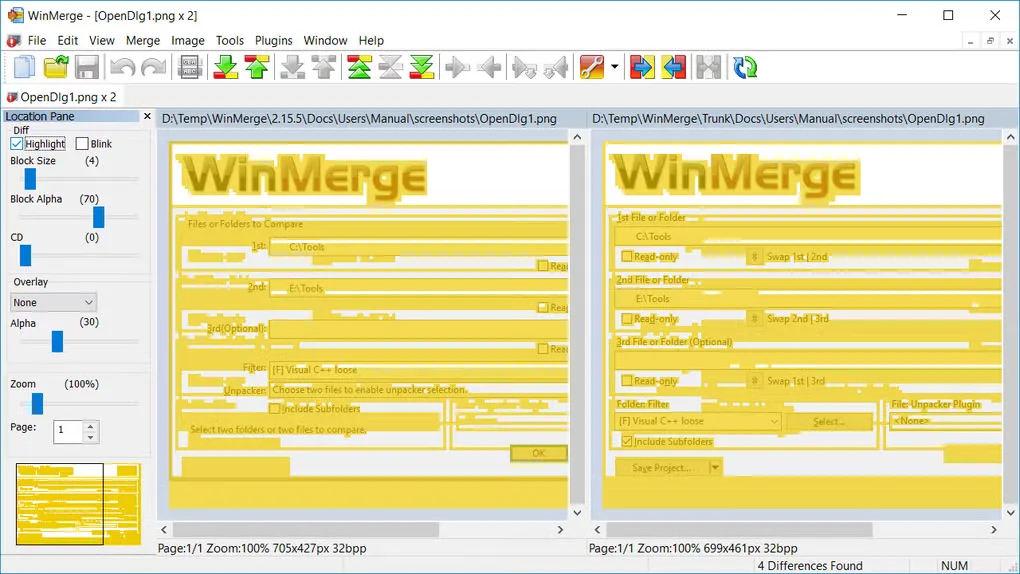
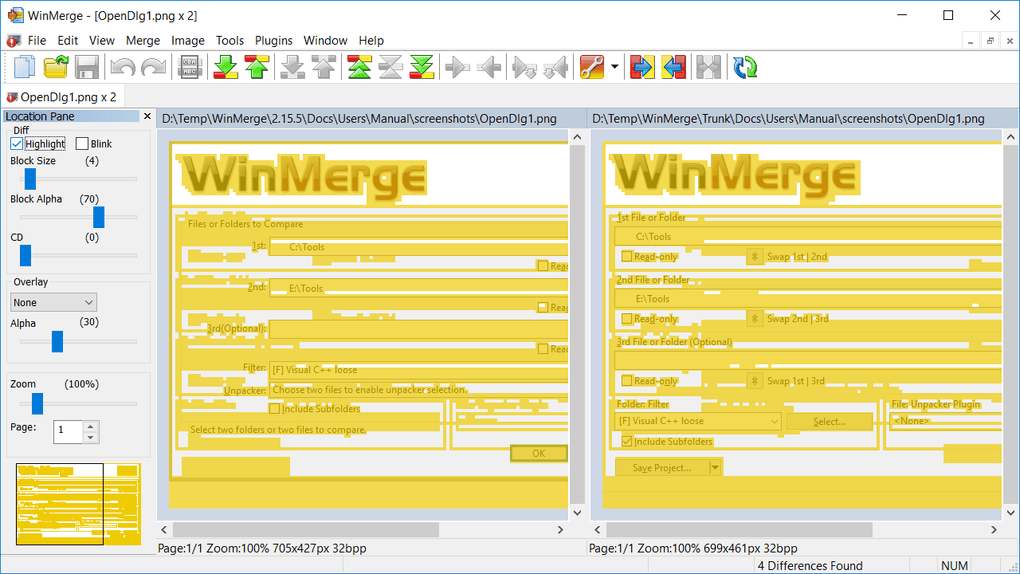
It also offers image comparison with overlays and a table view for CSV and TSV files. Use it as a standalone application or an external comparison and merge tool.
The linked download is the x64 EXE installer for Windows 7 or newer, not the ZIP distribution. This installer requires administrator privileges. The publisher offers a separate per-user installer for users without those privileges, along with separate x86 and ARM64 packages.
What it offers
- Compare and merge text files, including three-way comparisons, with differences highlighted within lines.
- Compare folders recursively and include or exclude items with regular-expression file filters.
- Detect moved lines and review text with syntax highlighting, line numbers and word wrap.
- Compare images using difference highlights or overlays; view CSV and TSV files as tables.
- Use Windows Explorer integration or run WinMerge as an external comparison and merge tool.
Good to know
- The linked x64 installer needs Windows 7 or newer and administrator privileges; users without admin access need the separate per-user installer or ZIP distribution.
Product images
Sources
References used for this listing. Retrieval dates do not indicate hands-on testing.
More in utilities
View category ↗
1.1.1.1 with WARP 2026.8.2115.0
Encrypt traffic from your Mac to Cloudflare’s network with WARP, or use DNS-only mode for encrypted DNS queries to the 1.1.1.1 resolver.
1.1.1.1 with WARP 2026.8.2115.0
Encrypt traffic between your Windows PC and Cloudflare, or use encrypted DNS only, with the free 1.1.1.1 with WARP app.

3uTools 9.12.005
Manage iPhone and iPad photos, music, apps and backups from Windows with 3uTools, a free utility that also includes device checks and firmware flashing tools.