
Utilities Windows
WinToHDD for Windows
Reinstall Windows from an image, install it on another disk or clone an existing system with WinToHDD. The free edition is limited to home use and Windows Home editions.
- Operating system
- Windows Vista/Server 2008 or later; deployment support depends on edition
- Architecture
- 32-bit and 64-bit host Windows listed by publisher; installer architecture not independently inspected
- Download package
- EXE installer (WinToHDD_Free.exe)
Publisher host requirements: 1 GHz compatible CPU, 1 GB RAM, 1024 MB free disk space and 1024×768 display. Broad host support does not remove Free edition restrictions.
Link checked · Download guidance
What is WinToHDD?
WinToHDD is Hasleo Software's Windows deployment utility for reinstalling Windows, installing it on a different disk or migrating an existing Windows installation to another HDD or SSD. It can use Windows image files for installation without a separate CD, DVD or USB installer. Supported image formats listed by the publisher include ISO, WIM, ESD, SWM, VHD and VHDX.
Its System Clone workflow copies an existing Windows installation to another disk without reinstalling Windows and applications. A separate Multi-Installation USB workflow puts multiple Windows installation images on one USB drive for BIOS and UEFI computers. This is different from creating a portable Windows workspace: the publisher points Windows To Go users to WinToUSB instead.
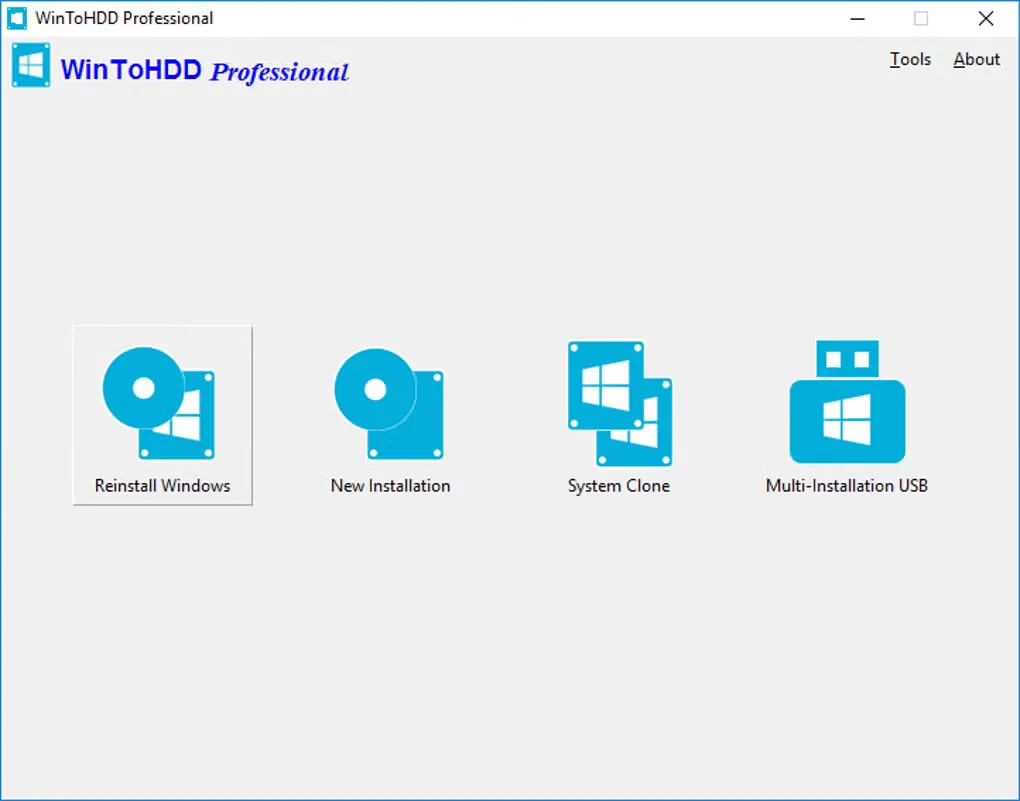
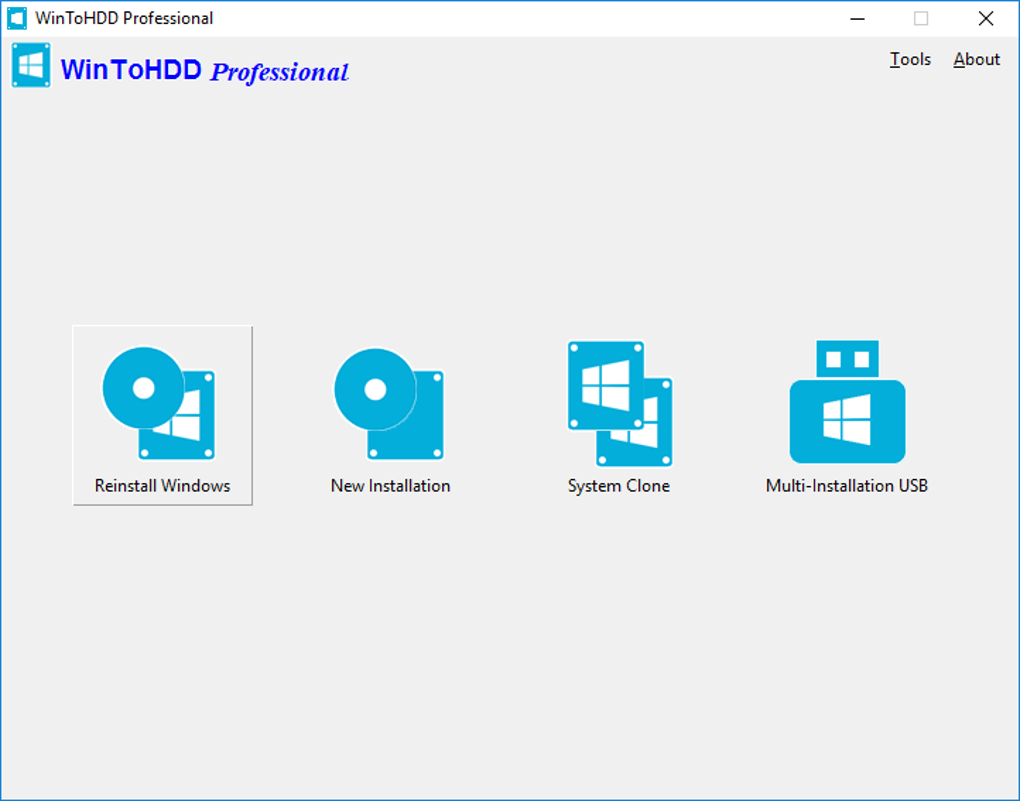
The linked download is the publisher's Free edition. Its comparison table limits this edition to home users and Windows Home operating systems. Windows Professional and Enterprise support, business use, BitLocker encryption during deployment and 4K-sector disk support require a paid edition; Windows Server support requires the Enterprise edition. The screenshot shows the Professional edition's main menu, not proof that paid features are available in Free.
What it offers
- Install or reinstall Windows from supported image files without a CD, DVD or USB installer.
- Clone an existing Windows installation to another HDD or SSD without reinstalling Windows and applications.
- Create a multi-installation USB drive for BIOS and UEFI computers.
- Use ISO, WIM, ESD, SWM, VHD or VHDX files as installation sources.
Good to know
- The Free edition is for home users and supports Windows Home editions; Windows Professional and Enterprise support and business use require a paid edition.
- Windows Server support requires the Enterprise edition. BitLocker deployment encryption and 4K-sector disk support are not included in Free.
- WinToHDD is not the publisher's Windows To Go creator; portable Windows USB workspaces are a WinToUSB use case.
Product images
Sources
References used for this listing. Retrieval dates do not indicate hands-on testing.
More in utilities
View category ↗
1.1.1.1 with WARP 2026.8.2115.0
Encrypt traffic from your Mac to Cloudflare’s network with WARP, or use DNS-only mode for encrypted DNS queries to the 1.1.1.1 resolver.
1.1.1.1 with WARP 2026.8.2115.0
Encrypt traffic between your Windows PC and Cloudflare, or use encrypted DNS only, with the free 1.1.1.1 with WARP app.

3uTools 9.12.005
Manage iPhone and iPad photos, music, apps and backups from Windows with 3uTools, a free utility that also includes device checks and firmware flashing tools.