

Utilities Windows
Wireshark for Windows
Inspect network packets, filter traffic and examine saved captures with Wireshark, a free, open-source network protocol analyzer for Windows.
- Operating system
- Windows 11; Windows 10 (4.6 branch)
- Architecture
- x64
- Download package
- EXE installer
This is the x64 package, not Arm64 or 32-bit. The 4.6 branch supports Windows 10 version 1809. Npcap is required for live capture; silent installation does not install it.
Link checked · Download guidance
What is Wireshark?
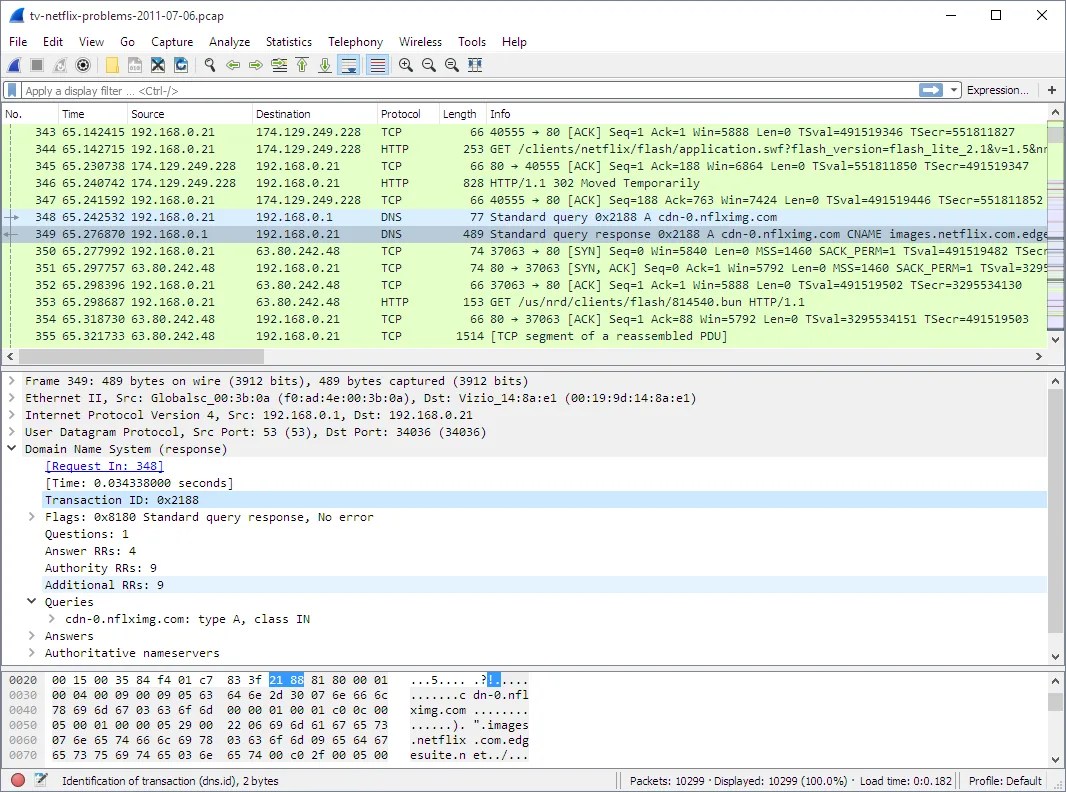
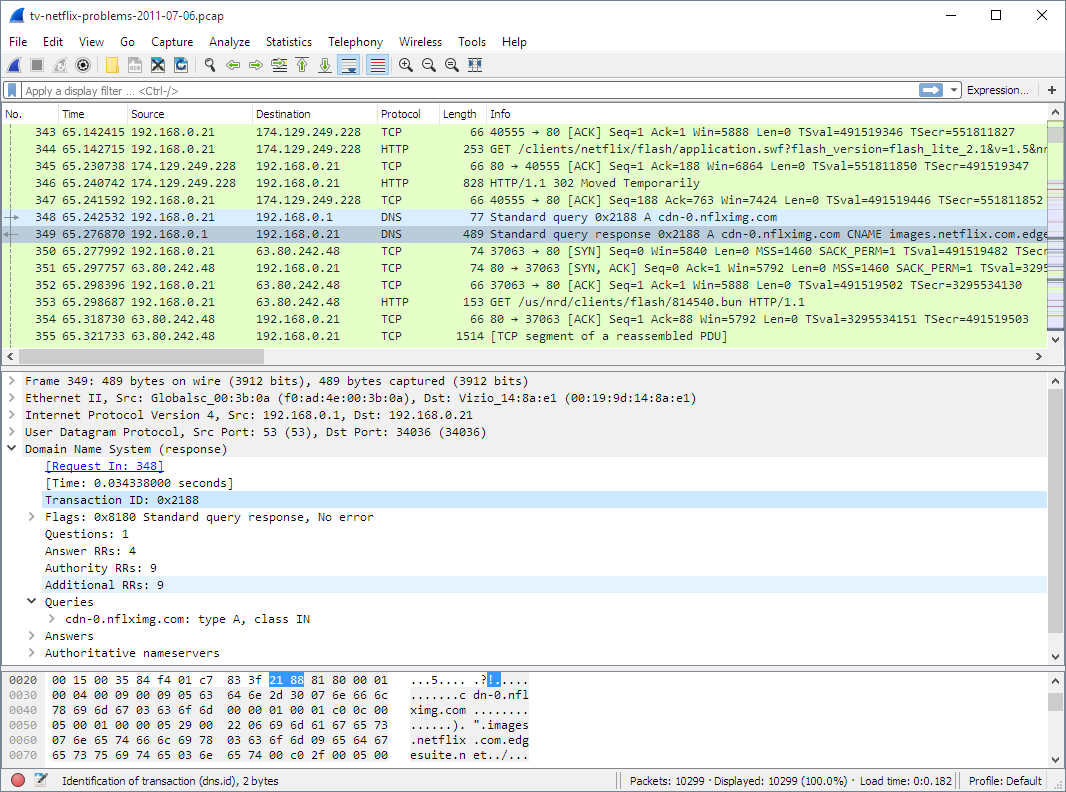
Wireshark helps you investigate network problems by showing the protocol fields inside captured packets. Capture traffic from a supported network interface or open a saved capture, narrow the packet list with filters, and inspect the details of an exchange. It is useful for troubleshooting connections, debugging protocol implementations and learning how network protocols work.
This download is the Wireshark 4.6.9 Windows x64 EXE installer, not the separate Arm64 or PortableApps package. The installer includes Npcap for live packet capture, but its installation is selectable; silent installation does not install Npcap. Without Npcap you can still analyze saved captures. Only capture traffic you are authorized to inspect.
Wireshark is an analysis tool, not an intrusion detection system: it does not automatically warn you about unauthorized activity. Capturing raw Wi-Fi traffic also depends on the adapter and capture setup, so installing Wireshark alone does not guarantee access to raw 802.11 packets.
What it offers
- Capture live packets from a supported network interface and open saved captures from Wireshark or other capture tools.
- Inspect detailed protocol fields, filter and search packets, and color the packet list using filters.
- Save captured packets or export selected packets in supported capture formats.
- Create traffic statistics; optionally install TShark for command-line packet analysis.
Good to know
- Live capture on Windows requires Npcap; saved capture files can be opened without it. Silent installation does not install Npcap.
- It is not an intrusion detection system and does not automatically alert you to unauthorized network activity.
- Raw 802.11 capture on Windows can require special equipment; capture support depends on the hardware and operating system.
Product images
Sources
References used for this listing. Retrieval dates do not indicate hands-on testing.
More in utilities
View category ↗
1.1.1.1 with WARP 2026.8.2115.0
Encrypt traffic from your Mac to Cloudflare’s network with WARP, or use DNS-only mode for encrypted DNS queries to the 1.1.1.1 resolver.
1.1.1.1 with WARP 2026.8.2115.0
Encrypt traffic between your Windows PC and Cloudflare, or use encrypted DNS only, with the free 1.1.1.1 with WARP app.

3uTools 9.12.005
Manage iPhone and iPad photos, music, apps and backups from Windows with 3uTools, a free utility that also includes device checks and firmware flashing tools.