
Utilities Windows
Wise Disk Cleaner for Windows
Remove temporary files and browser traces with Wise Disk Cleaner, a free Windows cleanup utility with scheduled cleaning and drive optimization tools.
- Operating system
- Windows 11, 10, 8/8.1 and 7
- Architecture
- 32-bit and 64-bit Windows, as listed by the publisher
- Download package
- EXE installer
The publisher lists both Windows architectures for the product; the installer binary was not downloaded or inspected. A separate portable ZIP is also offered.
Link checked · Download guidance
What is Wise Disk Cleaner?
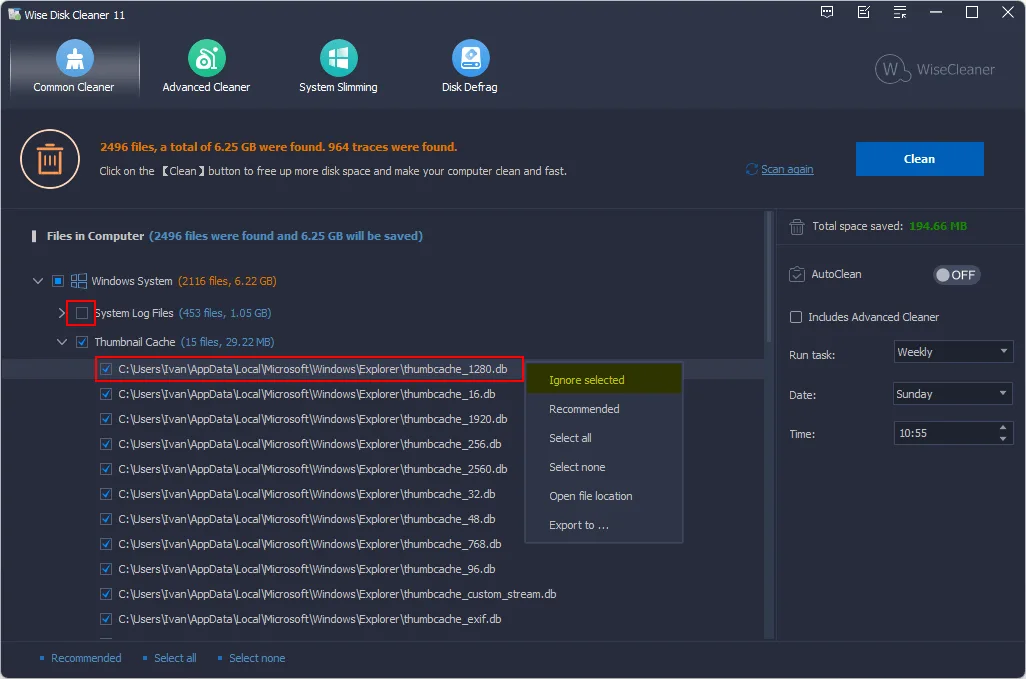
Wise Disk Cleaner helps reclaim disk space by finding temporary files, system logs, browser caches and other cleanup candidates. Its Common Cleaner presents scan results so you can deselect files or ignore items before deleting them. Advanced Cleaner and System Slimming provide additional cleanup options, while AutoClean schedules recurring maintenance.
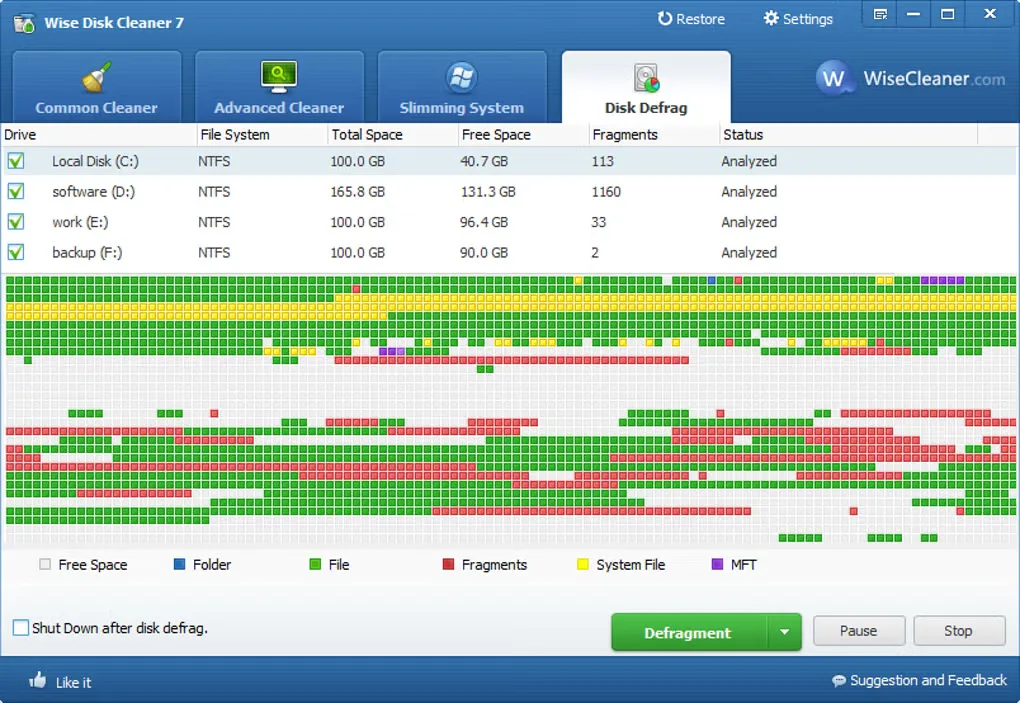
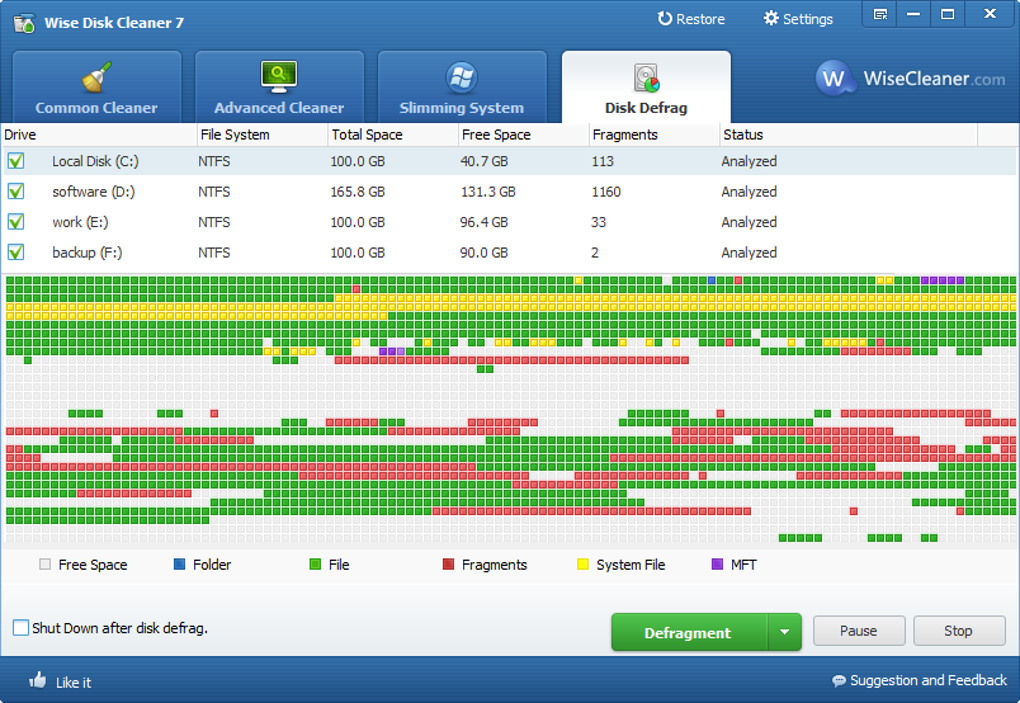
The separate Disk Defrag section provides HDD defragmentation and, according to the publisher, SSD TRIM support. These tools address different drive types; they are not a promise of a particular speed improvement or amount of recovered space.
Review what is selected before cleaning. The publisher specifically warns against removing saved browser passwords, form history and cookies unless necessary. The download linked here is the publisher's Windows installer endpoint, which resolved to the 11.4.0.860 EXE during header verification. Screenshots illustrate publisher documentation and an older Softonic gallery image; the older image is explicitly labeled and does not establish the current interface.
What it offers
- Scan for temporary files, system logs, browser caches and other junk-file categories.
- Review scan results, deselect files and ignore individual items before cleanup.
- Schedule AutoClean daily, weekly, monthly, at logon or while the PC is idle.
- Use HDD defragmentation and publisher-described SSD TRIM support from the drive optimization tools.
- Choose light or dark interface themes.
Good to know
- Cleaning selected browser traces can remove saved passwords, form history and cookies; the publisher advises leaving these categories alone unless necessary.
- Cleanup results depend on the files found and selected; no fixed storage recovery or performance improvement is established here.
Product images
Sources
References used for this listing. Retrieval dates do not indicate hands-on testing.
- Wise Disk Cleaner - Free Disk Cleanup and Defrag Too ↗Retrieved
- WiseCleaner Download Center - Download The Latest WiseCleaner Products ↗Retrieved
- The User Guide of Wise Disk Cleaner - How to clean up junk files on your disk ↗Retrieved
- Wise Disk Cleaner - Download (normal-browser observation) ↗Retrieved
More in utilities
View category ↗
1.1.1.1 with WARP 2026.8.2115.0
Encrypt traffic from your Mac to Cloudflare’s network with WARP, or use DNS-only mode for encrypted DNS queries to the 1.1.1.1 resolver.
1.1.1.1 with WARP 2026.8.2115.0
Encrypt traffic between your Windows PC and Cloudflare, or use encrypted DNS only, with the free 1.1.1.1 with WARP app.

3uTools 9.12.005
Manage iPhone and iPad photos, music, apps and backups from Windows with 3uTools, a free utility that also includes device checks and firmware flashing tools.