

Utilities Windows
Wise Force Deleter for Windows
Unlock and delete stubborn Windows files and folders with Wise Force Deleter, a free utility for file-in-use and access-denied errors.
- Operating system
- Windows XP and later, including Windows 10 and 11 (publisher-listed)
- Architecture
- 32-bit and 64-bit Windows (publisher-listed)
- Download package
- EXE installer
HEAD resolves to WFDSetup_1.5.7.59.exe. Installer architecture and operation were not independently inspected; no installer was downloaded or run.
Link checked · Download guidance
What is Wise Force Deleter?
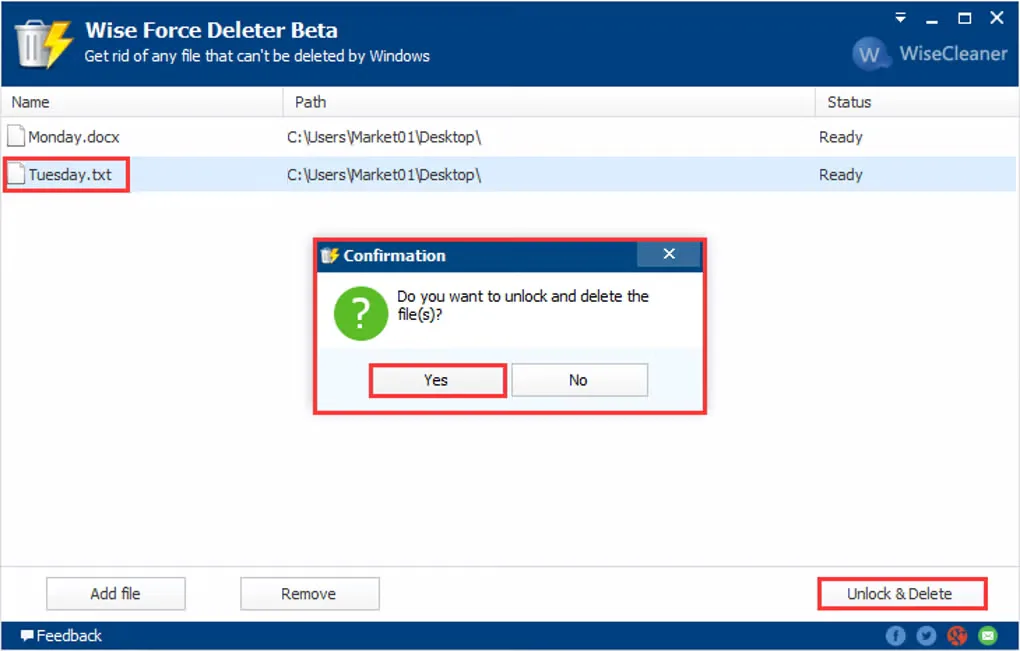
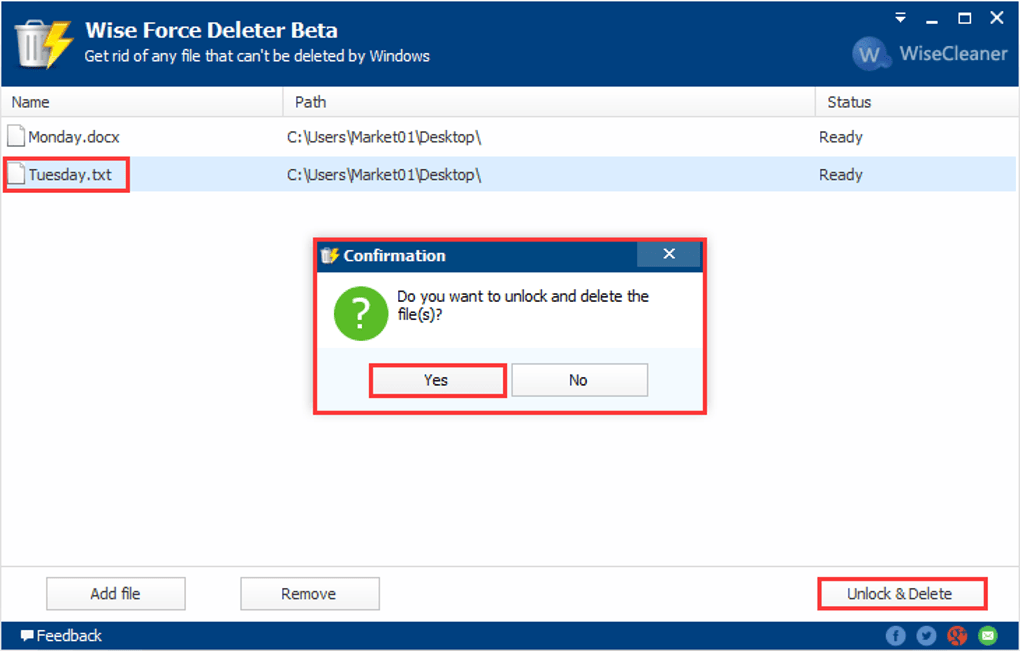
Wise Force Deleter targets files and folders that Windows refuses to delete because they are in use or access is restricted. The publisher describes releasing these obstacles by terminating file-using processes or removing file-access restrictions. You can add items in the application, drag files into its list, or send a file to it through the Windows Force Delete context-menu option.
Review the list before choosing Unlock & Delete. Removing an item from the list cancels its selection; confirming deletion removes the selected files rather than sending them to the Recycle Bin. The publisher warns against deleting files needed by Windows or installed applications. This is a targeted deletion tool, not a reason to remove an unfamiliar system file.
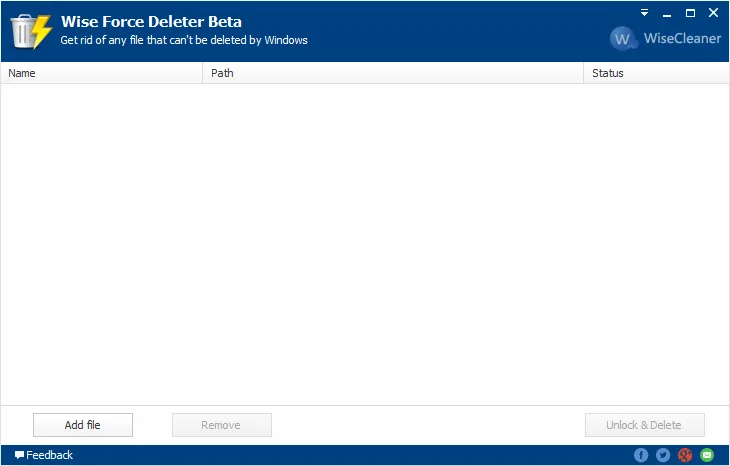
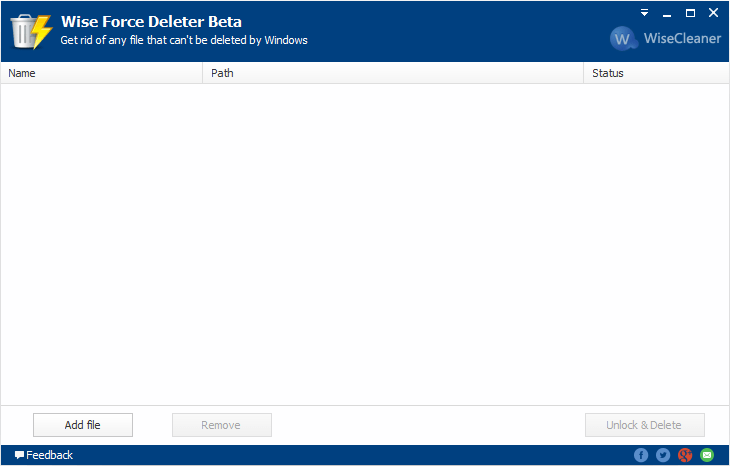
The publisher lists version 1.5.7 for 32-bit and 64-bit Windows, including Windows 10 and 11. The supplied screenshots show a historical Beta interface; they are not captures of the verified download build.
What it offers
- Unlock and delete files or folders affected by file-in-use or access-denied errors.
- Add files and folders through the application controls or drag and drop.
- Send a file to the application using the Windows Force Delete context-menu option.
- Remove unwanted entries from the pending list before confirming Unlock & Delete.
Good to know
- Confirmed deletions bypass the Recycle Bin, according to the publisher guide.
- The publisher warns not to delete files required by Windows or installed applications.
Product images
Sources
References used for this listing. Retrieval dates do not indicate hands-on testing.
More in utilities
View category ↗
1.1.1.1 with WARP 2026.8.2115.0
Encrypt traffic from your Mac to Cloudflare’s network with WARP, or use DNS-only mode for encrypted DNS queries to the 1.1.1.1 resolver.
1.1.1.1 with WARP 2026.8.2115.0
Encrypt traffic between your Windows PC and Cloudflare, or use encrypted DNS only, with the free 1.1.1.1 with WARP app.

3uTools 9.12.005
Manage iPhone and iPad photos, music, apps and backups from Windows with 3uTools, a free utility that also includes device checks and firmware flashing tools.