

Utilities Windows
WriteMonkey for Windows
Draft plain text and Markdown in WriteMonkey 3, a distraction-free writing editor. This entry links to the publisher's Windows 64-bit ZIP; plugins require a donation.
- Operating system
- Windows; minimum supported Windows version not confirmed by the publisher page
- Architecture
- 64-bit; separate 32-bit package available
- Download package
- ZIP archive
Extract the ZIP and run writemonkey3/nw.exe, per publisher instructions. No installation or execution was performed.
Link checked · Download guidance
What is WriteMonkey?
WriteMonkey 3 is a plain-text editor for writers who want a minimal, keyboard-friendly workspace. It supports Markdown and focuses on drafting rather than page layout. Choose it for working on prose in a distraction-free environment, not for a rich-text word-processing workflow.
The publisher provides separate Windows 32-bit and 64-bit packages. The download here is the 64-bit ZIP for version 3.3.0: extract it and, following the publisher's instructions, launch writemonkey3/nw.exe. The product page labels this release January 2023; Softonic's later listing-update date is not treated as a new software release.
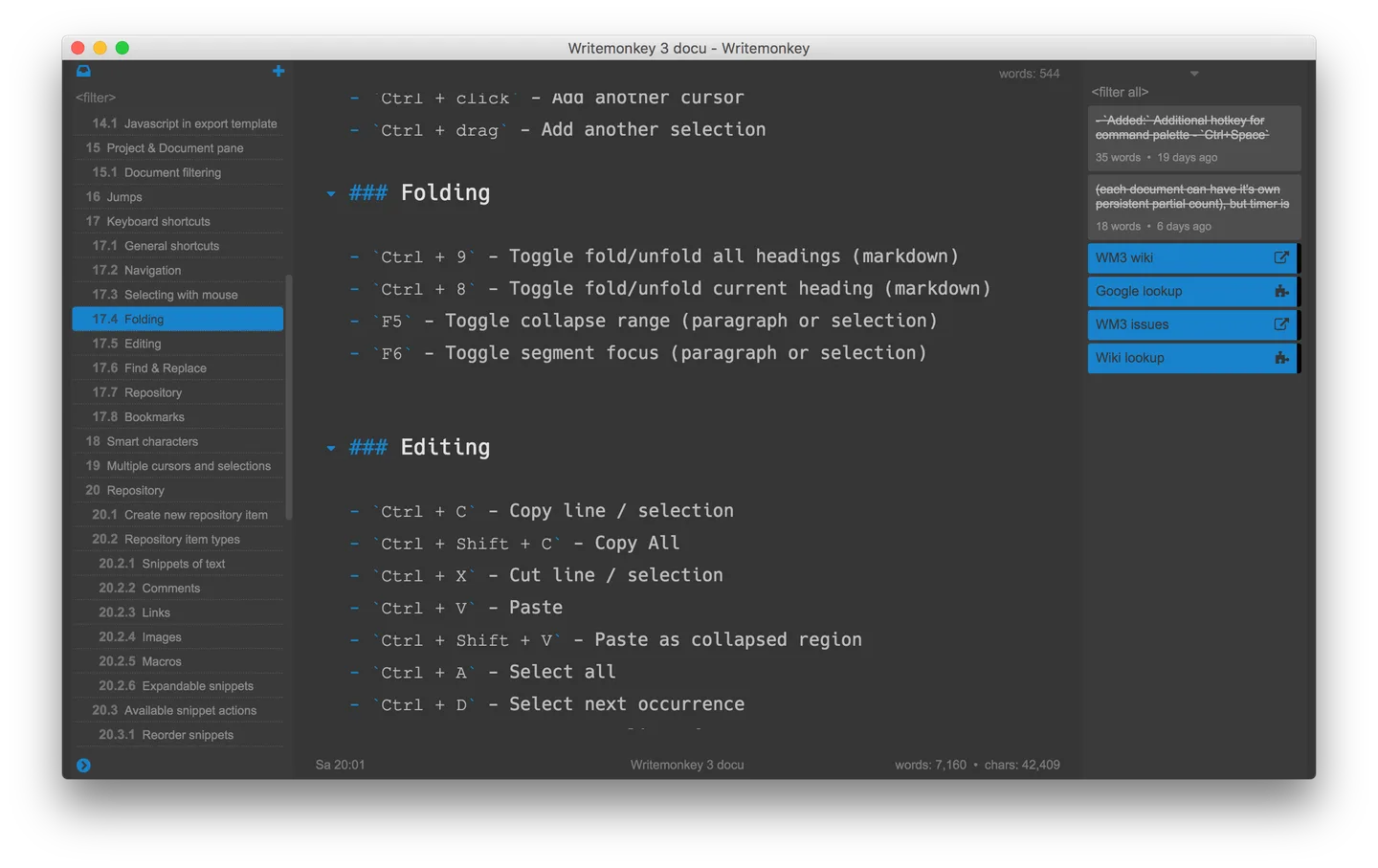
The base editor is free to download and use, but bundled plugins are unlocked for donors. WriteMonkey 2 donor keys do not unlock version 3. The screenshot is the publisher's WriteMonkey 3 interface on macOS, illustrating the cross-platform editor rather than a locally tested Windows installation.
What it offers
- Draft and edit plain text in a minimal, distraction-free workspace.
- Use Markdown for text-based document markup.
- Work with a keyboard-friendly writing interface.
- Choose a separate Windows 32-bit or 64-bit ZIP package from the publisher.
Good to know
- The editor is plain-text only; it is not a rich-text page-layout application.
- Plugins require a donation even though they are bundled with the main download; WriteMonkey 2 donor keys are not valid for version 3.
- The publisher instructs users to extract the ZIP and create their own Windows shortcut; no dedicated installer is provided on the cited product page.
Product images
Sources
References used for this listing. Retrieval dates do not indicate hands-on testing.
More in utilities
View category ↗
1.1.1.1 with WARP 2026.8.2115.0
Encrypt traffic from your Mac to Cloudflare’s network with WARP, or use DNS-only mode for encrypted DNS queries to the 1.1.1.1 resolver.
1.1.1.1 with WARP 2026.8.2115.0
Encrypt traffic between your Windows PC and Cloudflare, or use encrypted DNS only, with the free 1.1.1.1 with WARP app.


3uTools 9.12.005
Manage iPhone and iPad photos, music, apps and backups from Windows with 3uTools, a free utility that also includes device checks and firmware flashing tools.