
Development Windows
WYSIWYG Web Builder
Design web pages visually with WYSIWYG Web Builder for Windows. Drag objects into place, create responsive layouts and publish through built-in FTP tools; a 30-day trial is available.
- Operating system
- Windows
- Architecture
- x64 (64-bit)
- Download package
- ZIP download
Selected link is the publisher's 64-bit package. A separate 32-bit package is available. Mac and Linux software linked by the publisher is a different product.
Link checked · Download guidance
What is WYSIWYG Web Builder?
WYSIWYG Web Builder is a Windows website design application that generates HTML from a visual layout. Place text, images, navigation and other objects on a page rather than writing every element by hand. It supports both fixed layouts with breakpoints and flexible layouts using layout grids, Flexbox or CSS Grid. Built-in publishing supports SFTP, FTPS and FTP, so a separate FTP client is not required for that workflow.
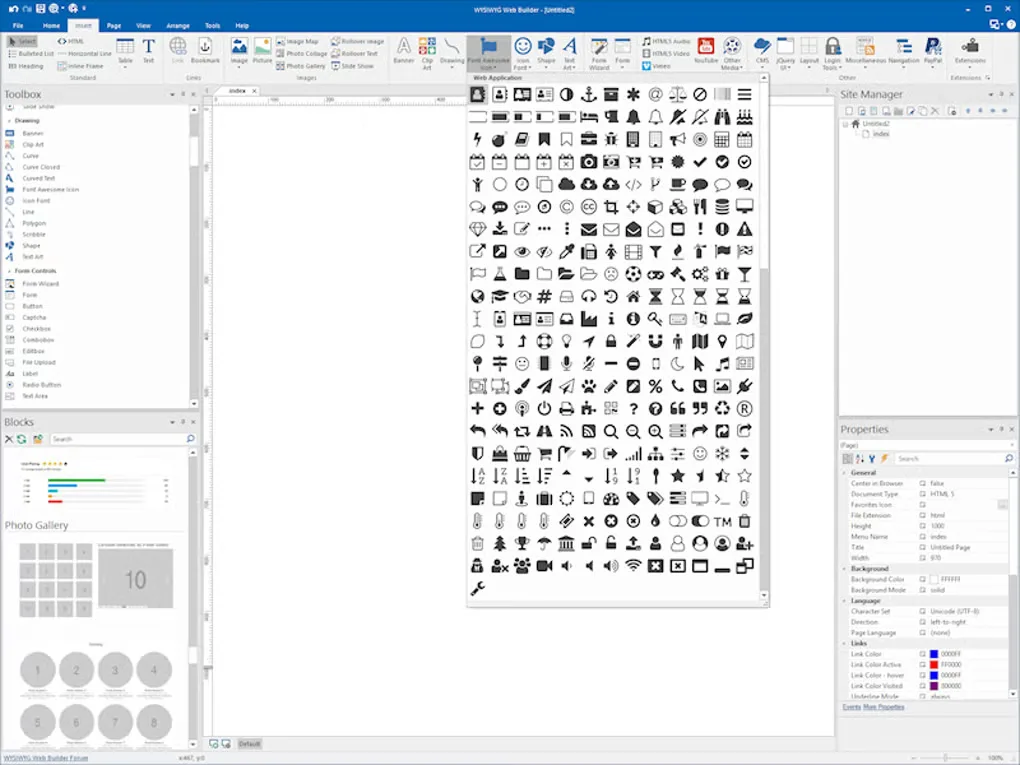
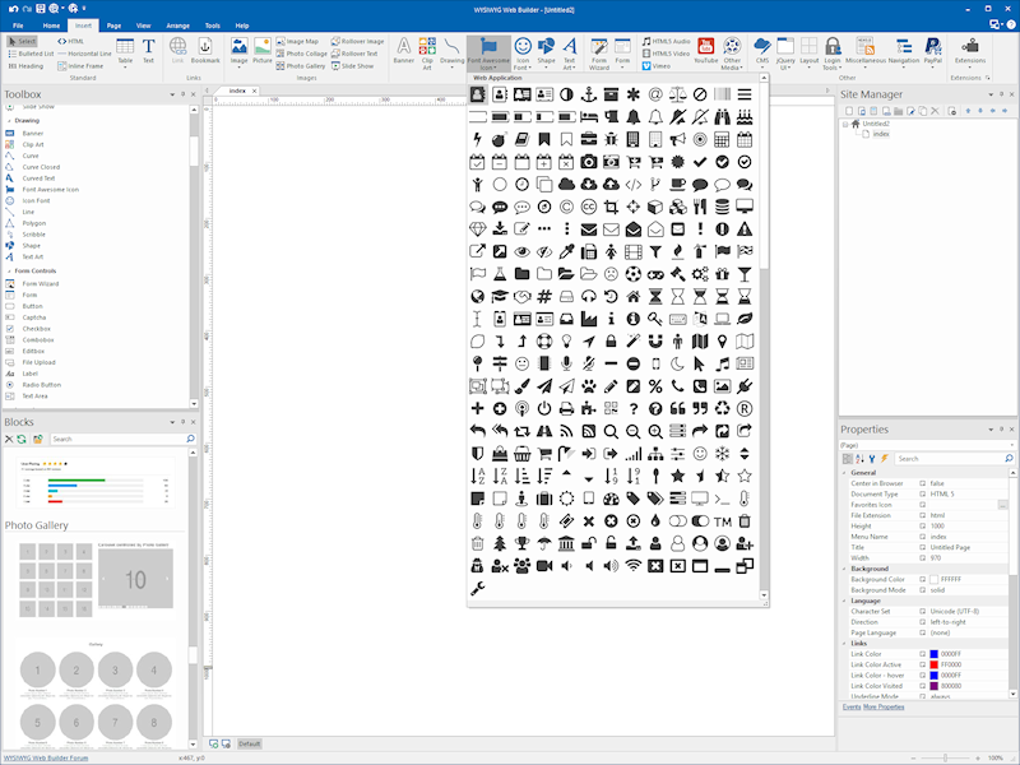
The publisher also lists forms, image galleries, web fonts and sitemap generation among its tools. This entry links to the publisher's 64-bit ZIP package for version 21.2.4; a separate 32-bit package is available on the official download page. The screenshot shows an older interface from Softonic's Windows gallery, not a verified view of version 21.2.4.
This is commercial software, not an unrestricted free edition. The publisher offers a fully functional 30-day trial. A purchased license is for one user on up to three computers and covers the version bought; major upgrades are separate. Some extensions are paid extras.
What it offers
- Arrange page objects visually while the application generates HTML.
- Build responsive pages with layout grids, Flexbox, CSS Grid or fixed layouts with breakpoints.
- Publish through built-in SFTP, FTPS or FTP support.
- Add forms, navigation, image galleries and web fonts.
- Generate a sitemap and robots.txt with built-in SEO tools.
Good to know
- The free trial lasts 30 days; continued use requires a commercial license.
- A license is for a single user on up to three computers; major version upgrades are separate from updates for the purchased version.
- Some extensions require an additional purchase.
Product images
Sources
References used for this listing. Retrieval dates do not indicate hands-on testing.
More in development
View category ↗
010 Editor 17.0
Inspect and edit binary files on Mac with 010 Editor, a paid text and hex editor with Binary Templates, file comparison and a 30-day trial.
010 Editor 17.0
Inspect and edit binary files with 010 Editor for Windows, a text and hex editor with Binary Templates, file comparison and scripting. Includes a 30-day trial.
10x Editor
Edit and navigate C++ projects on Windows with a built-in parser, workspace search and Visual Studio project support. A paid license is required after the 30-day trial.