

Development Windows
XAMPP for Windows
Run a local PHP development environment on Windows with XAMPP, a free bundle of Apache, MariaDB, PHP and Perl with a server control panel.
- Operating system
- Windows 10 and 11; publisher also lists Windows 2008, 2012, Vista, 7 and 8
- Architecture
- x64
- Download package
- EXE installer
Selected download is the publisher-listed 64-bit Windows installer. Windows XP and 2003 are not supported. Publisher requirements are reported, not independently tested.
Link checked · Download guidance
What is XAMPP?
XAMPP brings a web server, database and scripting languages together for local development. Its Windows package includes Apache, MariaDB, PHP, Perl and phpMyAdmin, so you can work on PHP sites against a local database without assembling each component separately. The XAMPP Control Panel starts and stops the bundled servers and can manage Windows services.
Place web files in the xampp\htdocs directory to access them through localhost. Although some controls and commands retain the MySQL name, the publisher states that XAMPP ships MariaDB instead of MySQL. The download linked here is the publisher-listed 64-bit Windows EXE installer for XAMPP 8.5.12, with PHP 8.5.12.
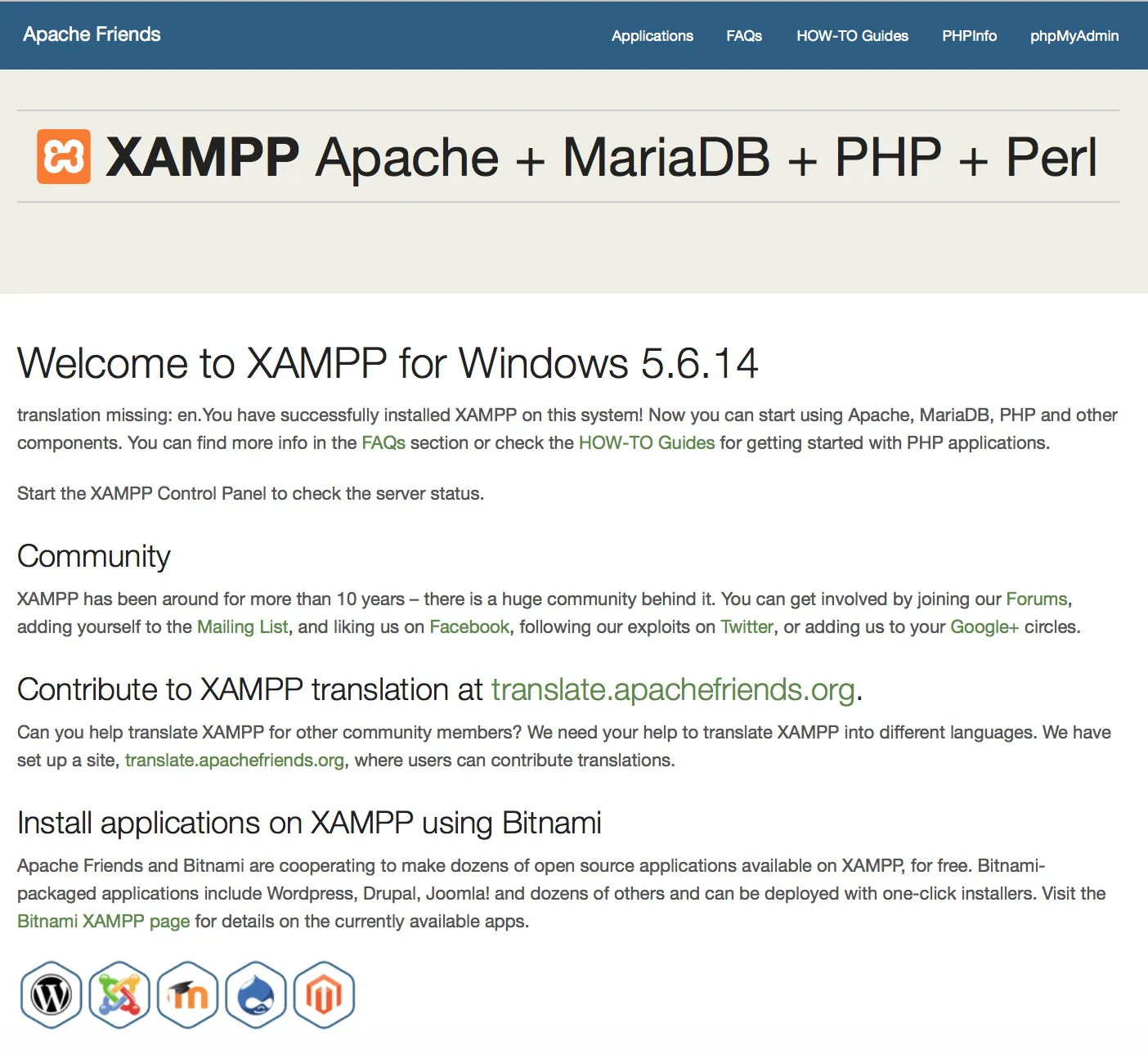
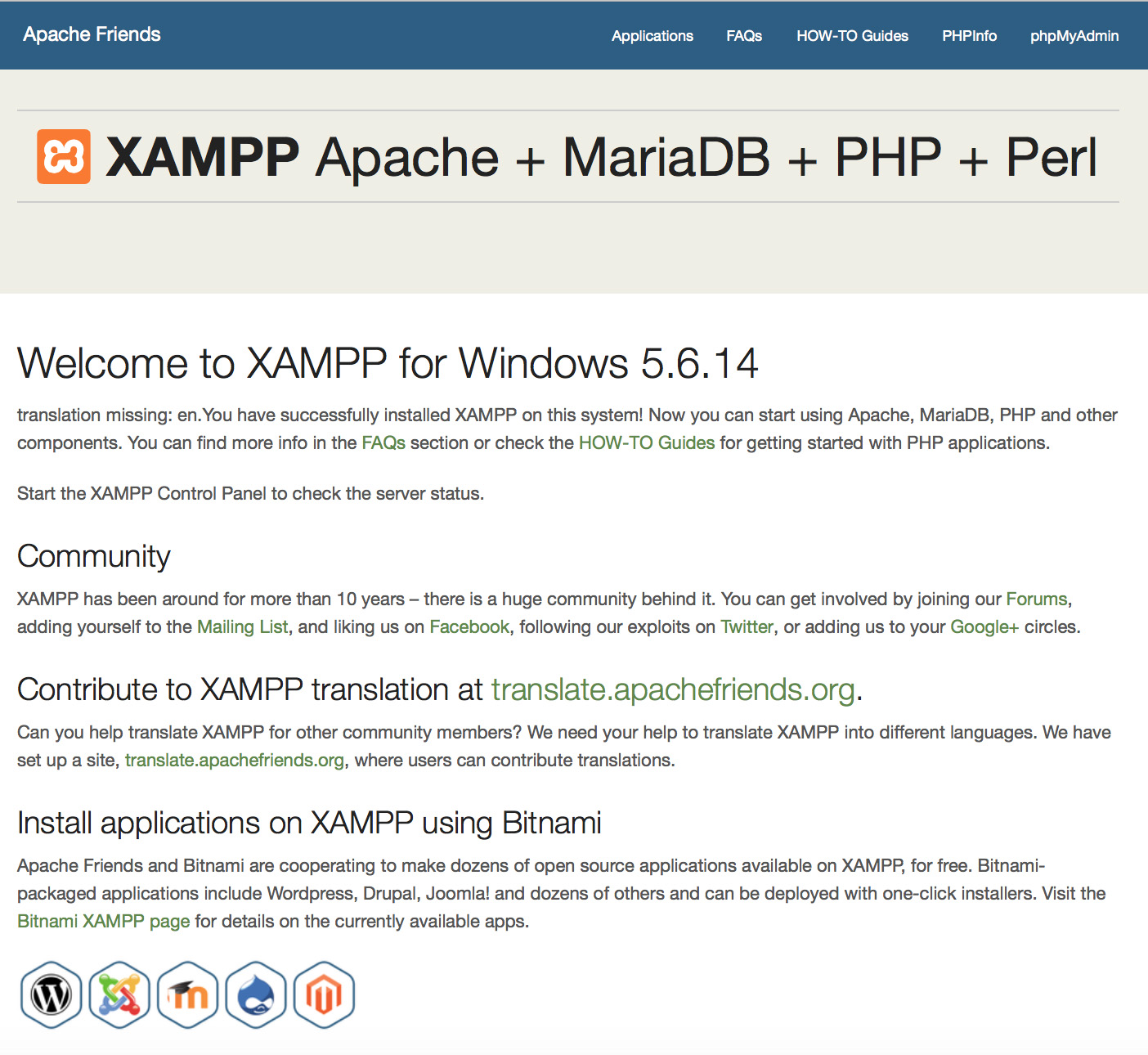
This is a development environment, not a production-ready hosting stack. Apache Friends warns that its open configuration is unsuitable for production use. Another HTTP server using port 80 can also prevent Apache from starting. The screenshot is the publisher's historical Windows 5.6.14 localhost dashboard, not a capture of the selected 8.5.12 release.
What it offers
- Develop locally with Apache, MariaDB, PHP and Perl in one distribution.
- Start and stop bundled servers through the XAMPP Control Panel.
- Use the included phpMyAdmin for database administration.
- Serve local project files from the htdocs directory through localhost.
Good to know
- Configured for development rather than production; the publisher warns against using its default open configuration for production hosting.
- Apache may fail to start if another HTTP server is already using port 80.
Product images
Sources
References used for this listing. Retrieval dates do not indicate hands-on testing.
- XAMPP Installers and Downloads for Apache Friends ↗Retrieved
- Download XAMPP ↗Retrieved
- XAMPP FAQs for Windows ↗Retrieved
- About the XAMPP project ↗Retrieved
More in development
View category ↗
010 Editor 17.0
Inspect and edit binary files on Mac with 010 Editor, a paid text and hex editor with Binary Templates, file comparison and a 30-day trial.
010 Editor 17.0
Inspect and edit binary files with 010 Editor for Windows, a text and hex editor with Binary Templates, file comparison and scripting. Includes a 30-day trial.
10x Editor
Edit and navigate C++ projects on Windows with a built-in parser, workspace search and Visual Studio project support. A paid license is required after the 30-day trial.