
Development Windows
Xenu's Link Sleuth
Find broken website links with Xenu's Link Sleuth, a free Windows desktop checker with sortable URL results, redirect reporting and local HTML checks.
What is Xenu's Link Sleuth?
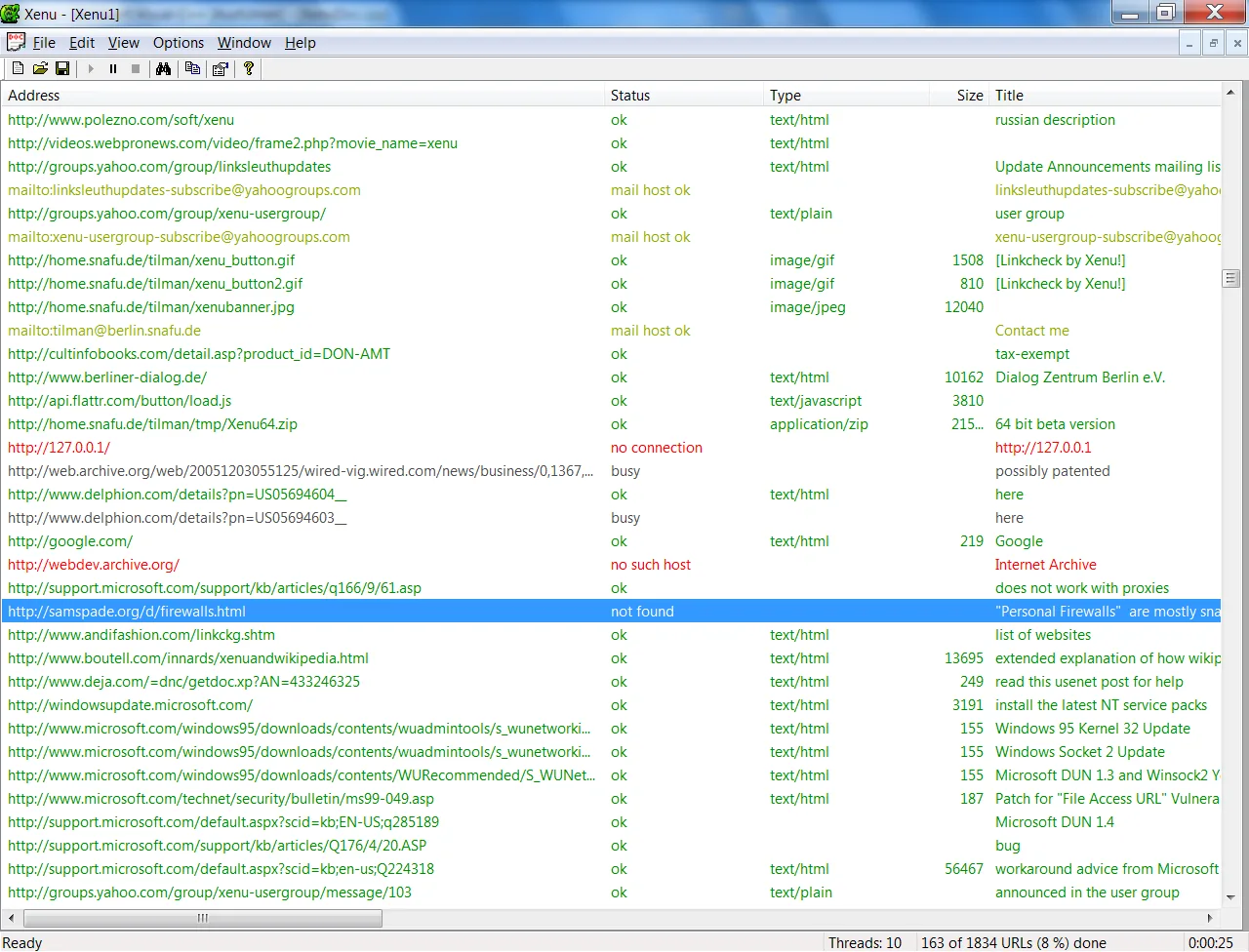
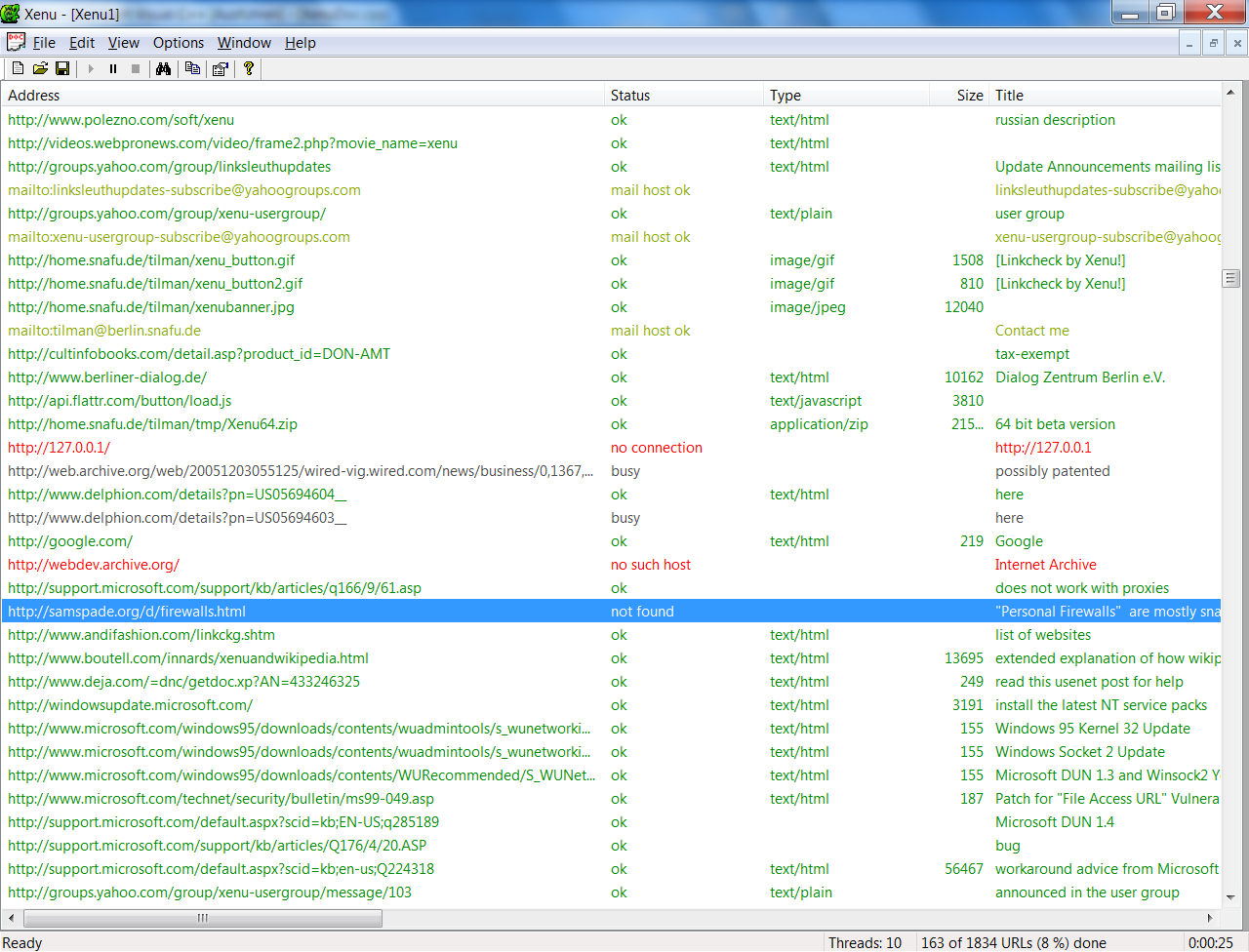
Xenu's Link Sleuth crawls websites to find broken links and referenced resources. It checks hyperlinks alongside images, style sheets, scripts and other linked files, showing a continuously updated URL list that you can sort while the scan runs. Reports and a site map help you inspect the results, and failed links can be checked again after a temporary network error.
You can start with a website address or browse to a local HTML file before uploading a site. Local checks do not catch every deployment problem: Windows does not distinguish filename case, so a local scan can miss a link that fails on a case-sensitive server. Some websites also reject Xenu requests even when the same page opens in a browser.
This entry links to the publisher's ZIP distribution, identified on the official page as stable version 1.3.8, dated September 4, 2010. Softonic lists 1.3.9 separately; that listing is not used to label the publisher download. The publisher lists Windows versions through Windows 10 and requires WININET.DLL. Windows 11 compatibility has not been established here.
What it offers
- Check website hyperlinks and linked images, style sheets, scripts and other resources.
- Inspect a continuously updated URL list with sortable results.
- Re-check broken links after temporary connection errors.
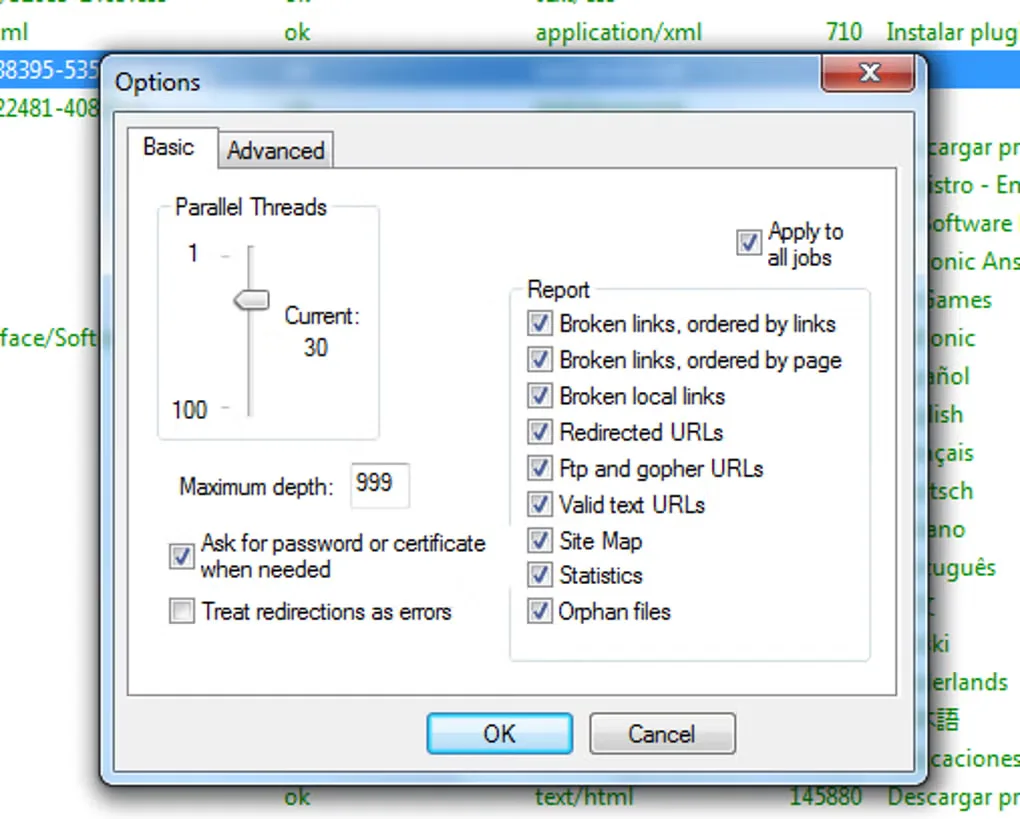
- Generate reports and a site map, including information about redirected URLs.
- Check local HTML files before uploading them.
Good to know
- Local checks on Windows can miss filename-case mismatches that break links on a case-sensitive web server.
- Some websites refuse Xenu requests, so a reported failure does not always mean the page is unavailable to a browser.
Product images
Sources
References used for this listing. Retrieval dates do not indicate hands-on testing.
More in development
View category ↗

010 Editor 17.0
Inspect and edit binary files on Mac with 010 Editor, a paid text and hex editor with Binary Templates, file comparison and a 30-day trial.
010 Editor 17.0
Inspect and edit binary files with 010 Editor for Windows, a text and hex editor with Binary Templates, file comparison and scripting. Includes a 30-day trial.
10x Editor
Edit and navigate C++ projects on Windows with a built-in parser, workspace search and Visual Studio project support. A paid license is required after the 30-day trial.