
Development Windows
xh
Send HTTP requests from a Windows terminal with xh, an open-source command-line client with JSON input, formatted responses and HTTPie-style syntax.
- Operating system
- Windows; Softonic lists Windows 11
- Architecture
- x64 (x86_64-pc-windows-msvc)
- Download package
- ZIP archive
Publisher Windows x64 release archive, not a GUI installer. Minimum Windows build not established by inspected publisher evidence.
Link checked · Download guidance
What is xh?
xh sends HTTP requests from the command line, making it useful for inspecting API responses or building repeatable requests in a terminal. Its HTTPie-style request items let you supply JSON fields, query parameters and headers without writing a separate request document. Response formatting, authentication options and HTTP/2 support give developers control over both the request and the information printed back.
For JSON input, = supplies a string and := supplies a typed value; == adds a query parameter, while : supplies a header. The --offline option constructs a request without sending it, and --curl translates a request into a curl command. Specify an https:// URL or use --https when HTTPS is required rather than assuming an omitted scheme selects it.
This entry links to the publisher’s version 0.26.3 ZIP for Windows x64, not a graphical installer. Softonic lists Windows 11, but the inspected publisher material does not establish a minimum Windows build. xh is not a complete HTTPie replacement: the publisher explicitly notes missing HTTPie features and no plugin system.
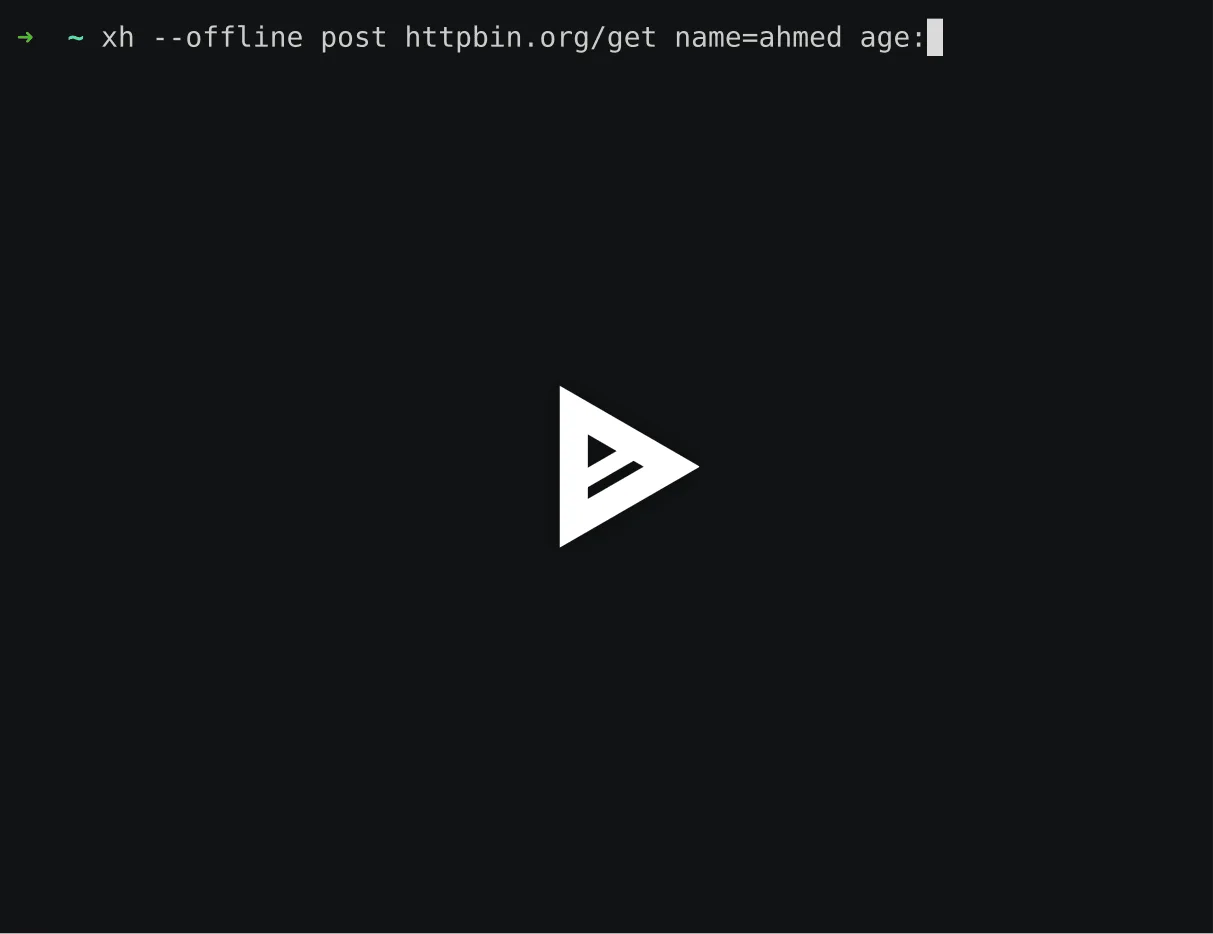
The screenshot is the publisher-linked preview of a 2022 WSL2 terminal recording. It illustrates command entry, including a playback overlay; it is not a native Windows screenshot or a test of this release.
What it offers
- Build JSON, form and multipart HTTP requests using command-line request items.
- Set request headers and query parameters with HTTPie-style syntax.
- Use basic, bearer or digest authentication.
- Format terminal responses and select headers, body or metadata for display.
- Construct requests offline, translate them to curl commands and use HTTP/2.
Good to know
- Not all HTTPie features are implemented, and xh has no plugin system.
- This is a command-line client rather than a graphical API editor.
- The selected package is Windows x64; the inspected publisher sources do not establish a minimum supported Windows build.
Product images
Sources
References used for this listing. Retrieval dates do not indicate hands-on testing.
More in development
View category ↗

010 Editor 17.0
Inspect and edit binary files on Mac with 010 Editor, a paid text and hex editor with Binary Templates, file comparison and a 30-day trial.
010 Editor 17.0
Inspect and edit binary files with 010 Editor for Windows, a text and hex editor with Binary Templates, file comparison and scripting. Includes a 30-day trial.
10x Editor
Edit and navigate C++ projects on Windows with a built-in parser, workspace search and Visual Studio project support. A paid license is required after the 30-day trial.