
Development Windows
XML Notepad for Windows
Browse and edit XML in a synchronized tree and value view, find nodes with XPath, and check documents against XSD schemas with XML Notepad for Windows.
Version 2.9.0.22 · Direct publisher file
Link checked · Download guidance
What is XML Notepad?
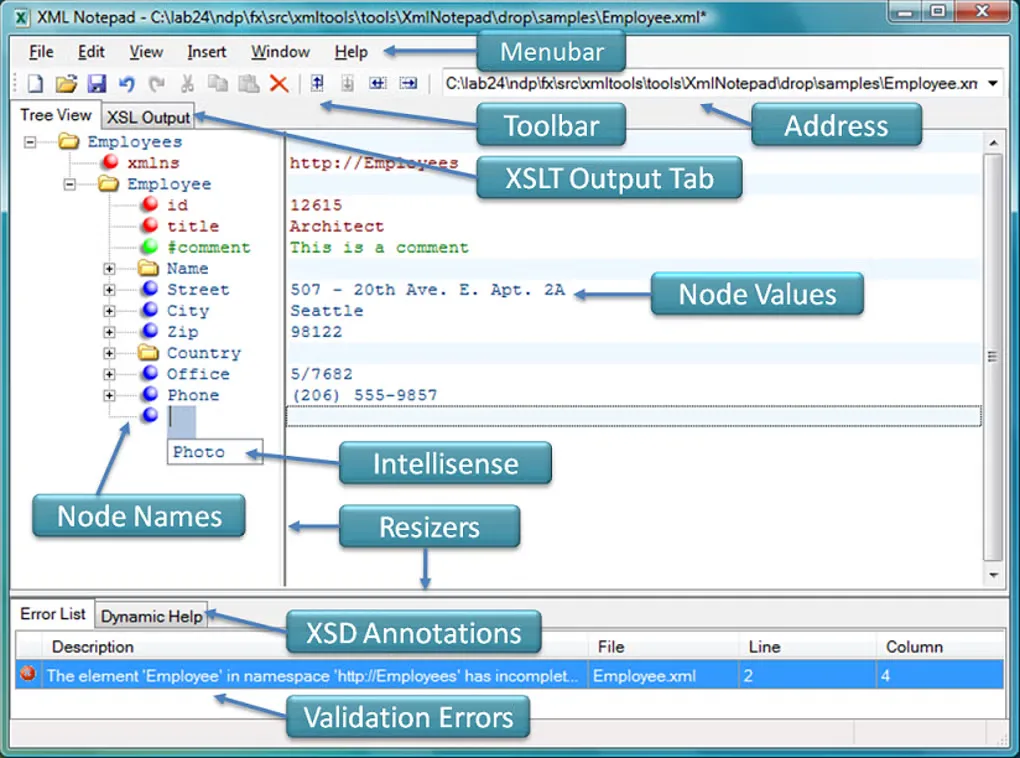
XML Notepad is a free, open-source Windows editor for browsing and changing XML documents. Its tree view displays element and attribute names beside their values, so you can work with document structure rather than edit every tag as raw text. Drag-and-drop, namespace-aware copy and paste, and undo/redo support changes to the tree.
For schema-based work, XML Notepad offers XSD validation and IntelliSense suggestions for expected names and values. Find and replace supports regular expressions and XPath; XML Diff compares documents, and the XSLT output viewer displays transformation results.
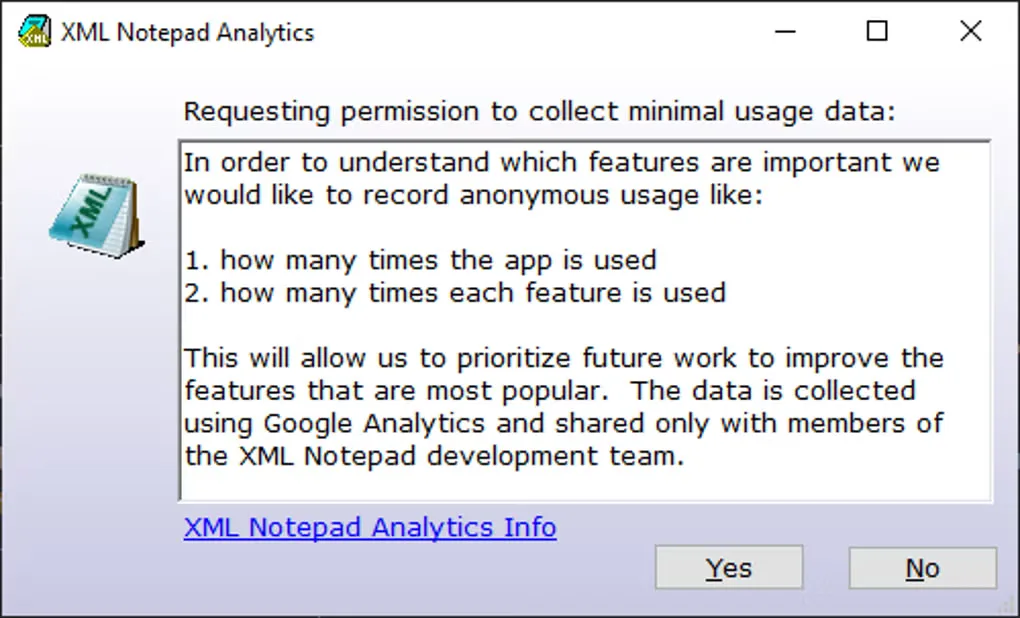
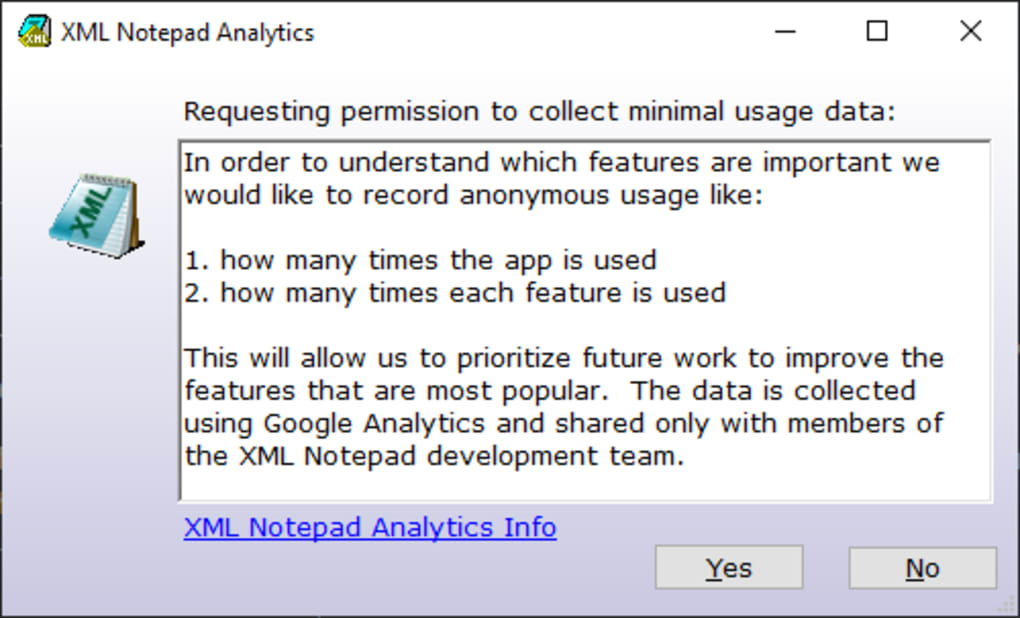
Schema-aware suggestions require an associated XSD schema. The publisher’s installation guide also requires .NET Framework 4.8. This download is the versioned standalone ZIP: extract it and run XmlNotepadSetup.msi as described by the publisher; it is not a portable application package. The gallery images illustrate the editor and its analytics consent dialog, but their interface version has not been confirmed.
What it offers
- Edit XML node names and values in synchronized tree and text views.
- Find and replace using regular expressions or XPath.
- Validate against XSD schemas and receive schema-aware IntelliSense suggestions.
- Compare XML documents with XML Diff and view XSLT transformation output.
- Move nodes with drag-and-drop and use namespace-aware cut, copy and paste.
Good to know
- Schema-aware IntelliSense requires an associated XSD schema.
- The publisher requires .NET Framework 4.8; the standalone ZIP must be extracted to run the MSI installer, rather than used as a portable editor.
Product images
Sources
References used for this listing. Retrieval dates do not indicate hands-on testing.
- Microsoft XML Notepad — publisher repository README ↗Retrieved
- XML Notepad — publisher features ↗Retrieved
- XML Notepad — user interface overview ↗Retrieved
- Install XML Notepad — publisher prerequisites and standalone package ↗Retrieved
- XML Notepad — MIT License ↗Retrieved
- Publisher release metadata — Xml Notepad 2.9.0.22 ↗Retrieved
- XML Notepad - Download — normally observed Windows page and gallery ↗Retrieved
More in development
View category ↗
010 Editor 17.0
Inspect and edit binary files on Mac with 010 Editor, a paid text and hex editor with Binary Templates, file comparison and a 30-day trial.
010 Editor 17.0
Inspect and edit binary files with 010 Editor for Windows, a text and hex editor with Binary Templates, file comparison and scripting. Includes a 30-day trial.
10x Editor
Edit and navigate C++ projects on Windows with a built-in parser, workspace search and Visual Studio project support. A paid license is required after the 30-day trial.