

Development Windows
XML ValidatorBuddy for Windows
Edit XML and JSON, validate against schemas, and automate XML checks with XML ValidatorBuddy for 64-bit Windows. The portable ZIP includes the desktop application and ValBuddy CLI.
- Operating system
- 64-bit Windows; Windows 10 or 11 recommended
- Architecture
- x64
- Download package
- Portable ZIP containing desktop application and ValBuddy CLI
Selected publisher package filename identifies build 8.2.0.31. Softonic separately lists 8.2.1; no claim that this package is the newest build.
Link checked · Download guidance
What is XML ValidatorBuddy?
XML ValidatorBuddy combines XML and JSON editing with schema validation in a Windows desktop workspace. Use it to check documents against XSD, DTD, or Schematron rules, investigate diagnostics linked to the source, and transform or convert data with its XSLT, XML, JSON, and CSV tools. The included ValBuddy command-line tool supports repeatable validation from a developer shell or Windows CI runner.
The publisher offers a 14-day trial with all product features. After evaluation, commercial work requires a Standard or Plus license; the free personal edition is restricted to personal and educational use. Plus adds XML Digital Signatures and large XML/text editing. Settings-XML batch processing is not available with the free license.
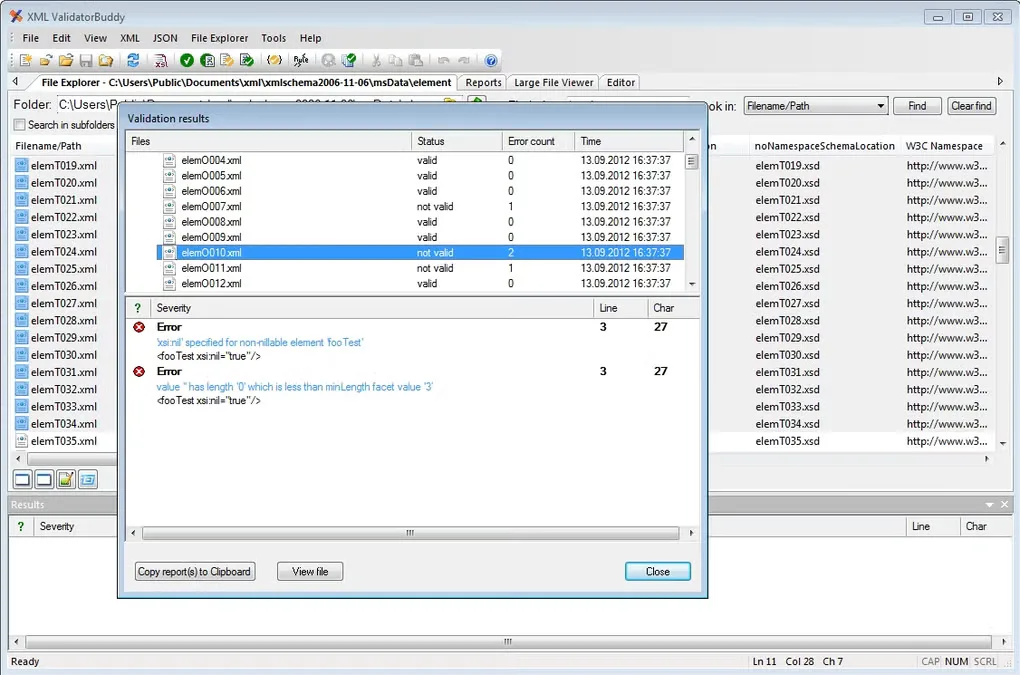
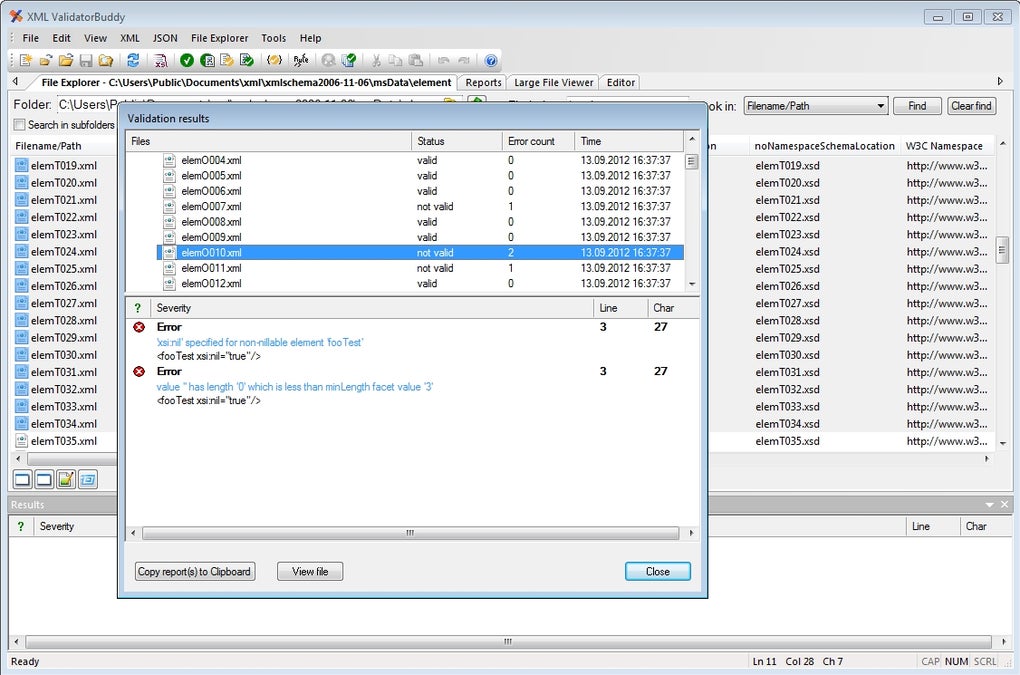
This download is the publisher's 64-bit portable ZIP, not a legacy installer. Windows 10 or 11 is recommended. Validation runs locally, but referenced schemas, DTDs, or related resources can require network access. The screenshot shows an older Windows interface and illustrates the validation-results workflow rather than the appearance of the current package.
What it offers
- Validate XML against XSD, DTD, and Schematron rules with source-linked diagnostics.
- Edit XML and JSON and use XSLT and XML, JSON, and CSV conversion tools.
- Run repeatable validation with the included ValBuddy command-line tool.
- Use batch validation; settings-XML batch processing requires a paid license.
- Access XML Digital Signature workflows and large XML/text editing with the Plus edition.
Good to know
- The full-feature trial lasts 14 days; the free personal edition does not permit commercial use.
- XML Digital Signatures and large XML/text editing require Plus; settings-XML batch processing is unavailable with the free license.
- Remote schema or DTD references may require network access; local processing is not an offline guarantee.
Product images
Sources
References used for this listing. Retrieval dates do not indicate hands-on testing.
More in development
View category ↗
010 Editor 17.0
Inspect and edit binary files on Mac with 010 Editor, a paid text and hex editor with Binary Templates, file comparison and a 30-day trial.
010 Editor 17.0
Inspect and edit binary files with 010 Editor for Windows, a text and hex editor with Binary Templates, file comparison and scripting. Includes a 30-day trial.
10x Editor
Edit and navigate C++ projects on Windows with a built-in parser, workspace search and Visual Studio project support. A paid license is required after the 30-day trial.