

Utilities Android
ZArchiver for Android
Create ZIP and 7z archives, extract RAR files and manage compressed folders on Android with ZArchiver, a free archive manager from ZDevs.
- Operating system
- Android; minimum OS version not established for this APK
- Architecture
- ARM64 (arm64-v8a; publisher labels ARMv8)
- Download package
- APK — standard ZArchiver 1.0.10
Separate ARMv7 and x86 APKs are listed by the publisher. This link is not the Pro edition. Package was verified by HEAD only; installation and device compatibility were not tested.
Link checked · Download guidance
What is ZArchiver?
ZArchiver brings archive creation, extraction and file browsing to Android. Select files or folders to compress them, view an archive's contents before extracting, or unpack selected items rather than the entire archive. Its file manager also provides copy, move, rename and search tools.
The formats it can open are broader than the formats it can create. ZIP, 7z and TAR are among the output choices; RAR and RAR5 are supported for extraction, not creation. ZIP and 7z archives can be password-protected, and split-volume support helps when an archive is spread across several files. Encrypted archives still require their original password: the developer cannot recover a forgotten password.
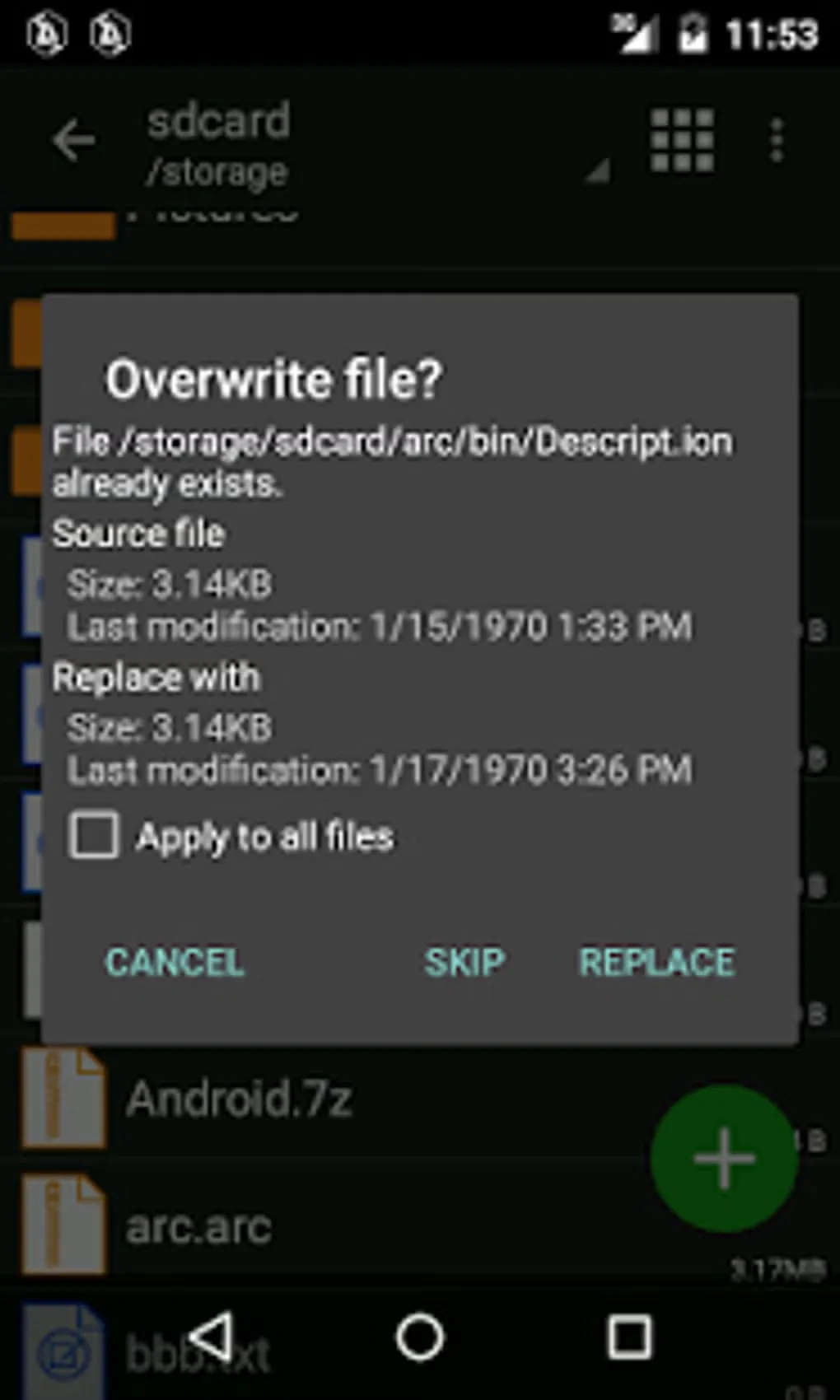
This entry links to the publisher's standard ZArchiver 1.0.10 APK for ARM64 devices, not ZArchiver Pro. The publisher offers separate ARMv7 and x86 packages. The gallery image shows an older Android interface and an overwrite confirmation; it is an illustration of the application, not a capture of this APK running.
What it offers
- Create archives in 7z, ZIP, TAR, BZIP2, GZIP, XZ, LZ4 and Zstandard formats.
- Extract and browse additional formats, including RAR and RAR5.
- Create and extract password-protected archives; ZIP and 7z support encrypted contents.
- Extract selected archive contents and work with supported split archives.
- Browse files, copy or move items, rename files and search folders from the Android interface.
Good to know
- RAR support is extraction-only; choose a supported output format such as ZIP or 7z to create archives.
- Password-protected archives require the correct archive password; the developer cannot recover forgotten encryption passwords.
- The file manager has no Trash folder: its Delete action permanently removes files and folders.
- The linked APK targets ARM64 devices; ARMv7 and x86 devices need the publisher's corresponding separate package.
Product images
Sources
References used for this listing. Retrieval dates do not indicate hands-on testing.
More in utilities
View category ↗
1.1.1.1 with WARP 2026.8.2115.0
Encrypt traffic from your Mac to Cloudflare’s network with WARP, or use DNS-only mode for encrypted DNS queries to the 1.1.1.1 resolver.
1.1.1.1 with WARP 2026.8.2115.0
Encrypt traffic between your Windows PC and Cloudflare, or use encrypted DNS only, with the free 1.1.1.1 with WARP app.


3uTools 9.12.005
Manage iPhone and iPad photos, music, apps and backups from Windows with 3uTools, a free utility that also includes device checks and firmware flashing tools.