
Utilities macOS
ZeroTier
Connect your Mac to a private virtual network with ZeroTier. Join by Network ID, authorize devices in Central, and manage connections from the macOS menu bar.
Version 1.16.2 · Direct publisher file
Link checked · Download guidance
What is ZeroTier?
ZeroTier connects devices through a virtual network. On a Mac, the local client handles joining and disconnecting, while ZeroTier Central provides the web interface for creating a network and authorizing its members. It suits connecting your own devices for workflows such as remote access and network file sharing; it is not a file-transfer application by itself.
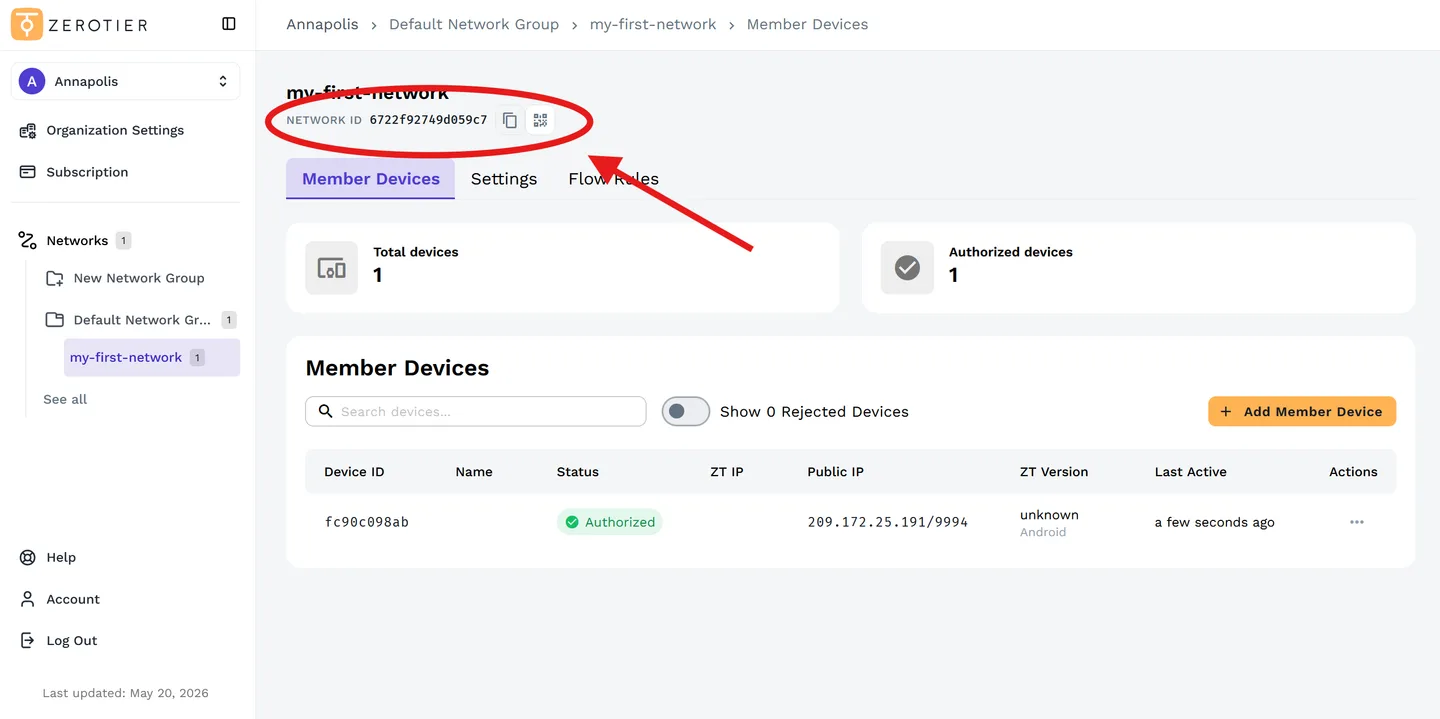
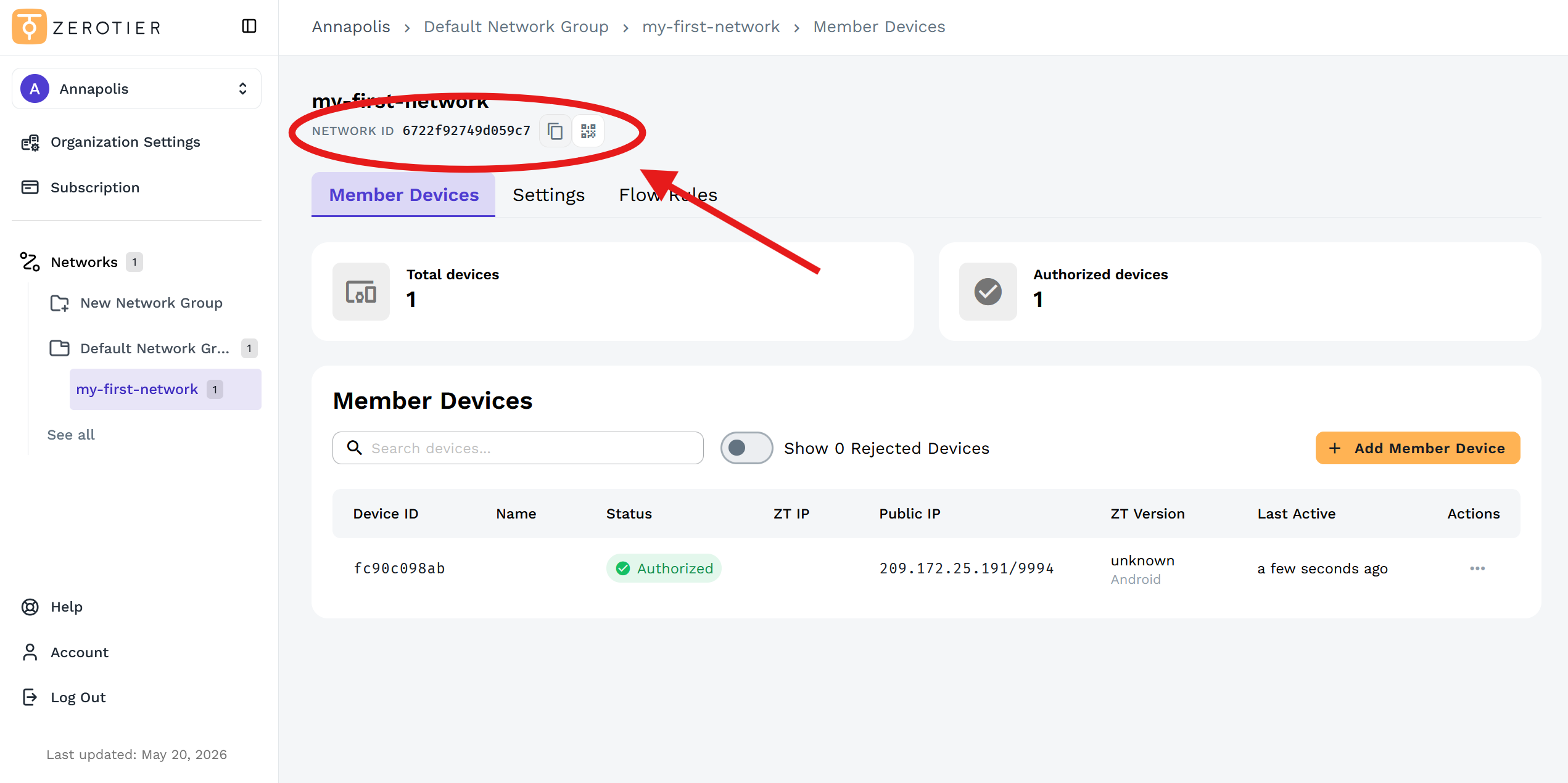
To join a network, install the macOS client, open its menu-bar icon and choose Join New Network. Enter the 16-character Network ID supplied by the network administrator. Joining alone does not authorize a device: the administrator must approve it in Central. The screenshot shows the publisher’s New Central web administration interface, not the native Mac menu.
The publisher lists version 1.16.2 for macOS 10.13 or newer and supplies a PKG installer. Central’s free Personal plan is restricted to personal, non-commercial use and includes 10 devices, one network and one administrator. Commercial deployments need an appropriate paid plan. These publisher conditions take precedence over older third-party plan descriptions.
When finished, uncheck the network from the menu or clear Connected in Network Details. Delete Network removes that network from the client. Disconnecting from a network is different from uninstalling the application.
What it offers
- Join a virtual network from the macOS menu bar using its 16-character Network ID.
- Create networks and authorize member devices through ZeroTier Central.
- Use a shared virtual network for remote-access and network-file-sharing workflows.
- Disconnect or remove a joined network through the client’s Network Details.
Good to know
- A device must be authorized by the network administrator after it joins; entering a Network ID alone is not enough.
- The free Personal plan permits personal, non-commercial use only, with 10 devices, one network and one administrator; commercial plans are paid.
- The publisher specifies macOS 10.13 or newer. CPU architecture is not identified in the cited macOS download section.
Product images
Sources
References used for this listing. Retrieval dates do not indicate hands-on testing.
- ZeroTier | Download ZeroTier for All Platforms ↗Retrieved
- Quickstart Guide | ZeroTier Documentation ↗Retrieved
- ZeroTier pricing ↗Retrieved
- ZeroTier for Mac - Download ↗Retrieved
More in utilities
View category ↗
1.1.1.1 with WARP 2026.8.2115.0
Encrypt traffic from your Mac to Cloudflare’s network with WARP, or use DNS-only mode for encrypted DNS queries to the 1.1.1.1 resolver.
1.1.1.1 with WARP 2026.8.2115.0
Encrypt traffic between your Windows PC and Cloudflare, or use encrypted DNS only, with the free 1.1.1.1 with WARP app.

3uTools 9.12.005
Manage iPhone and iPad photos, music, apps and backups from Windows with 3uTools, a free utility that also includes device checks and firmware flashing tools.