

Utilities Windows
Zim Desktop Wiki for Windows
Organize notes, journals and task lists as linked local wiki pages with Zim, a free desktop editor that stores notebooks in plain text files.
- Operating system
- Windows 11; supported versions depend on MSys2
- Architecture
- x86-64 (64-bit)
- Download package
- EXE installer
Publisher describes a Windows 11 64-bit build environment. Older Windows versions and 32-bit systems are not supported by this installer.
Link checked · Download guidance
What is Zim Desktop Wiki?
Zim Desktop Wiki turns a folder of notes into a personal wiki. Write pages with headings, lists, links and images, group them into a hierarchy, and follow backlinks to see how ideas connect. It suits meeting notes, a daily journal or a collection of reference material that needs more structure than separate text documents.
Pages are saved automatically as plain text files with wiki formatting. Images and attachments remain files alongside the notes, so the notebook is not locked into a proprietary document format. Plugins add tools such as a task list dialog, calendar pages and an equation editor; some plugins require additional software. Notes can also be exported to HTML.
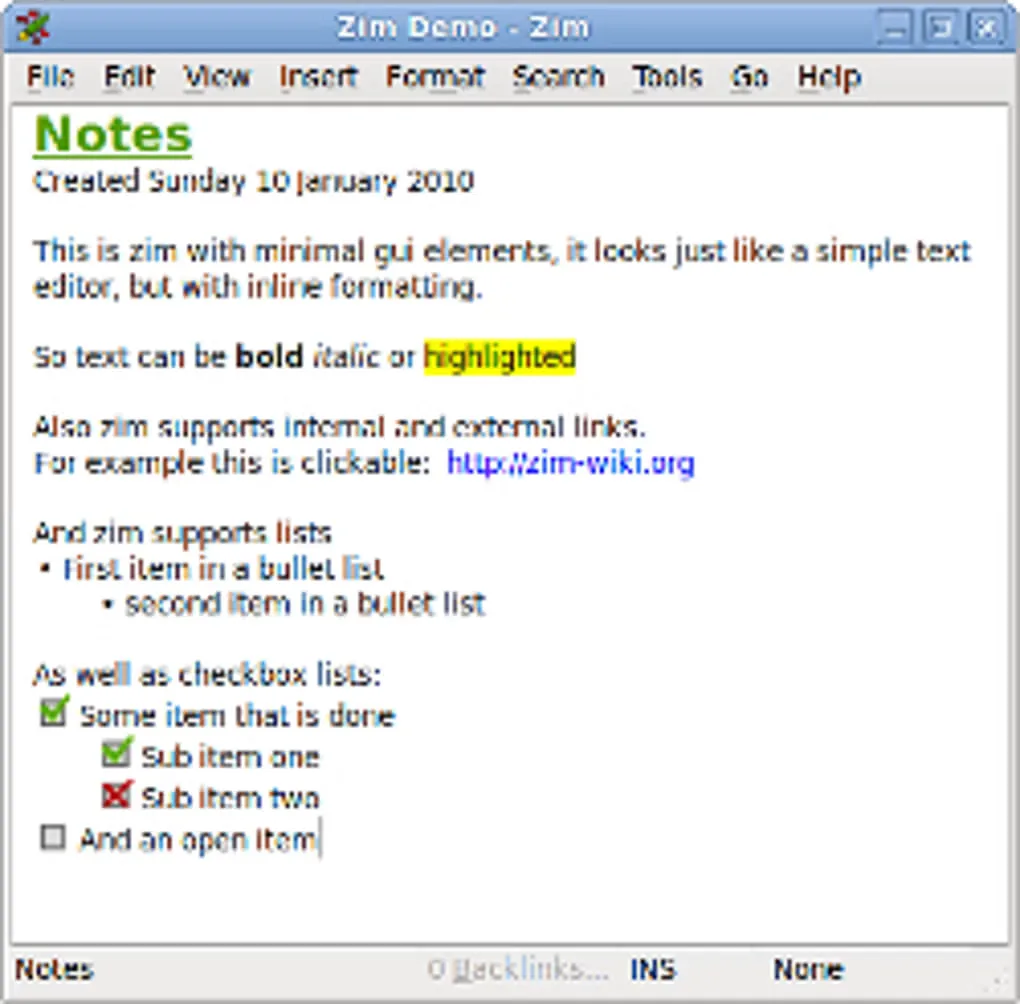
This entry links to the publisher’s 0.77.2 Windows 64-bit EXE installer. The publisher describes a Windows 11 build environment and ties Windows support to MSys2; it explicitly excludes older Windows versions and 32-bit systems. Zim is designed for individual use rather than simultaneous shared-notebook editing, and it does not provide native notebook encryption or password protection. The screenshot is an older Windows gallery image illustrating formatting and checklists, not a capture of this release.
What it offers
- Create linked wiki pages with headings, inline formatting, lists and images.
- Organize pages in a hierarchy and use backlinks to navigate related notes.
- Save notes automatically as plain text files with wiki formatting and keep file attachments.
- Add task lists, journal/calendar pages and an equation editor through plugins; export notes to HTML.
Good to know
- Notebooks have no native encryption or password protection.
- Designed as a single-user application, not for simultaneous editing of one notebook by multiple people.
- This Windows installer excludes older Windows versions and 32-bit systems; support depends on MSys2.
- Some plugins need additional software; pasted code can be interpreted as wiki markup unless verbatim formatting or the Source View plugin is used.
Product images
Sources
References used for this listing. Retrieval dates do not indicate hands-on testing.
- Zim - A Desktop Wiki: Home ↗Retrieved
- About Zim ↗Retrieved
- Zim FAQ ↗Retrieved
- Zim Downloads ↗Retrieved
- Index of /downloads ↗Retrieved
- Zim Desktop Wiki: repository and README ↗Retrieved
- Zim - Download: Windows product and gallery ↗Retrieved
More in utilities
View category ↗
1.1.1.1 with WARP 2026.8.2115.0
Encrypt traffic from your Mac to Cloudflare’s network with WARP, or use DNS-only mode for encrypted DNS queries to the 1.1.1.1 resolver.
1.1.1.1 with WARP 2026.8.2115.0
Encrypt traffic between your Windows PC and Cloudflare, or use encrypted DNS only, with the free 1.1.1.1 with WARP app.

3uTools 9.12.005
Manage iPhone and iPad photos, music, apps and backups from Windows with 3uTools, a free utility that also includes device checks and firmware flashing tools.