

Utilities Windows
ZoomIt for Windows
Magnify your Windows screen, annotate demonstrations and capture screenshots with ZoomIt, a free Sysinternals presentation utility with customizable hotkeys.
What is ZoomIt?
ZoomIt helps presenters make small screen details visible and mark up what an audience should notice. It stays in the Windows system tray until a hotkey activates zoom, drawing or another presentation mode. Use it to enlarge part of a demonstration, draw arrows and shapes, type notes over the screen or display a break countdown. Touch and pen input are supported for drawing on tablets.
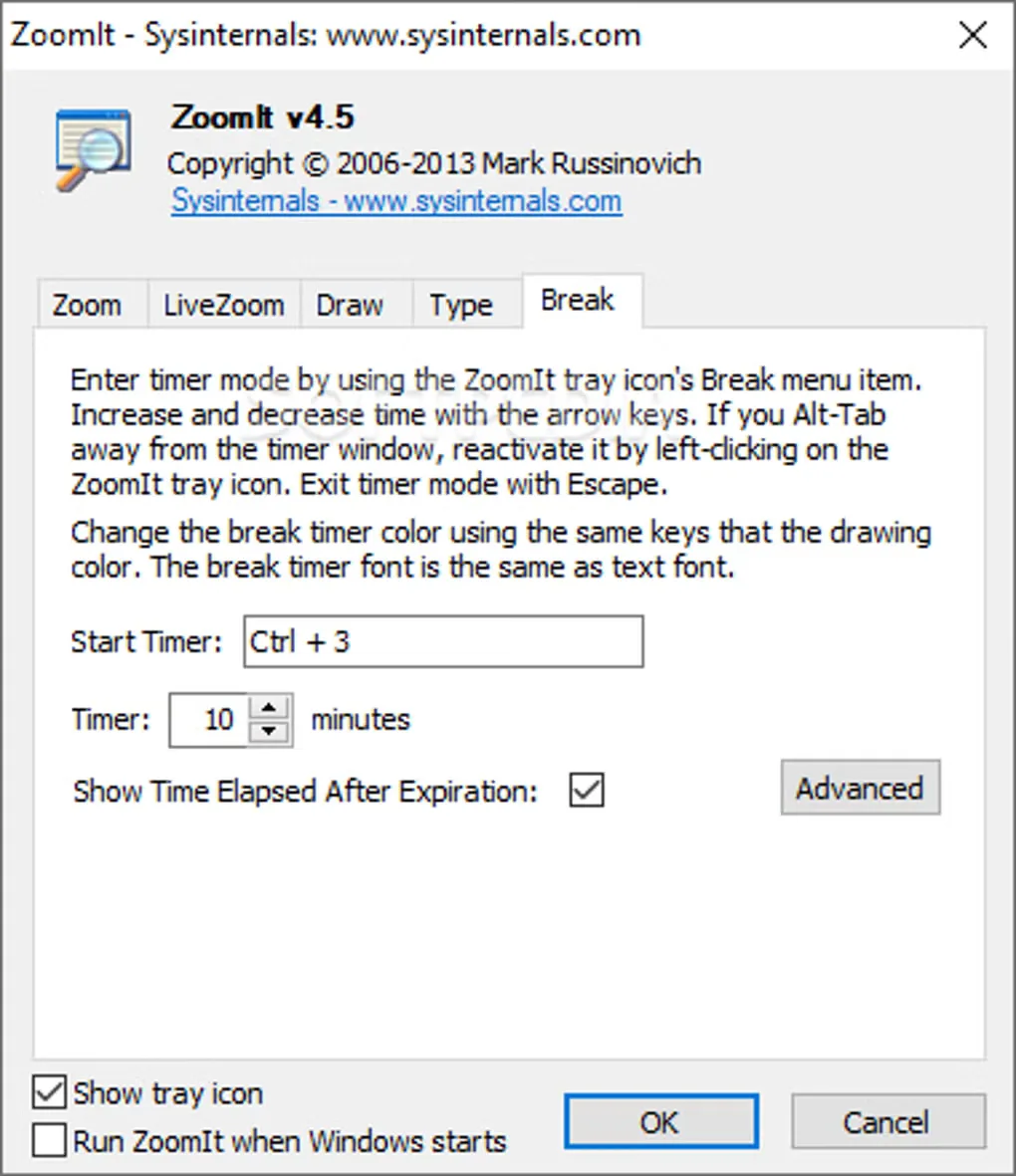
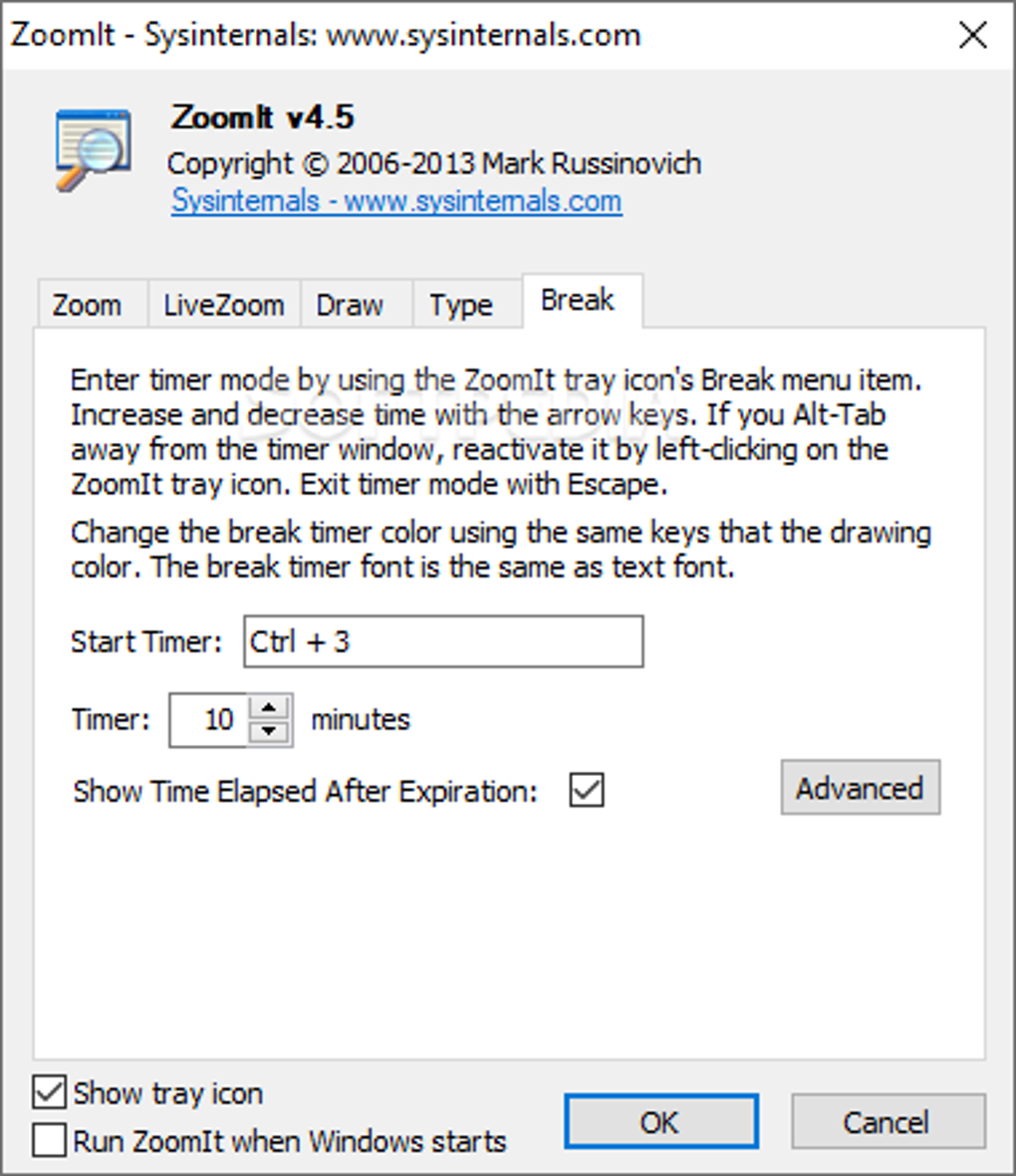
The publisher also documents screenshot capture to the clipboard or a PNG file, plus screen recording to MP4 or GIF. Recording requires Windows 10 May 2019 Update or higher; the publisher's broader Windows compatibility statement does not remove that feature-specific requirement. This entry links to Microsoft's standalone ZoomIt ZIP archive, not the separate PowerToys distribution. The gallery image shows the older ZoomIt v4.5 Break settings dialog for interface reference, not the version of the current download.
What it offers
- Zoom into screen details and move around the enlarged view using customizable activation hotkeys.
- Draw arrows, rectangles and other annotations, or type text over the screen.
- Use touch or pen input for drawing on a tablet.
- Copy screenshots to the clipboard or save them as PNG files; record the screen as MP4 or GIF on supported Windows versions.
- Display a break countdown that remains active when you switch away from its window.
Good to know
- Screen recording requires Windows 10 May 2019 Update or higher.
Product images
Sources
References used for this listing. Retrieval dates do not indicate hands-on testing.
- ZoomIt - Sysinternals | Microsoft Learn ↗Retrieved
- ZoomIt - Download ↗Retrieved
More in utilities
View category ↗
1.1.1.1 with WARP 2026.8.2115.0
Encrypt traffic from your Mac to Cloudflare’s network with WARP, or use DNS-only mode for encrypted DNS queries to the 1.1.1.1 resolver.
1.1.1.1 with WARP 2026.8.2115.0
Encrypt traffic between your Windows PC and Cloudflare, or use encrypted DNS only, with the free 1.1.1.1 with WARP app.

3uTools 9.12.005
Manage iPhone and iPad photos, music, apps and backups from Windows with 3uTools, a free utility that also includes device checks and firmware flashing tools.