
Utilities Windows
Zotero for Windows
Collect references, organize research and create citations with Zotero, a free, open-source reference manager for Windows.
- Operating system
- Windows 10 or later
- Architecture
- x64 (64-bit)
- Download package
- EXE installer
This link selects the Windows x64 desktop installer. ARM and 32-bit packages and the browser Connector are separate downloads.
Link checked · Download guidance
What is Zotero?
Zotero keeps research sources, notes and attachments in a library you can organize with collections, tags and saved searches. It suits students and researchers who need to track material for a paper and turn those references into citations or a bibliography. The separate Zotero Connector adds one-click saving from a supported desktop browser.
Create bibliographies for a text editor or insert citations directly in Word, LibreOffice and Google Docs. Optional synchronization makes library records available across devices, while shared libraries support collaborative bibliographies. Zotero stores data locally by default; an account is needed to use its synchronization service.
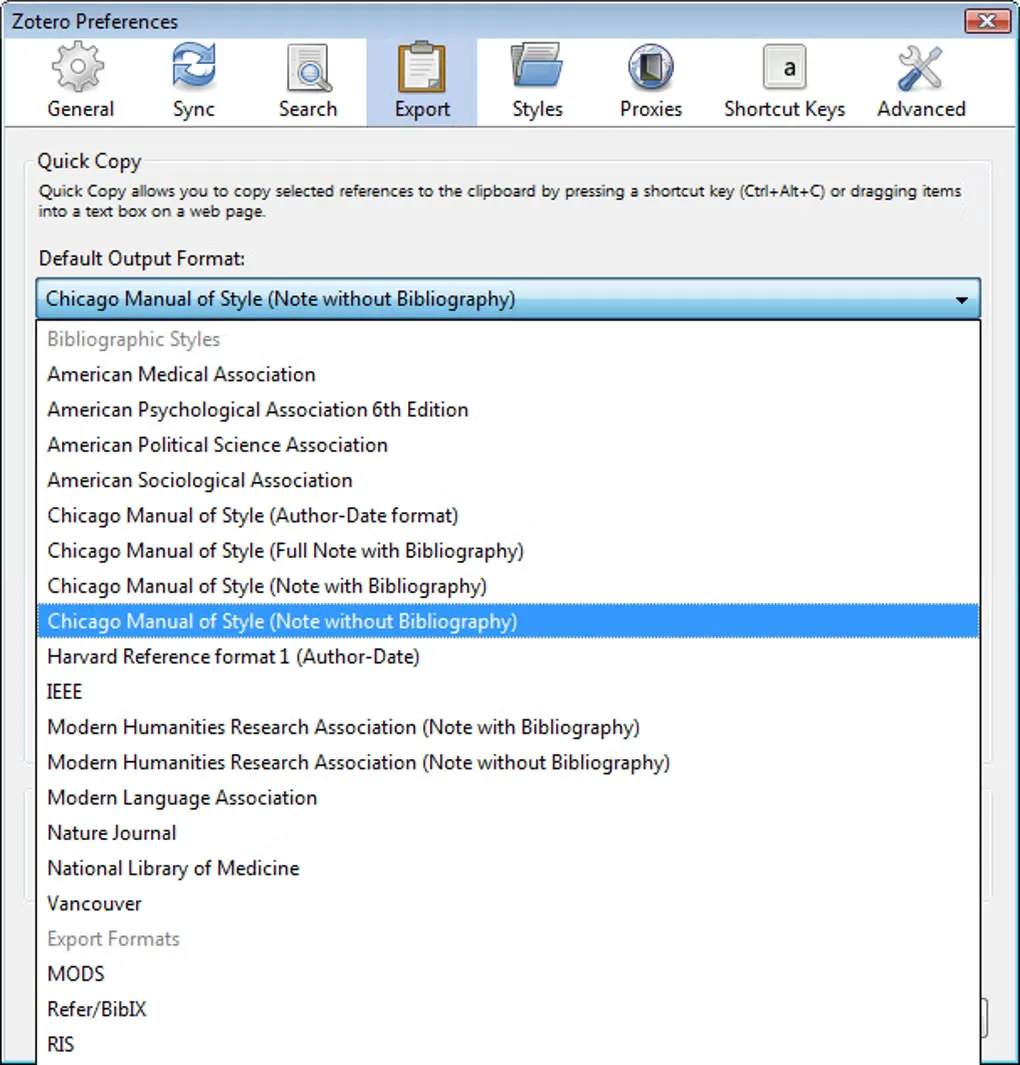
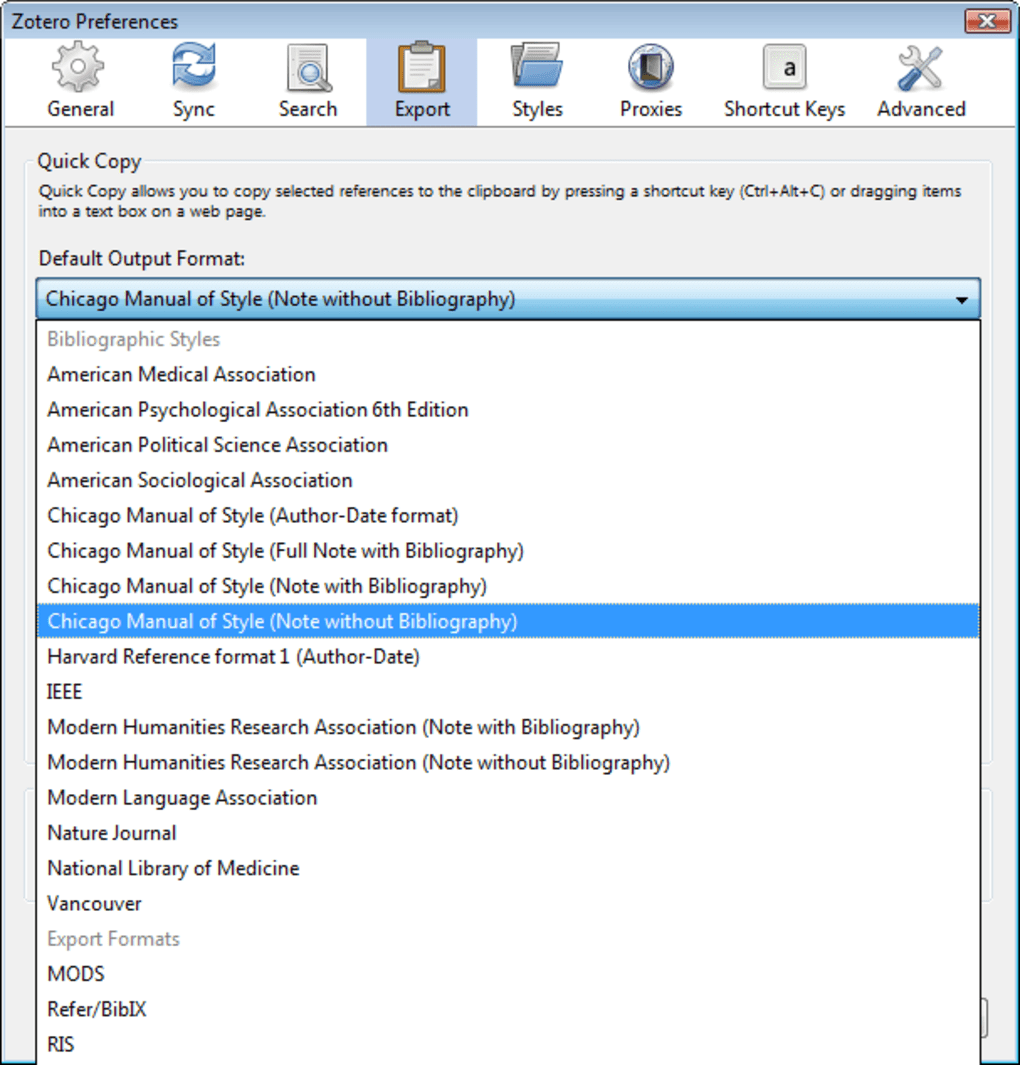
This entry links to the publisher’s Windows x64 installer, not the browser Connector. Windows 10 or later is required, and ARM and 32-bit downloads are separate. Library-data syncing is free and unlimited, but Zotero-hosted attachment storage has a free 300 MB allowance; larger hosted storage plans are paid. The screenshot shows a historical Windows preferences interface from the source gallery, not the appearance of version 10.
What it offers
- Organize references with collections, keyword tags and saved searches.
- Create citations and bibliographies, including integration with Word, LibreOffice and Google Docs.
- Use the separate browser Connector to collect research from the web.
- Optionally sync library records across devices and share group libraries.
Good to know
- Zotero-hosted attachment storage includes 300 MB free; larger hosted storage plans require payment. This limit does not apply to free library-data syncing.
- Browser capture requires the separate Zotero Connector; the desktop installer linked here is not that extension.
Product images
Sources
References used for this listing. Retrieval dates do not indicate hands-on testing.
- Zotero | Your personal research assistant ↗Retrieved
- Zotero downloads ↗Retrieved
- Zotero System Requirements ↗Retrieved
- Licensing | Zotero Documentation ↗Retrieved
- Zotero | Storage ↗Retrieved
- Zotero - Download ↗Retrieved
- Syncing | Zotero Documentation ↗Retrieved
- Publisher Windows x64 installer — HEAD evidence ↗Retrieved
More in utilities
View category ↗
1.1.1.1 with WARP 2026.8.2115.0
Encrypt traffic from your Mac to Cloudflare’s network with WARP, or use DNS-only mode for encrypted DNS queries to the 1.1.1.1 resolver.
1.1.1.1 with WARP 2026.8.2115.0
Encrypt traffic between your Windows PC and Cloudflare, or use encrypted DNS only, with the free 1.1.1.1 with WARP app.

3uTools 9.12.005
Manage iPhone and iPad photos, music, apps and backups from Windows with 3uTools, a free utility that also includes device checks and firmware flashing tools.