
Utilities Windows
zt
Manage Cloudflare tunnels, DNS records and Access policies from a Windows terminal with zt, an open-source command-line tool for exposing self-hosted services.
- Operating system
- Windows; publisher does not specify a minimum Windows version in the cited Windows guide
- Architecture
- x64 (AMD64)
- Download package
- Standalone console EXE
Requires cloudflared in PATH and Cloudflare configuration. Task Scheduler auto-start occurs at user logon. Scoop is documented; the publisher says WinGet packaging is in progress.
Link checked · Download guidance
What is zt?
zt exposes a local service through Cloudflare Tunnel while handling the associated DNS record, ingress rules and optional Cloudflare Access policy. It is intended for developers and self-hosting administrators who prefer terminal commands to repeating the same setup in a dashboard. Use an explicit local port, or let the Docker option detect a running container's port.
The command-line workflow covers creating and removing tunnels, listing managed services, inspecting status and logs, and checking dependencies and configuration with zt doctor. Each new tunnel requires an explicit choice between an email-based Access policy and public access; public mode does not create an Access application.
The linked package is the publisher's Windows x64 executable for version 0.11.0, not a graphical installer. Run it from cmd, PowerShell or Windows Terminal. A Cloudflare-managed domain, an appropriately permissioned API token and cloudflared in PATH are prerequisites; zt does not install or manage cloudflared. On Windows, the scheduled task runs in your own signed-in session and starts at logon, not before any user signs in.
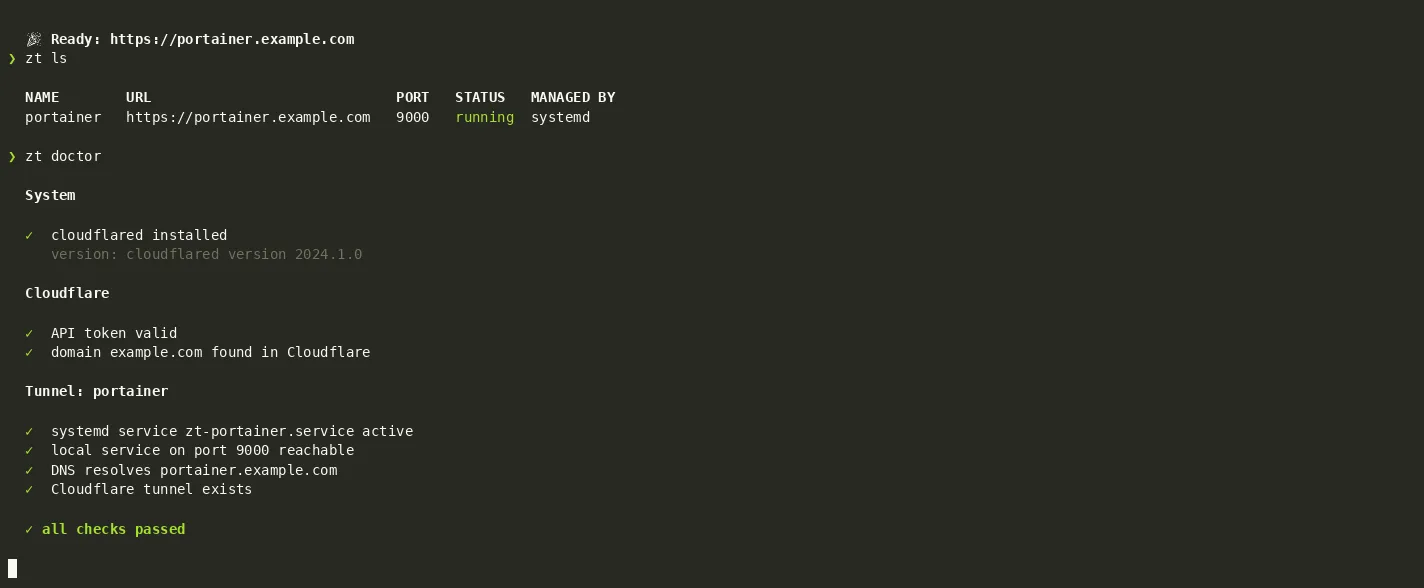
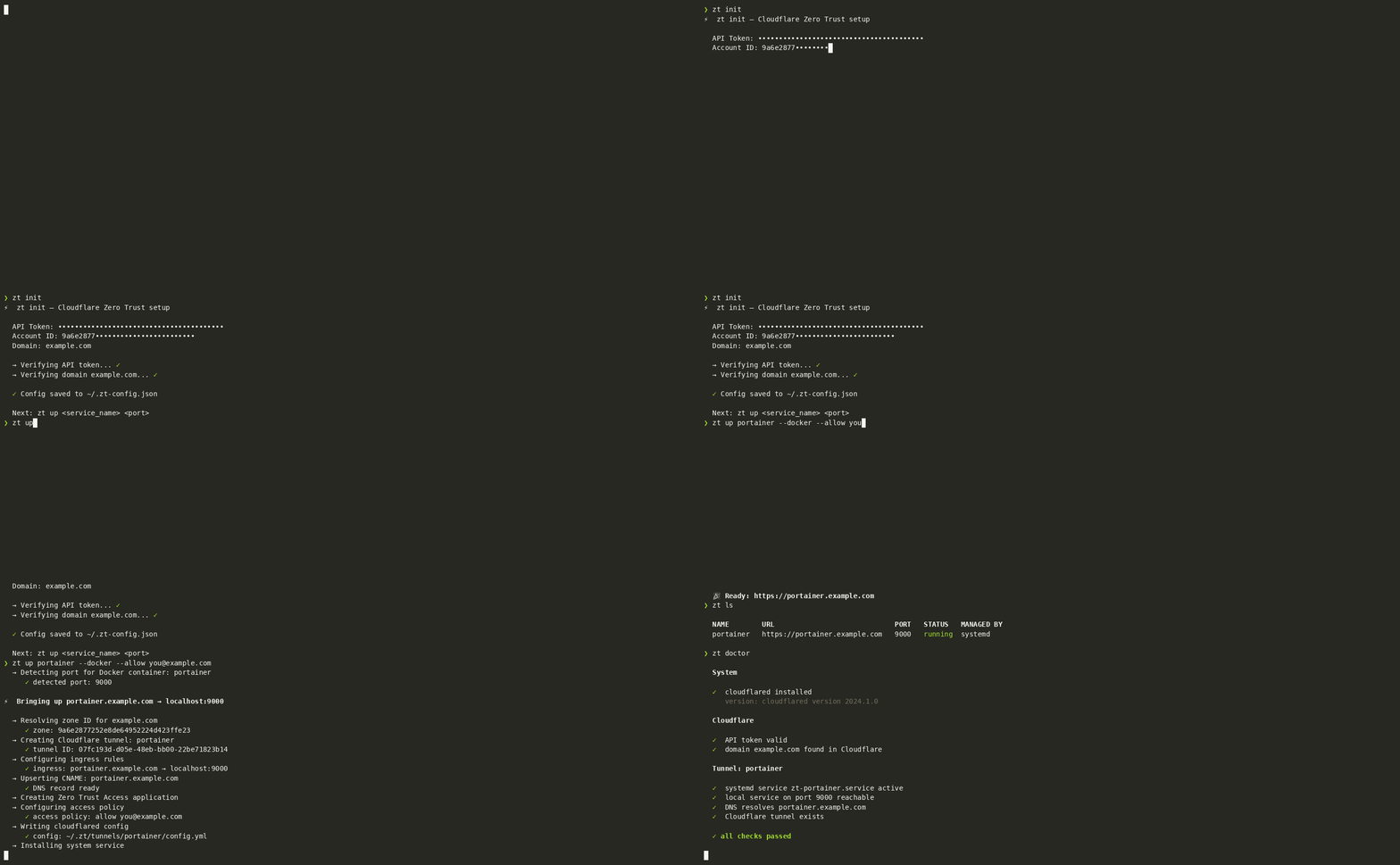
The screenshot is a still from the publisher's terminal demonstration showing tunnel listing and diagnostics under Linux/systemd. It illustrates the CLI workflow, not the Windows Task Scheduler implementation or a test performed by SoftGalaxy.
What it offers
- Create a Cloudflare Tunnel together with ingress rules, a DNS record and an optional email-based Access policy.
- Choose a local port explicitly or detect the port of a running Docker container.
- List managed tunnels and inspect their status, logs and diagnostic checks from the terminal.
- Create a Windows Task Scheduler task to run the tunnel in the user's logon session.
- Export a tunnel manifest and apply it to recreate missing managed services.
Good to know
- Requires a domain on Cloudflare, a Cloudflare API token with tunnel, DNS and Access permissions, and cloudflared installed in PATH; zt does not install cloudflared.
- The Windows scheduled task starts only after the owning user logs in. If task creation fails, the directly tracked fallback process has no automatic restart.
- This is a console application, not a graphical Windows interface; run it from a terminal rather than double-clicking it in Explorer.
- Public mode skips Cloudflare Access protection; use an explicit allow policy when the service should require login.
Product images
Sources
References used for this listing. Retrieval dates do not indicate hands-on testing.
- zt - Download — Windows product discovery ↗Retrieved
- zt — publisher README ↗Retrieved
- Publisher Scoop manifest — Windows x64 package ↗Retrieved
- Publisher Windows support guide ↗Retrieved
- MIT License — Copyright (c) 2026 Andrew ↗Retrieved
More in utilities
View category ↗
1.1.1.1 with WARP 2026.8.2115.0
Encrypt traffic from your Mac to Cloudflare’s network with WARP, or use DNS-only mode for encrypted DNS queries to the 1.1.1.1 resolver.
1.1.1.1 with WARP 2026.8.2115.0
Encrypt traffic between your Windows PC and Cloudflare, or use encrypted DNS only, with the free 1.1.1.1 with WARP app.

3uTools 9.12.005
Manage iPhone and iPad photos, music, apps and backups from Windows with 3uTools, a free utility that also includes device checks and firmware flashing tools.