
Multimedia & graphics Windows
Anvil Studio
Compose and edit MIDI songs with Anvil Studio for Windows. The free base program combines notation, piano-roll and event editors with limited audio recording.
- Operating system
- Windows 11, 10, 8.x and 7, as listed by the publisher
- Architecture
- 64-bit Windows
- Download package
- EXE installer
Selected link is the official x64 base application. Anvil Studio Works is a separate installer and limited-time evaluation offer; it is not this download.
Link checked · Download guidance
What is Anvil Studio?
Anvil Studio is a Windows music composition and sequencing program from Willow Software. Use it to enter notes on a staff or on-screen keyboard, record from MIDI equipment, and edit a song across multiple instrument tracks. Its staff, piano-roll, percussion and event editors provide different ways to work on the same musical material, with standard MIDI and WAV file support.
The free base program is most useful for MIDI-focused projects: the publisher lists unlimited MIDI tracks, with quantizing, transposition and per-track instrument, volume and pan controls. Audio recording is more restricted. The main product page specifies two one-minute audio tracks; an older feature page says one one-minute track, so the publisher's descriptions are inconsistent. Longer multitrack audio projects and sheet-music printing depend on optional accessories rather than the base download.
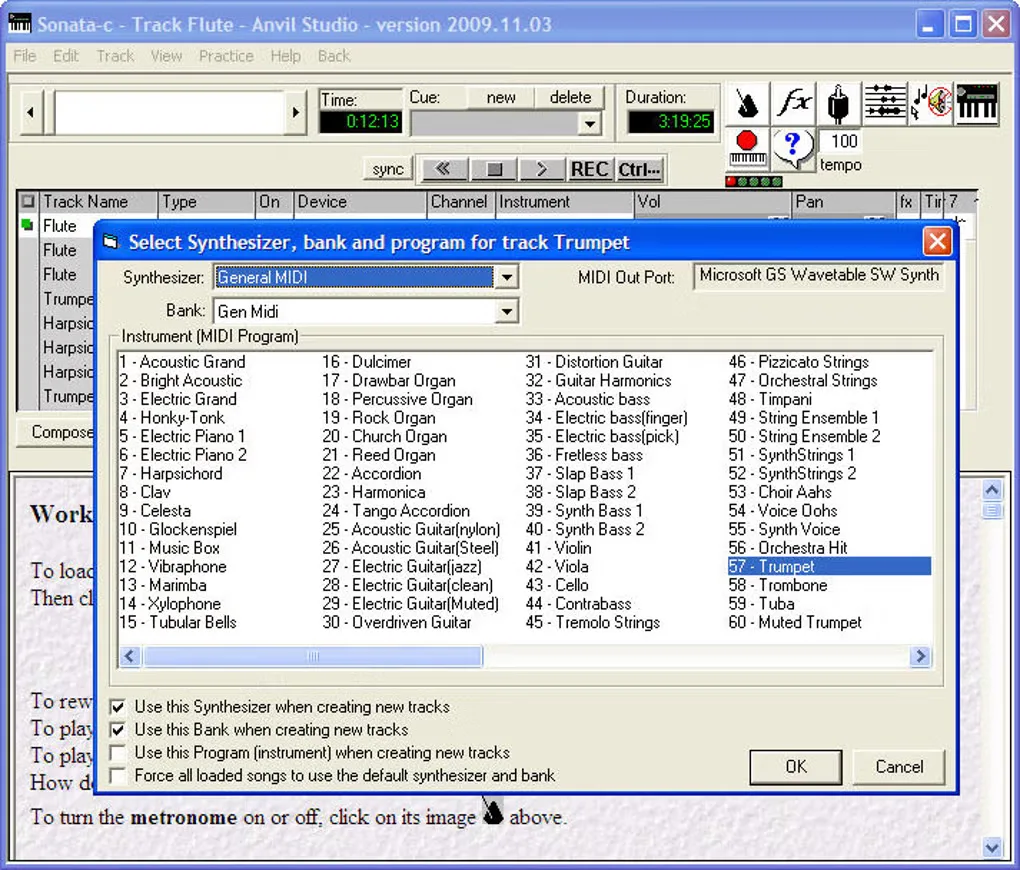
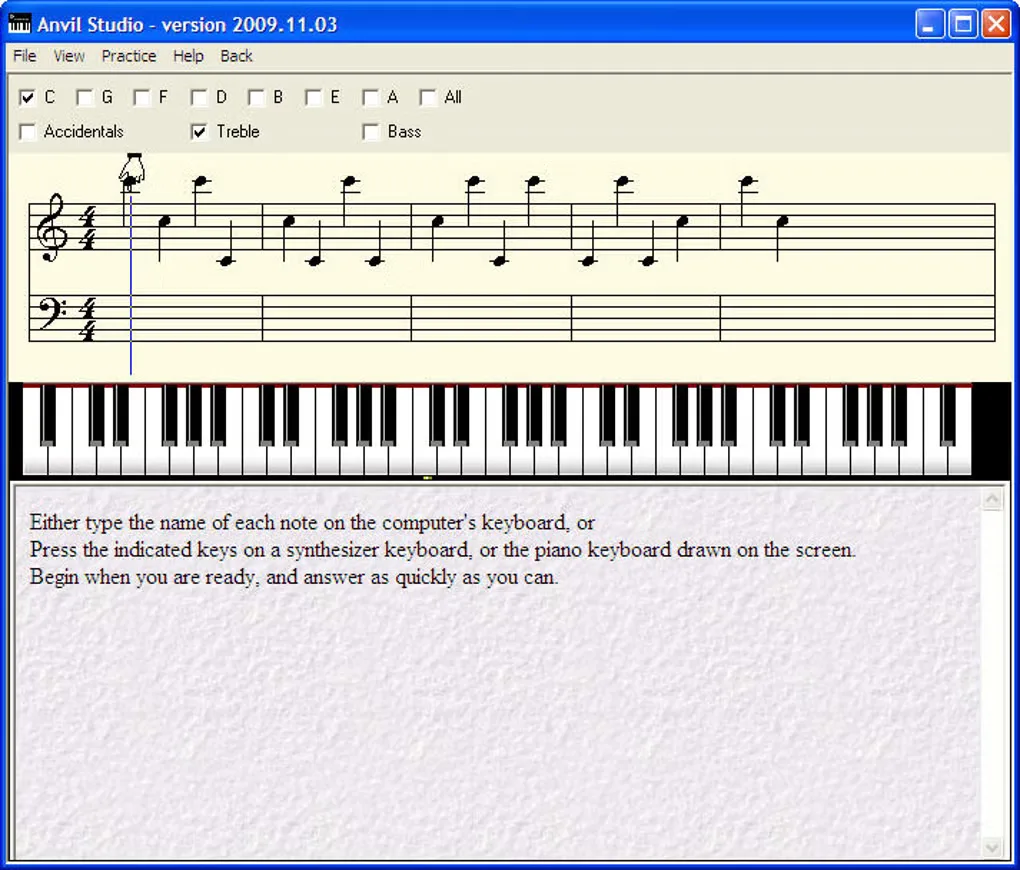
The publisher lists version 2024.08.01 and Windows 11, 10, 8.x and 7. This link is the official 64-bit base-program EXE, not the separate Anvil Studio Works installer. Willow Software says sales have stopped for now, while the free download remains available; do not assume that an accessory can currently be purchased or that development will continue. The gallery contains historical 2009.11.03 interface images, not screenshots of the listed 2024 version.
What it offers
- Compose and sequence songs with an unlimited number of MIDI tracks in the free base program.
- Edit music using staff notation, piano-roll, percussion, loop and event views.
- Enter notes from a MIDI device, on-screen keyboard or guitar fretboard, or drag notes onto the staff.
- Quantize and transpose MIDI notes, and adjust instruments, volume, pan, mute and solo per track.
- Work with standard MIDI and WAV files, with limited audio recording and editing in the base program.
Good to know
- Free audio recording is limited to short tracks: the main product page says two one-minute tracks, while the older feature list says one.
- Longer multitrack audio recording and sheet-music printing require optional accessories; they are not included in this base download.
- The publisher has stopped sales for now. Accessory purchase availability and future development are not assured.
- Screenshots show the historical 2009.11.03 Windows interface, not the listed 2024.08.01 release.
Product images
Sources
References used for this listing. Retrieval dates do not indicate hands-on testing.
More in multimedia & graphics
View category ↗
Synthesizer V Studio 2 Pro
Turn notes and lyrics into singing vocals on Windows with Synthesizer V Studio 2 Pro. Edit pitch, phoneme timing and vocal expression; a 14-day trial is available.

n-Track Studio
Record audio, arrange MIDI instruments and mix songs with n-Track Studio for Windows, a commercial digital audio workstation with a free trial.
MidiPiano 2.2.1
Play a virtual piano, record MIDI performances and study notes with color-coded keys and a piano roll. This Windows download is the legacy 2.2.1 release.

MuseScore Studio 4.7.6
Write, play back and print sheet music with MuseScore Studio, a free, open-source notation editor for Windows.
Wirecast 16.5.5
Produce live broadcasts on Windows by switching cameras, mixing audio and adding titles with Wirecast. Paid Studio and Pro plans offer different production tools.