
Utilities Windows
AnVir Task Manager
Inspect Windows processes, services and startup programs with AnVir Task Manager Free, which combines resource monitoring with delayed-startup controls.
- Operating system
- Windows XP, 7, 8, 10 and 11, as listed by the publisher
- Architecture
- Not established for the linked package
- Download package
- EXE installer, Free edition
Publisher platform claims only; no installation or Windows-build testing performed. Separate portable and Pro packages are not this download.
Link checked · Download guidance
What is AnVir Task Manager?
AnVir Task Manager Free brings running processes, Windows services and startup entries into one utility. It is aimed at users who need more context than a program name: the publisher describes command lines, loaded DLLs, open files, network connections and per-process resource information. Tray indicators provide another way to follow CPU, memory, disk and network activity without leaving the main window open.
For startup management, the program lists entries with their file paths, companies and descriptions. Its delayed-startup feature can postpone selected programs rather than launch everything at sign-in. These are controls for inspecting and changing startup behavior, not evidence of a measured speed improvement on a particular PC.
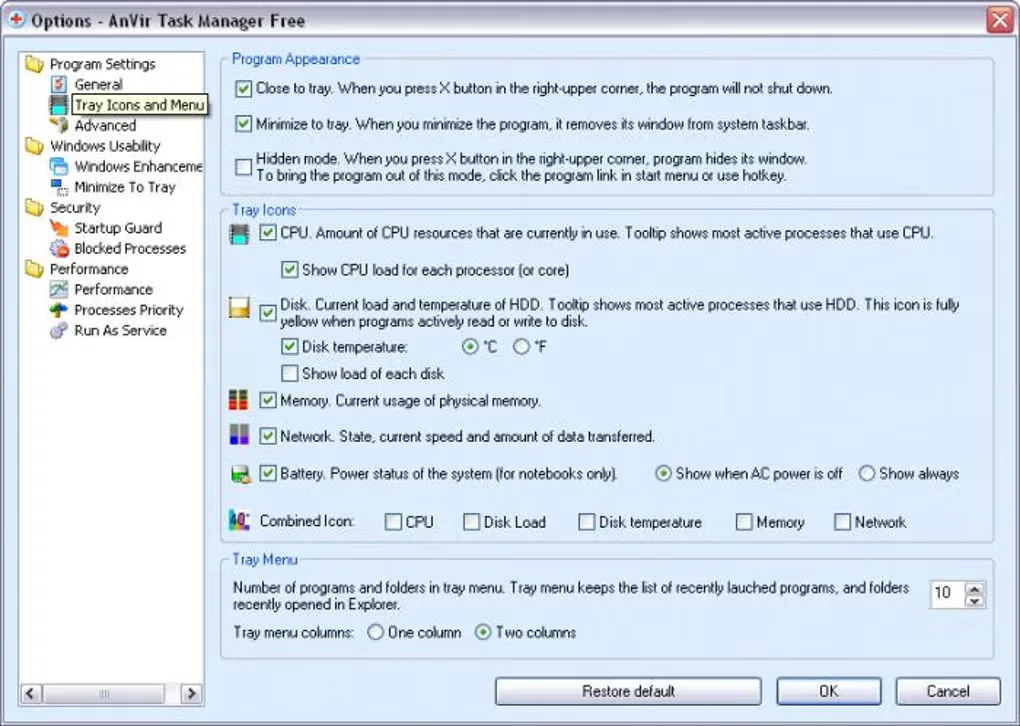
This entry links to the publisher's Free EXE package, not the separate Pro or portable download. The publisher describes the full-featured free edition as personal, non-commercial software and offers Pro for commercial use. The publisher homepage lists version 9.4 with an August 2021 news entry; the retained Softonic listing instead shows 7.0.4 and a Possible issues label. Neither listing establishes that the linked installer is safe or currently maintained. The package was checked by HEAD only, not downloaded, installed or tested, and the gallery image shows a historical interface rather than a verified view of the current package.
What it offers
- Inspect processes, Windows services and startup programs in a single utility.
- View process details such as command lines, loaded DLLs, open files and network connections, as described by the publisher.
- Review startup entries with file paths, company names and descriptions; delay selected startup programs.
- Follow CPU, disk, memory and network activity through configurable system-tray indicators.
Good to know
- The publisher limits the free full-featured edition to personal, non-commercial use and lists Pro separately for commercial use.
- Source versions disagree: the publisher lists 9.4 with 2021 news, while Softonic lists 7.0.4 and Possible issues. Current maintenance, package version and safety were not established by the HEAD check.
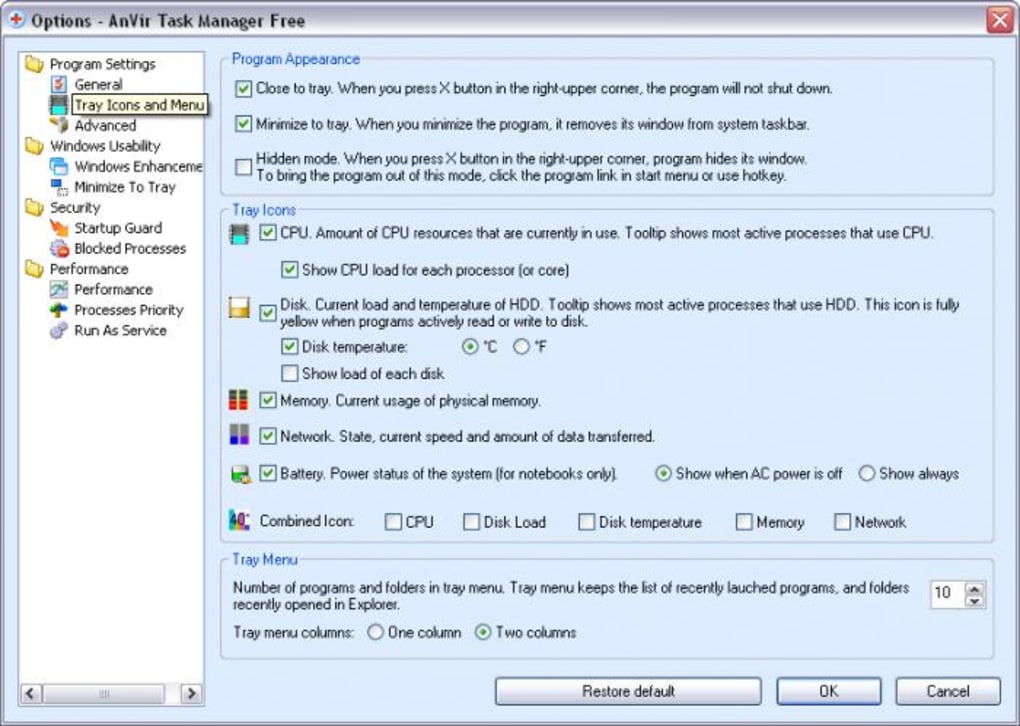
- The screenshot is a historical source-gallery Options dialog, not a tested installation of the linked package.
Product images
Sources
References used for this listing. Retrieval dates do not indicate hands-on testing.
- AnVir Task Manager Free — publisher homepage ↗Retrieved
- AnVir — Downloads ↗Retrieved
- AnVir — News and version history ↗Retrieved
- AnVir Task Manager - Download ↗Retrieved