
Utilities Windows
PDF Explorer
Catalog PDF and CHM collections, search document text and metadata, and extract images with PDF Explorer for Windows. The publisher offers a 30-day trial.
- Operating system
- Windows 10 and 11, plus older Windows releases listed by the publisher
- Architecture
- Publisher lists 32-bit and 64-bit Windows; package architecture not specified
- Download package
- ZIP installation package
Version 1.5.66.2 is dated 2015-12-22 in the official catalog. Windows compatibility is publisher-stated, not independently tested; no ARM-specific build is identified.
Link checked · Download guidance
What is PDF Explorer?
PDF Explorer is a document manager for collections that span folders, disks and network locations. It indexes PDF and CHM files into a searchable database, including documents inside ZIP, RAR, 7z and ACE archives. Search can use Boolean expressions, document text or metadata such as title and author, so finding a document need not depend on remembering its filename.
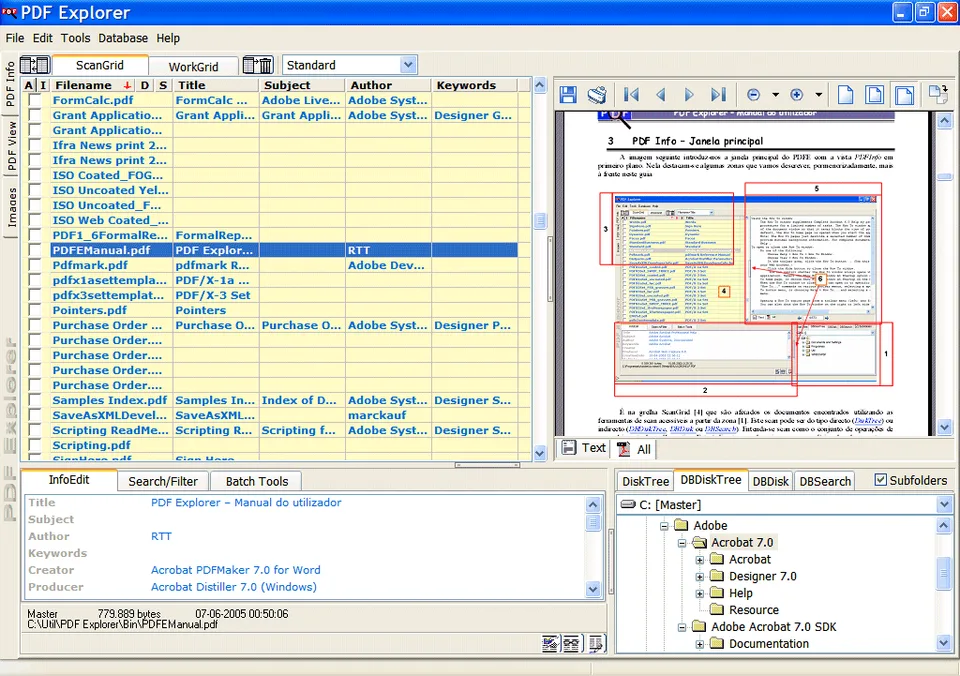
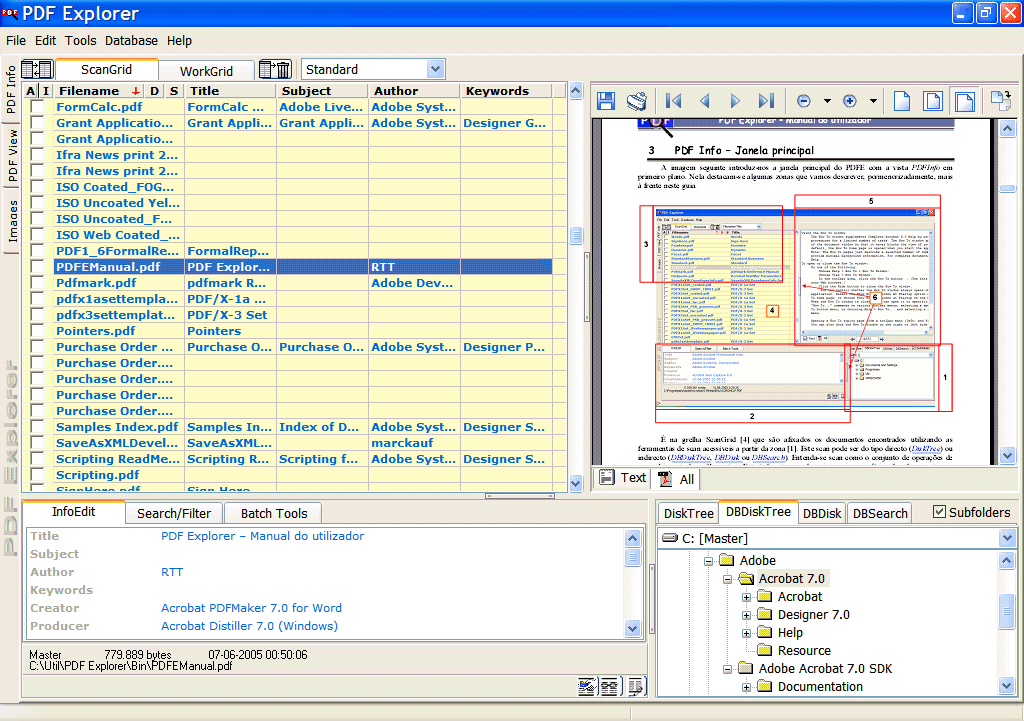
The workspace combines a file grid, metadata fields, a document preview and a folder tree. Beyond locating documents, the publisher lists image and text extraction, metadata editing with up to 100 custom fields, and batch tools for renaming, printing and extracting images. Split and merge tools work on PDF pages, while a background folder monitor can index new files.
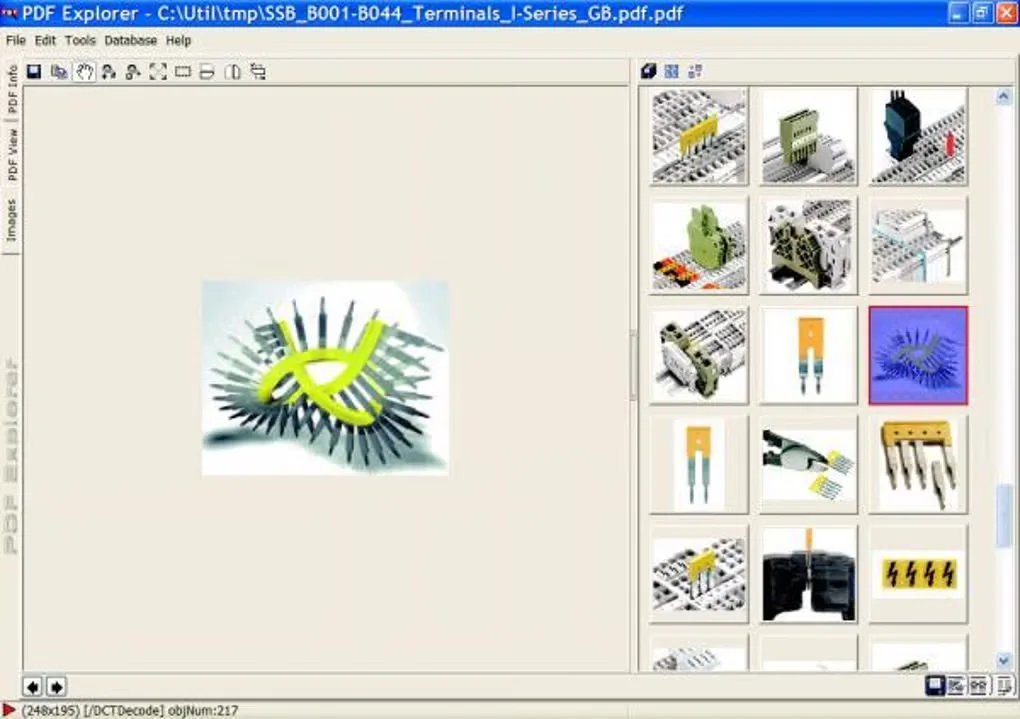
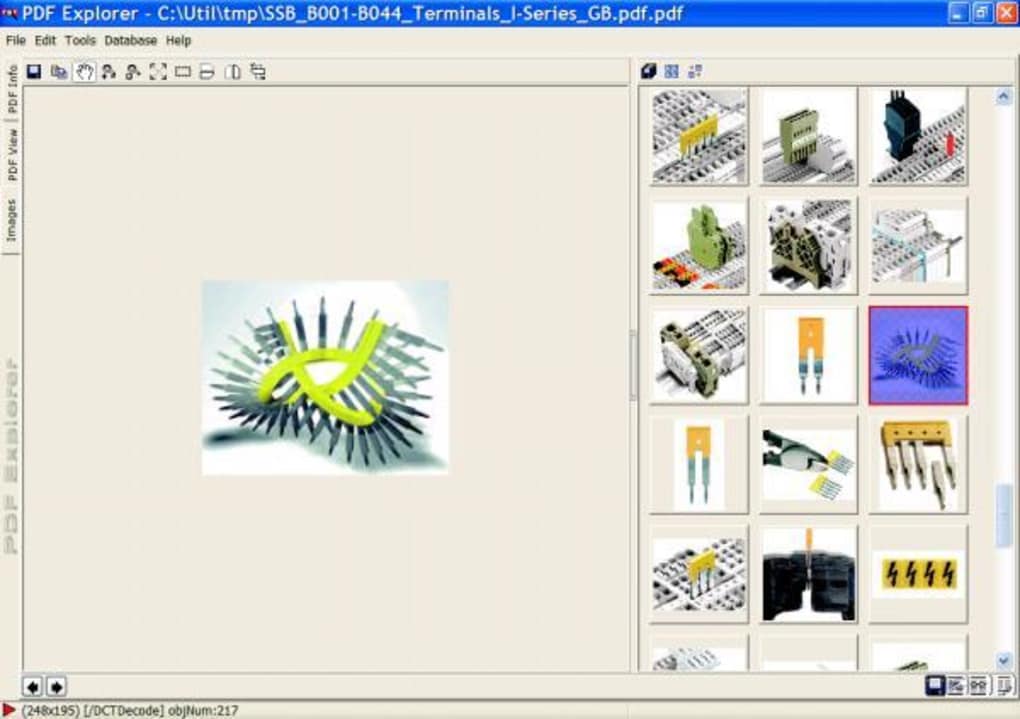
This download is the publisher's ZIP installation package for version 1.5.66.2, dated December 22, 2015. The product page lists Windows 10 and 11 as well as older Windows releases, but that compatibility statement has not been independently tested here. Despite Softonic's Free label, the publisher describes a 30-day trial; this entry does not present the package as unrestricted freeware. The screenshots are publisher/source examples of the older Windows interface, not evidence of a fresh installation.
What it offers
- Index PDF and CHM documents from local folders, network locations and supported ZIP, RAR, 7z and ACE archives.
- Search indexed document text and metadata with Boolean and full-text search.
- View documents, extract image objects and text, and edit metadata with up to 100 custom fields.
- Apply batch renaming, image extraction, metadata editing and printing tools.
- Split or merge PDF pages and use a background folder monitor for automatic indexing.
Good to know
- The publisher offers a 30-day trial, not an unrestricted free license.
- The official installation package is dated December 22, 2015; its compatibility with current Windows builds has not been independently tested here.
Product images
Sources
References used for this listing. Retrieval dates do not indicate hands-on testing.
More in utilities
View category ↗
Event Log Explorer 5.8.3
View, filter and export Windows event logs with Event Log Explorer. Work with local or remote logs and saved EVT or EVTX files; business use has a 30-day trial.
SageThumbs 2.0.0.23
Preview image files and convert them from the Windows Explorer right-click menu with SageThumbs, a free shell extension for Windows.

TreeSize Free 4.8.1
See which folders occupy your disk with TreeSize Free, a Windows disk-space analyzer with a treemap and PDF reports for private, non-commercial use.
Igor Pro 10.03
Analyze scientific data, fit curves and create 2D or 3D graphs with Igor Pro for Windows. The commercial application includes a 30-day full-function evaluation.
NXPowerLite Desktop 11.0.1
Reduce PDF, Microsoft Office and image file sizes offline with NXPowerLite Desktop for Windows, preserving their formats and optimizing Outlook attachments.