
Utilities Windows
RouteConverter
Edit GPS routes, tracks and waypoints on Windows, inspect them on a map and convert between formats with RouteConverter, a free, open-source desktop tool.
Version 3.7 · Direct publisher file
Link checked · Download guidance
What is RouteConverter?
RouteConverter helps move a route or recorded track between GPS applications and devices. Open a file, review its positions alongside the map and save it in a supported destination format. The publisher lists more than 90 formats, including GPX, KML and TCX, but individual formats have different reading and writing capabilities. Choose the format your receiving device or application accepts rather than assuming every conversion preserves the same information.
Version 3.7 reads Google Maps Timeline exports named location-history.json or Timeline.json and preserves GPX track segments when reading and writing. Segment breaks appear as gaps on the map and elevation profile. It also lets you select and delete pause positions, optionally shifting subsequent timestamps, and adjust the interface font size.
The selected Windows EXE includes a Java runtime; it is not the separate portable or command-line build. The sources consulted do not establish a minimum Windows version or the architecture of this EXE. A documented Windows limitation is that text and icons are not rendered at native resolution above 100% display scaling; the publisher suggests enlarging text with the font-size setting. RTZ files can be read by everyone, but writing RTZ requires sponsorship.
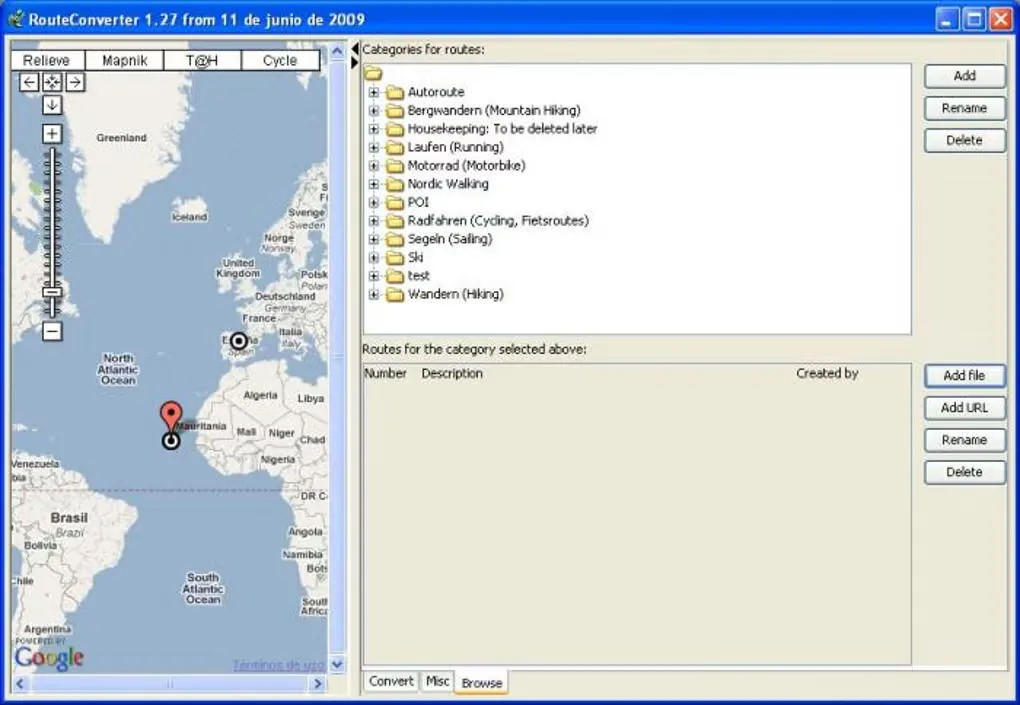
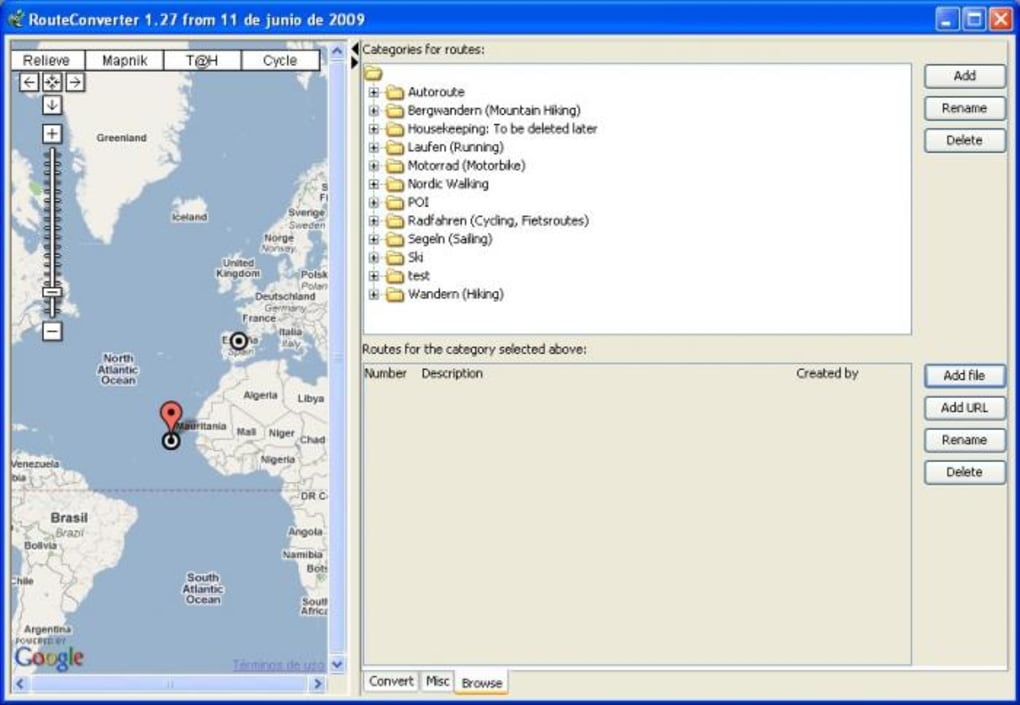
The screenshot is historical: it shows RouteConverter 1.27 on Windows with the Browse tab, map and route categories. It illustrates the application rather than the current 3.7 interface. No installation, conversion performance or device compatibility was tested for this entry.
What it offers
- Edit routes, tracks and waypoints and convert between supported GPS file formats.
- Read Google Maps Timeline exports from location-history.json or Timeline.json in version 3.7.
- Preserve GPX track segments on reading and writing, with visible gaps on the map and elevation profile.
- Select and delete pause positions, optionally shifting following timestamps.
- Adjust the interface font size and view map, routing, elevation and POI coverage.
Good to know
- On Windows above 100% display scaling, text and icons are not rendered at native resolution; the publisher recommends the font-size setting to enlarge text.
- RTZ export is a sponsor feature; reading RTZ is available to everyone.
- Format support differs between reading and writing; confirm that the destination format supports the data you need.
Product images
Sources
References used for this listing. Retrieval dates do not indicate hands-on testing.
More in utilities
View category ↗GPSBabel Continuous prerelease 20261025T1330Z-6cdf816
Convert GPS waypoints, tracks and routes between receivers and mapping programs with GPSBabel for Windows. The linked x64-compatible installer is a continuous prerelease, not the stable 1.10.0 package.

MapSource 6.16.3
Plan routes, manage waypoints and tracks, and transfer compatible map data with Garmin MapSource for Windows. This 6.16.3 update requires an existing MapSource product.
EasyGPS
Transfer waypoints, routes and tracks between Windows and supported Garmin, Magellan or Lowrance GPS receivers with EasyGPS, a free GPS data manager.
DJI Metadata Embedder Desktop 2.18.0
Turn DJI drone telemetry into flight maps, embed GPS tracks in video copies and export mapping data with this free Windows desktop app.

Tenorshare iAnyGo
Change a connected phone's GPS location from Windows, plan simulated routes, or control movement with a joystick using Tenorshare iAnyGo, a commercial utility with a free trial.