
Utilities Windows
TIPP10
Practice touch typing with adaptive lessons, a visual keyboard and progress reports in TIPP10 for Windows. The free desktop version is no longer maintained.
- Operating system
- Publisher lists Windows 98, ME, 2000, XP, Vista, 7, 8, 10 and 11 for the installer
- Architecture
- Not specified by the publisher catalog
- Download package
- Windows EXE setup wizard (third-party SourceForge mirror)
Desktop version is no longer maintained. Windows 10/11 support is a publisher listing, not a runtime test. The separate portable package has different listed limits.
Link checked · Download guidance
What is TIPP10?
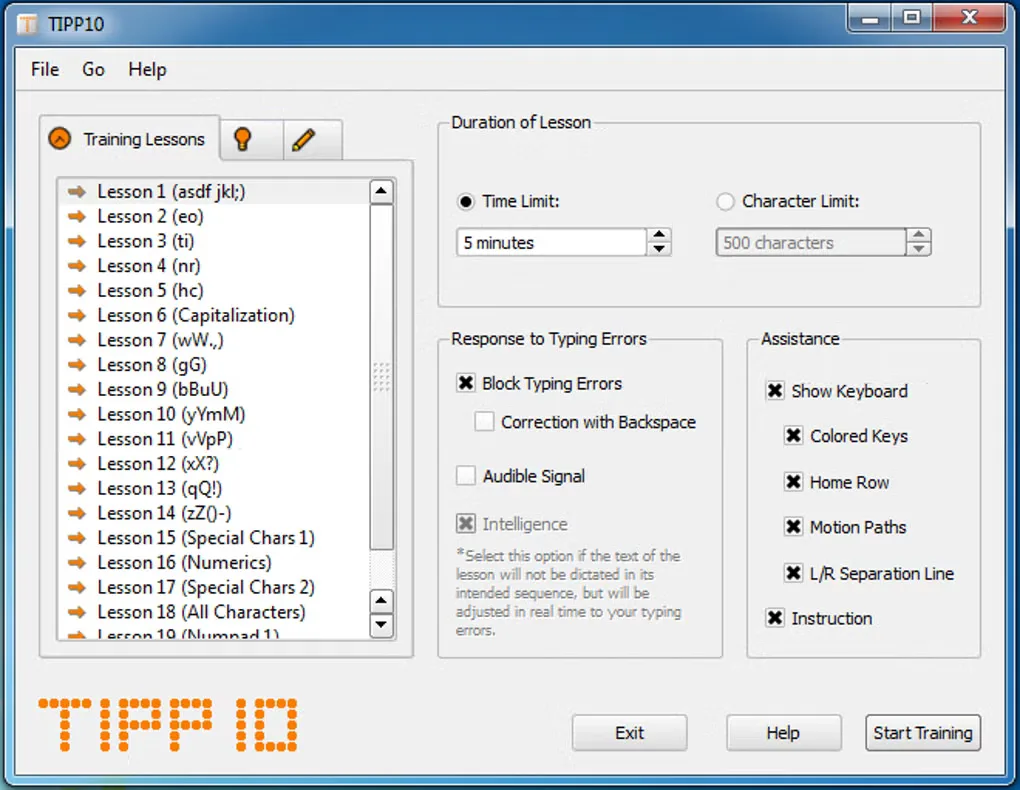
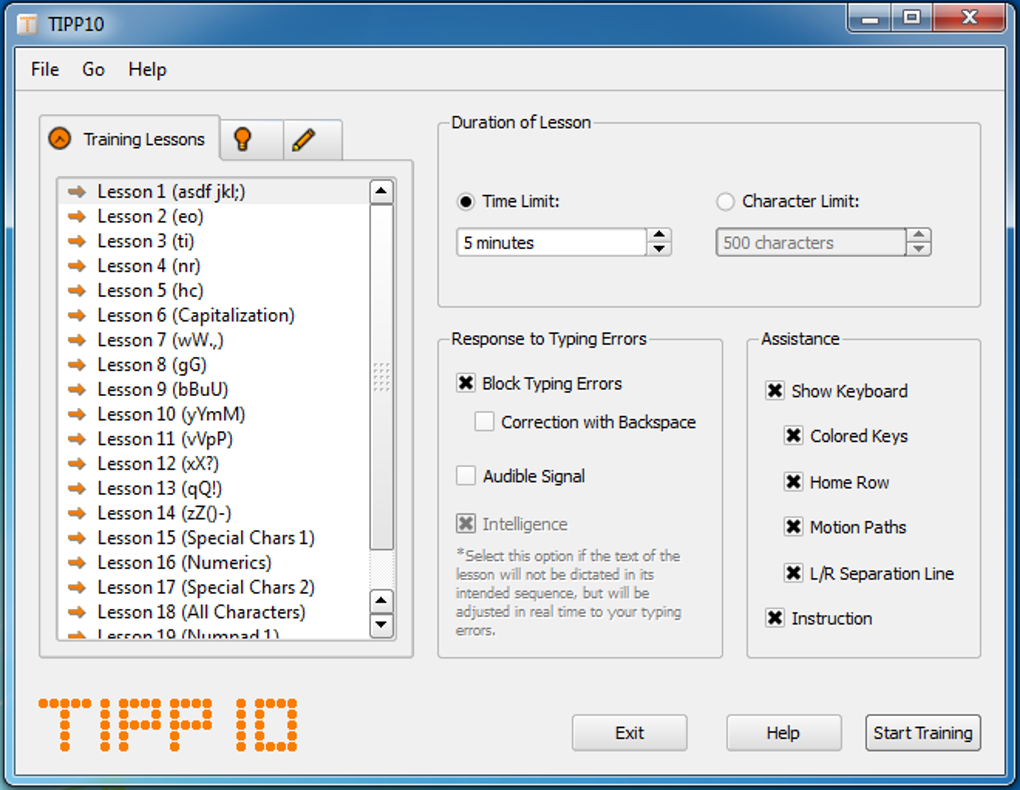
TIPP10 is a free touch-typing tutor for Windows. Its 20 sequential training lessons introduce keys progressively, while the adaptive text selection repeats characters you mistype more often. A scrolling text line and colored virtual keyboard show what to type and which fingers to use.
After a lesson, review a printable report, lesson trends and error rates for individual characters and fingers. You can adjust lesson duration, error handling and visual assistance, or use your own texts once you want more specific practice material. The installed edition keeps practice data separately for each Windows user account rather than offering automatic separate profiles for people sharing one account.
The publisher lists version 2.1.0 for Windows 10 and 11 as well as older Windows releases, but explicitly says the desktop software is no longer maintained and recommends its separate online service. This entry links to a SourceForge-hosted Windows EXE through a third-party catalog. Only its download headers were checked; the installer was not downloaded, installed or tested.
What it offers
- Follow 20 sequential lessons with more frequent repetition of mistyped characters.
- Use the scrolling text line and colored keyboard for finger-position guidance.
- Review printable reports, lesson trends and character-by-character or finger error rates.
- Adjust lesson duration, error handling and visual aids, or practice with your own texts.
- Choose English or German interface text and supported layouts such as QWERTY or Dvorak.
Good to know
- The desktop version is no longer maintained; the publisher recommends its separate online version.
- People sharing one Windows account do not automatically receive separate practice profiles; the installer normally stores data per Windows user.
- The linked EXE is supplied through a third-party SourceForge mirror. Header verification does not establish installer contents, safety or runtime compatibility.
Product images
Sources
References used for this listing. Retrieval dates do not indicate hands-on testing.
- Tipp10 — Free Touch Typing Tutor ↗Retrieved
- Tipp10 2.1.0 — Software Version ↗Retrieved
- TIPP10 Manual — Features, requirements and users ↗Retrieved
- TIPP10 Manual — Installation ↗Retrieved
- Tipp10 — Licensing ↗Retrieved
- Tipp10 — Official screenshot gallery ↗Retrieved
- TIPP10 - Download ↗Retrieved
- TIPP10 for Windows — SourceForge catalog ↗Retrieved