
Utilities Windows
Total PDF Converter
Convert PDFs to Word, Excel, CSV, HTML and images in batches on Windows. Total PDF Converter works locally and offers a 30-day trial before a paid license is needed.
- Operating system
- Windows 7, 8, 10 and 11; publisher also lists older Windows versions and Citrix
- Architecture
- Publisher lists 32-bit and 64-bit Windows; installer architecture unconfirmed
- Download package
- EXE installer
Publisher-listed compatibility, not independently tested. The linked installer has no version in its URL; current build and architecture were not inspected.
Link checked · Download guidance
What is Total PDF Converter?
Total PDF Converter is a Windows desktop tool for turning PDF documents into editable files, spreadsheet data or images. It suits a folder of reports that needs exporting to DOC or DOCX, tables needed in XLS or CSV, or pages needed as TIFF, JPEG or PNG. CoolUtils also lists HTML, TXT and PDF/A output. Conversion takes place on your computer rather than requiring an upload to an online converter.
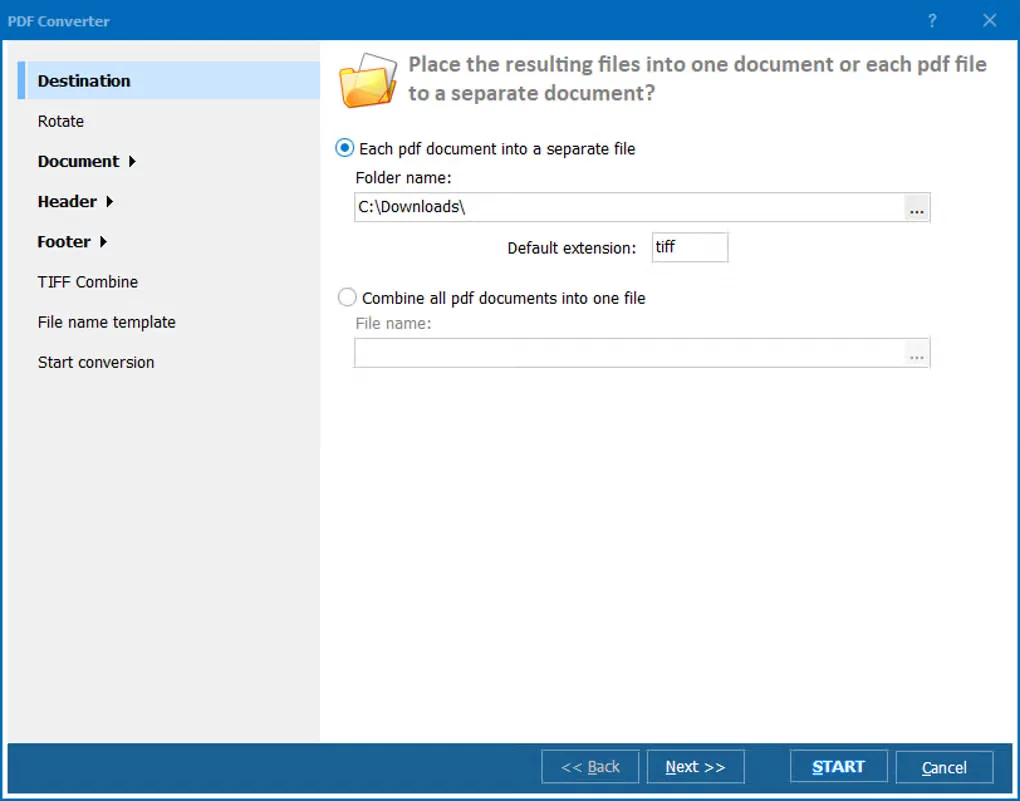
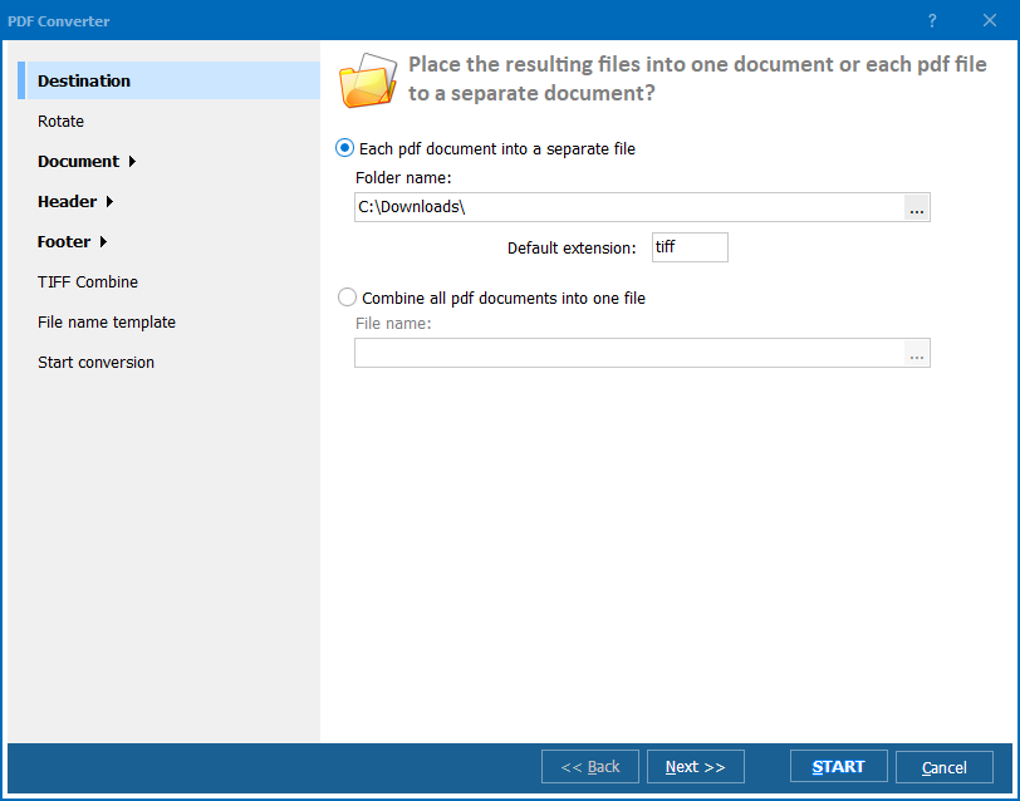
The publisher's workflow starts with selecting a folder in the left navigation panel and checking the files in the file list. Choose an output format from the toolbar, then set the destination folder and relevant page or rendering options in the conversion dialog. Batch processing can preserve the source folder structure. Options include selected-page extraction, merging several PDFs into one output, page numbering and text or image watermarks.
The desktop application includes a preview panel and supports command-line automation for registered users. CoolUtils separately offers Total PDF Converter X for server and ActiveX integration; that is not the desktop download linked here. The desktop edition is commercial software with a 30-day trial, not a permanently free converter. Password-protected documents require their password. No current numeric build is confirmed for the publisher's unversioned installer.
What it offers
- Batch-convert PDFs to DOC, DOCX, XLS, CSV, HTML, TXT, PDF/A and supported image formats.
- Process documents locally without uploading them to an online conversion service.
- Select files with the folder browser and preview panel, then configure the output destination and page options.
- Extract selected pages, combine PDFs, and add page numbers or text and image watermarks.
- Convert scanned TIFF images to searchable PDFs with the publisher's built-in OCR feature.
- Automate conversions through the command line with a registered license.
Good to know
- The free trial lasts 30 days; continued use requires a paid license.
- Password-protected PDFs require the document password.
- Server and ActiveX integration belongs to the separate Total PDF Converter X product.
- The current numeric build and architecture of the unversioned publisher installer are not confirmed.
Product images
Sources
References used for this listing. Retrieval dates do not indicate hands-on testing.
More in utilities
View category ↗CoolUtils Mail Viewer
Open MSG, EML and EMLX email files without Outlook, handle attachments and create email reports on Windows. Free for home users; commercial use requires a license.

SearchMyFiles 3.36
Find Windows files by name, content, size or date, compare duplicates byte by byte and export results with SearchMyFiles, a portable freeware utility.
Universal Viewer 5.7.3
View text, images and supported media files in one Windows application. This download is Universal Viewer Free 5.7.3, supplied as a ZIP package by UVviewsoft.
Total Network Inventory 6.9.0
Audit network computers, organize hardware and software records, and export inventory reports with Total Network Inventory for Windows. A 30-day trial is available.
PDF Combine
Merge PDF files offline on Windows, arrange their order and add bookmarks, a table of contents or page numbers with CoolUtils PDF Combine.