
Utilities Windows
UltraFileSearch Lite
Find files and folders by name, contained text, date or size on Windows without background indexing. Lite is free for non-income home use and nonprofits.
- Operating system
- Windows 11, 10, 8.1, 8, 7, Vista and XP
- Architecture
- 32-bit
- Download package
- EXE installer
Publisher-listed compatibility, not independently tested. The publisher dates this release September 2026 without an exact day. MSI and portable ZIP are separate packages.
Link checked · Download guidance
What is UltraFileSearch Lite?
UltraFileSearch Lite searches selected drives and folders instead of relying on a background index. Use it to locate a remembered filename, look for words inside files or narrow a search by date and size. It supports local and external drives, network locations and optical discs recognized by Windows. Filename matching includes partial names and the ? and * wildcards.
Start with the folder or drive that is likely to contain the file, include subfolders when needed, and combine the relevant name, text, date and size criteria. The publisher says that all criteria you set must be satisfied. The installed edition can also start from the Windows Explorer context menu.
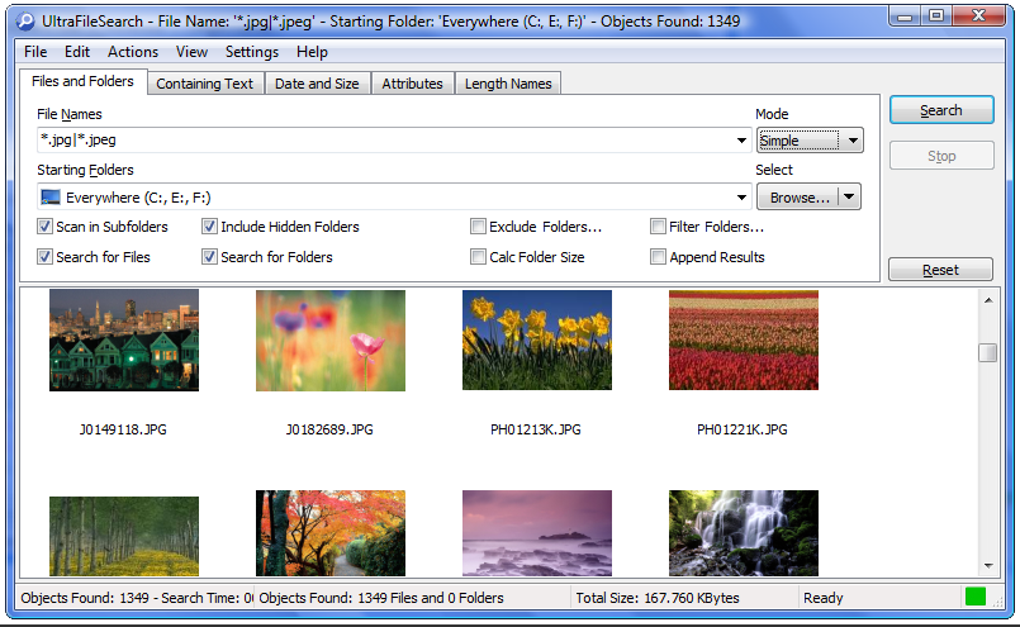
Lite is not unrestricted business freeware: its free-use terms cover personal activities at home that do not generate income, plus nonprofit organizations. Company or income-generating use requires Standard. Lite also omits advanced attribute, path-depth and ownership filters, batch renaming, duplicate-file detection and hash calculation. The screenshot is historical source imagery, not a capture of the current build.
What it offers
- Search files, folders or both without background indexing.
- Match partial filenames or patterns using ? and * wildcards.
- Combine contained-text, date and size search criteria.
- Search subfolders and multiple starting locations, including network UNC paths.
- Launch the installed edition from the Windows Explorer context menu.
Good to know
- Free use is restricted to non-income personal activities at home or nonprofit organizations; company or income-generating use requires Standard.
- Lite lacks attribute, path-depth and ownership filters, batch renaming, duplicate-file detection and hash calculation.
Product images
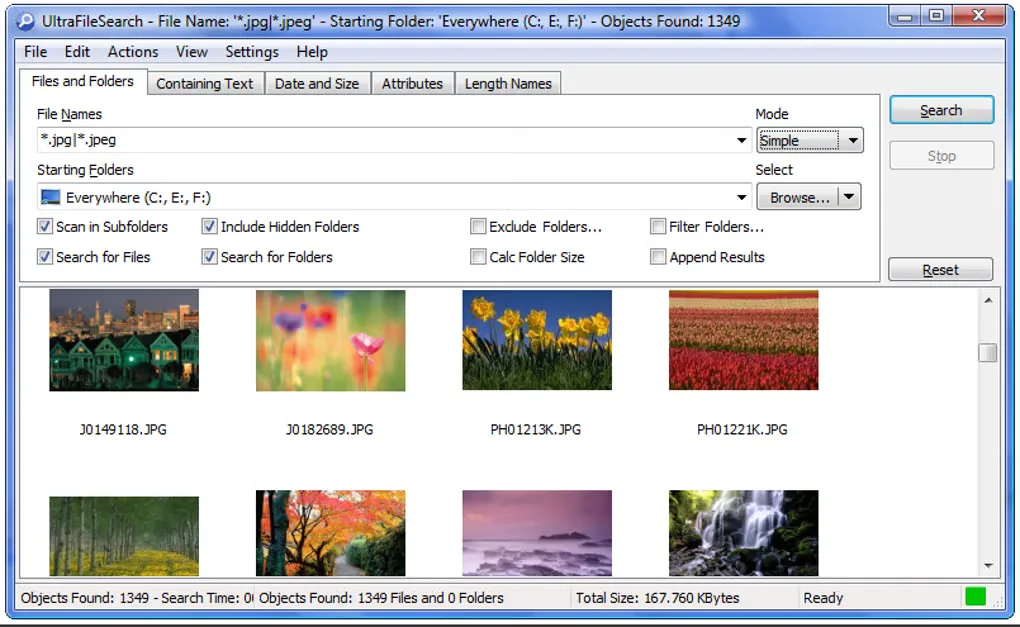
Sources
References used for this listing. Retrieval dates do not indicate hands-on testing.
More in utilities
View category ↗FileLocator Pro 2022 (build 3566)
Search inside documents, source code and archives on Windows with FileLocator Pro, with highlighted matches, optional indexes and a 30-day Pro trial.
EverythingToolbar 3.5.0
Search files and folders from the Windows taskbar with EverythingToolbar, a free, open-source interface powered by the separate Everything search application.
Snappy Driver Installer 1.26.1 (R2601), SDI Lite
Find missing drivers and update existing ones with a free, portable Windows utility. This download is SDI Lite, which needs index downloads before scanning hardware.

EditPad Lite 8.6.1
Edit plain text in tabs with Unicode support, multi-line search and replace, and undo after saving. EditPad Lite for Windows is free for personal, non-commercial use.

melonDS 1.1
Run Nintendo DS games on Windows with melonDS, a free, open-source emulator with save states, configurable controls and 3D upscaling. DSi mode needs additional system dumps.