
Utilities Windows
USB Network Gate
Share USB peripherals over a network and access them from another Windows computer. The free version shares one local device for non-commercial use; paid licenses support broader use.
- Operating system
- Windows 7 SP1, 8, 8.1, 10, 11; Windows Server 2008 R2, 2012, 2012 R2, 2016, 2019, 2022, 2025
- Architecture
- x86, x64, ARM64 (publisher-listed support)
- Download package
- EXE installer
Publisher provides one Windows EXE link. Its architecture-selection behavior was not tested. USB isolation requires Windows 8 or later on desktop Windows.
Link checked · Download guidance
What is USB Network Gate?
USB Network Gate forwards a USB peripheral from the computer it is plugged into to another computer over a network. It is intended for remote access to equipment such as printers, scanners, webcams and USB security keys without moving the physical device. The publisher also describes USB redirection into virtual machines and Remote Desktop sessions.
The free Windows version permits sharing one local USB device for non-commercial purposes. It does not retain connections after a restart. For commercial use or sharing more devices, the publisher offers paid licenses; its single-system license supports up to ten simultaneously shared USB devices. A free activation-key request is available on the publisher’s site.
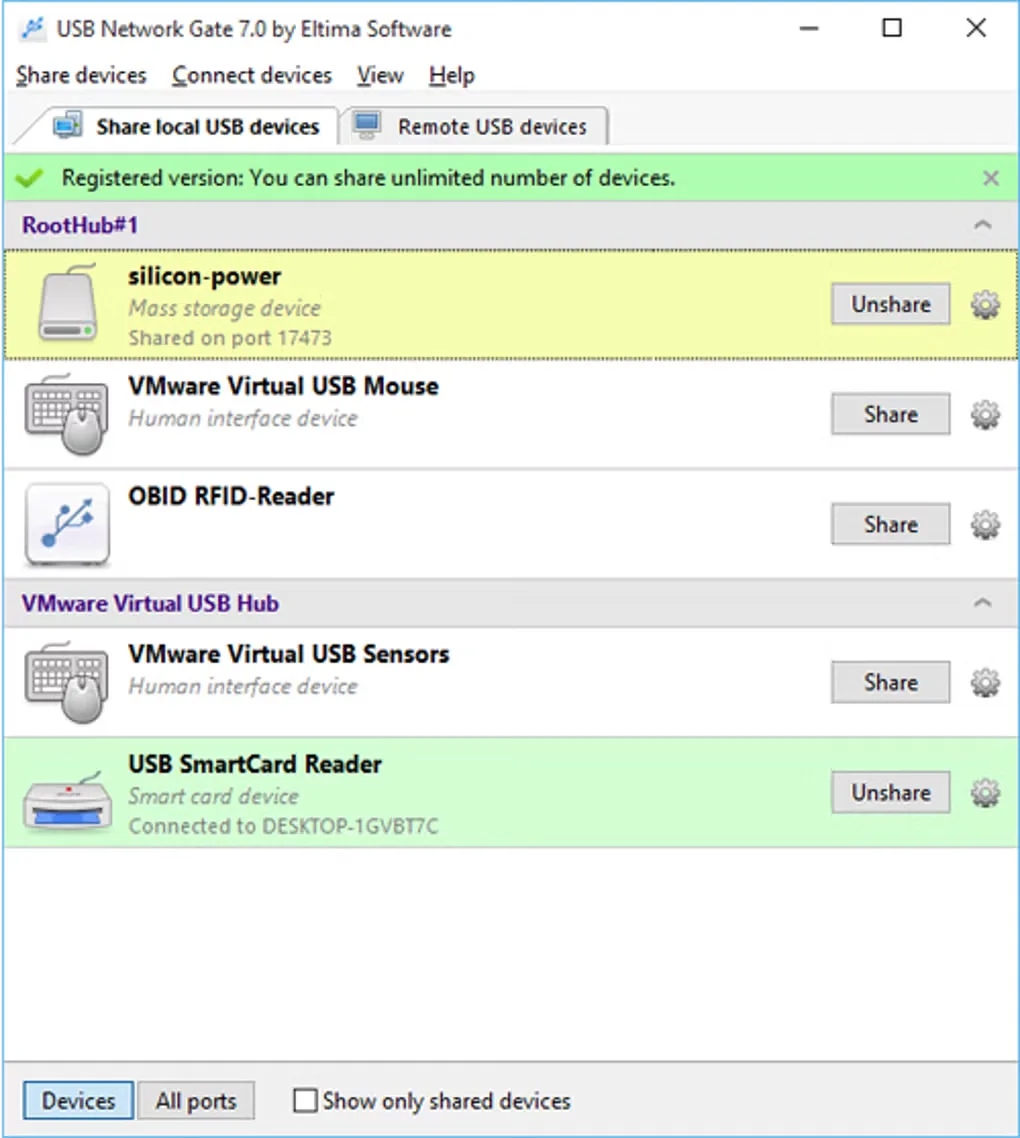
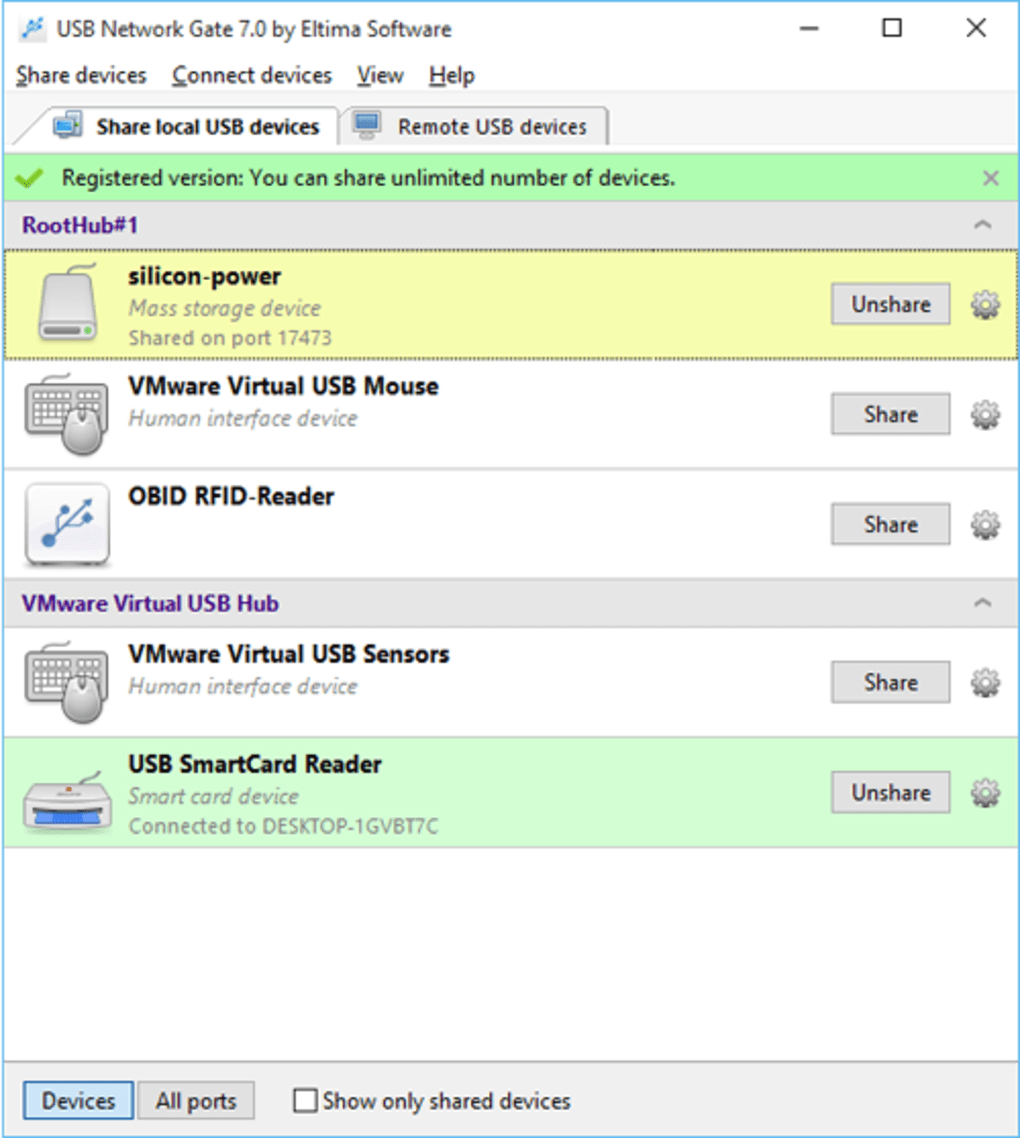
Device compatibility is not universal: the publisher does not guarantee every model within its supported device categories. Windows user/session isolation also has a higher minimum desktop requirement than the base application: Windows 8 rather than Windows 7 SP1. The screenshot shows the older version 7.0 Windows interface, including local-device Share and Unshare controls; it is not evidence of the current version’s appearance or license allowances.
What it offers
- Forward USB peripherals over LAN, VPN or the Internet to a remote computer.
- Redirect USB devices into virtual machines and RDP sessions.
- Use optional TLS 1.3 encryption and password-based authorization for connections.
- Use traffic compression and Windows per-user or per-session USB isolation.
Good to know
- The free version shares only one local USB device on a single computer and is restricted to non-commercial use.
- Free-version connections are removed after restarting; paid licensing is needed for connection persistence and commercial use.
- Not every peripheral model is guaranteed to work; USB isolation requires Windows 8 or later on desktop Windows.
Product images
Sources
References used for this listing. Retrieval dates do not indicate hands-on testing.
More in utilities
View category ↗
Splashtop Streamer
Make a Windows PC available to Splashtop Personal for remote access to its apps and files. This download is the Personal Streamer host component, not the app used to connect from another device.
HDD Regenerator 2011
Scan hard drives for bad sectors and view drive health information with HDD Regenerator. This download is the publisher-linked 2011 Windows trial, not the separately sold 2024 edition.

TreeSize Free 4.8.1
See which folders occupy your disk with TreeSize Free, a Windows disk-space analyzer with a treemap and PDF reports for private, non-commercial use.

VirtualHere USB Client 6.0.3
Use USB devices shared by a VirtualHere USB Server from your Windows PC. The client discovers network devices and connects them through a tree-view interface.
USBDeview 3.10
Inspect connected and previously used USB devices, export their details and manage device states with USBDeview, a free portable Windows utility.