
Utilities Windows
WebDrive
Map remote servers and cloud storage to Windows drive letters with WebDrive, a commercial file-access client with a publisher-provided trial.
- Operating system
- Windows 10 or later; Windows Server also listed by publisher
- Architecture
- Not specified in inspected publisher evidence
- Download package
- EXE installer
Publisher-linked Windows trial. Exact current build and supported Windows Server editions were not established.
Link checked · Download guidance
What is WebDrive?
WebDrive brings remote and cloud files into the familiar mapped-drive workflow on Windows. Instead of treating every connection as a separate upload and download task, you can access supported storage through a drive letter. The publisher lists SFTP, FTPS and WebDAV connections alongside services including Amazon S3, Google Drive, SharePoint and Dropbox.
For managed desktops, WebDrive supports pre-configured connections, embedded registration codes and automated deployment. Its publisher also lists custom cache locations and logging controls. These options make it relevant to teams that need a consistent way to access approved remote storage, rather than another independent file-sharing service.
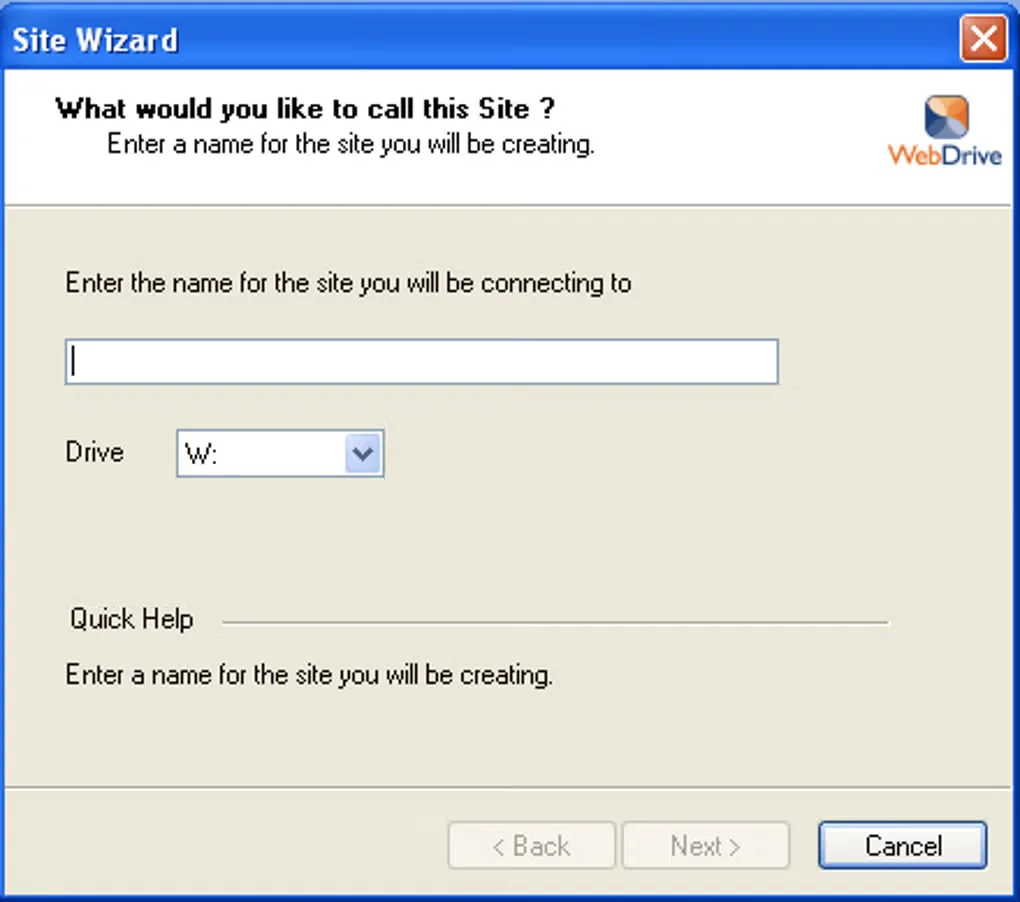
This is commercial software, not unrestricted freeware. South River Technologies offers a Windows trial and describes its paid licenses as annual renewals with maintenance and support during the license term. The linked EXE is the publisher's Windows trial package; the exact current build, processor architecture and trial duration were not established by the inspected sources. The screenshot shows a historical WebDrive Windows Site Wizard, not a verified preview of the current release.
What it offers
- Map remote and cloud storage to a local Windows drive letter.
- Connect using publisher-listed protocols including SFTP, FTPS, HTTPS and WebDAV.
- Access supported services including Amazon S3, Google Drive, SharePoint and Dropbox.
- Pre-configure connections and registration codes for automated desktop deployment.
- Configure cache locations and use the publisher-listed logging controls.
Good to know
- Commercial licensing: the publisher offers a trial and paid annual-renewal licenses, not unrestricted free use.
- The inspected publisher page does not establish an exact Windows build number, processor architecture or trial duration.
Product images
Sources
References used for this listing. Retrieval dates do not indicate hands-on testing.
- WebDrive | South River Technologies ↗Retrieved
- WebDrive - Download ↗Retrieved
More in utilities
View category ↗
RaiDrive 2026.10.0
Mount cloud storage and remote servers as Windows drives with RaiDrive. Open files in File Explorer through Google Drive, OneDrive, Dropbox, WebDAV, SFTP or FTP.

FTP Rush 3.6.7
Transfer files over FTP, FTPS, SFTP and WebDAV, or between supported cloud services, with FTP Rush, a free Windows file-transfer client.
Chatbox Community Edition 1.23.5
Chat with multiple AI providers from a Windows desktop client, reuse prompts and read formatted replies. AI service access is configured separately.
SSHFS-Win Manager 1.3.1
Manage SSHFS-Win connections through a Windows GUI, with saved connection profiles, password or private-key authentication, and system-tray access.
IDrive 7.0.1.20
Back up Windows files to an IDrive cloud account or a local drive, schedule backup jobs, and restore saved files from multiple computers.