
Utilities Windows
WinBox
Configure MikroTik RouterOS devices from Windows with WinBox, a free graphical client for network settings, device discovery and live monitoring.
Version 4.4 · Direct publisher file
Link checked · Download guidance
What is WinBox?
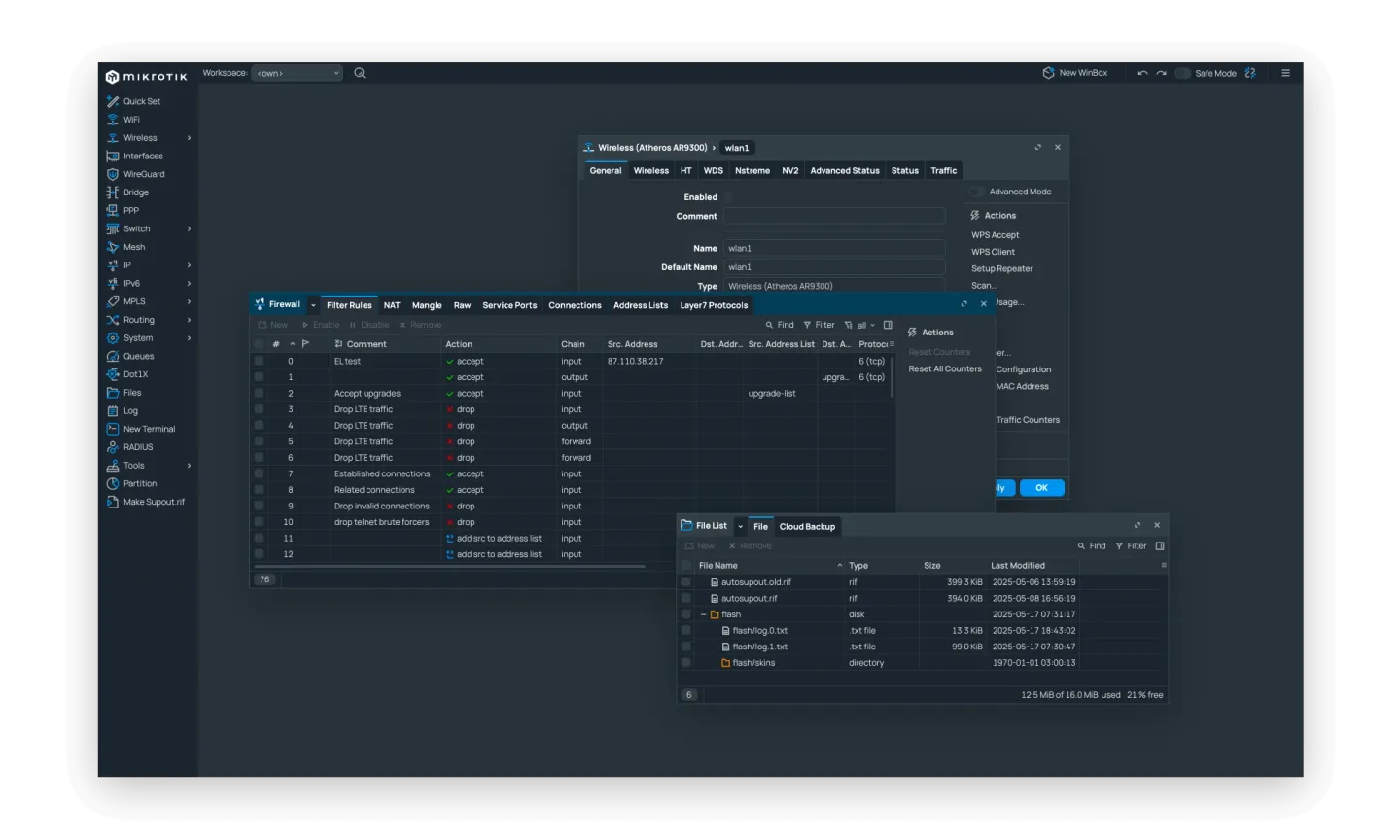
WinBox is MikroTik’s graphical management client for RouterOS devices. It puts VLANs, firewall settings and routing tables in a desktop interface, with live views of traffic, CPU use, memory and device health. Device discovery helps locate MikroTik equipment, while multi-session support lets administrators work with more than one device. A built-in script editor supports automation alongside graphical configuration.
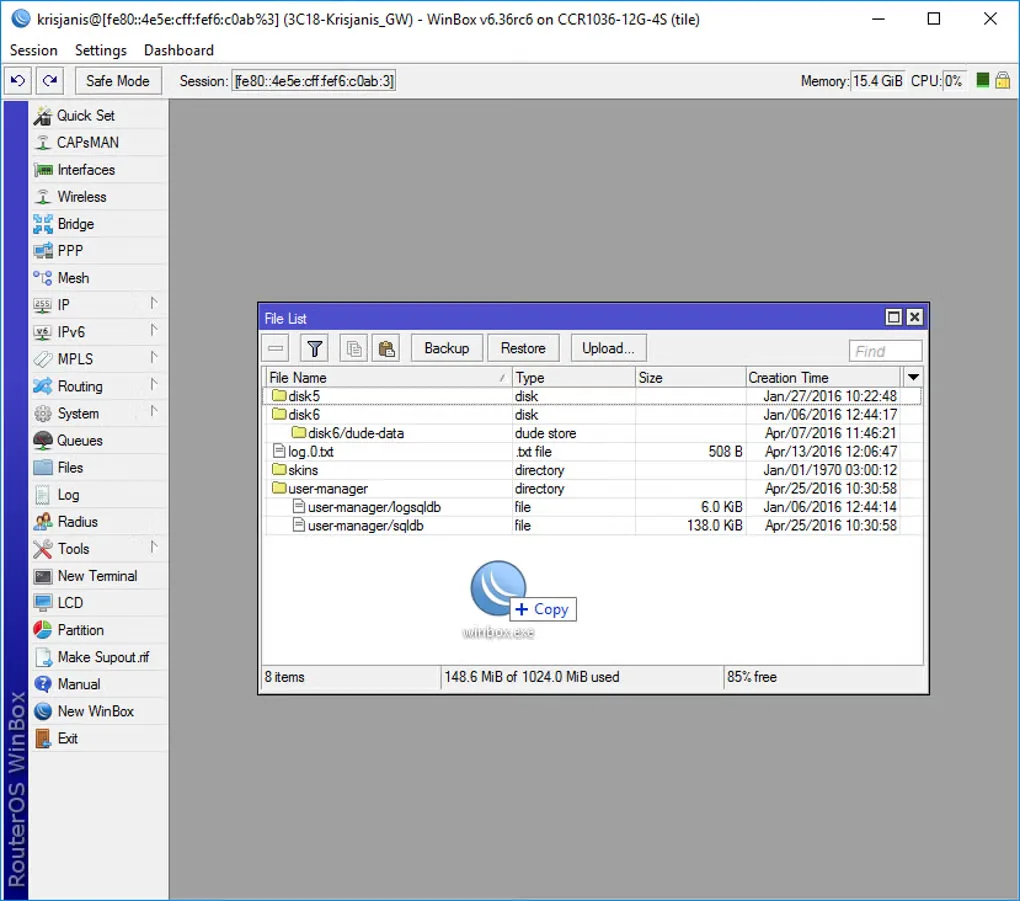
This entry links to the Windows ZIP published with WinBox 4.4, released on September 14, 2026. MikroTik also provides a separate Windows ARM64 archive; this link is the standard Windows package, not that ARM64 option. The current product is also available natively for macOS and Linux, despite older descriptions that discuss Wine. The publisher screenshot illustrates the interface without identifying an exact build; the second screenshot is explicitly a legacy Windows view.
WinBox is for the MikroTik RouterOS ecosystem, not a general-purpose configuration tool for every router discovered on a network. MikroTik’s frozen documentation notes that neighbor discovery can show incompatible devices and recommends IP connections over less-reliable MAC broadcast sessions. The reviewed current publisher product and release pages do not establish a minimum Windows version; no minimum-build or hands-on compatibility claim is made here.
What it offers
- Configure VLANs, firewalls and routing tables on MikroTik devices.
- Monitor traffic, CPU usage, memory and device health in real time.
- Discover MikroTik devices and manage multiple device sessions.
- Automate administration with the built-in script editor.
- WinBox 4.4 adds automatic system theme following and configurable terminal scrollback.
Good to know
- Intended for MikroTik RouterOS administration; a device appearing in neighbor discovery is not necessarily compatible with WinBox.
- MikroTik’s frozen documentation recommends IP connections: MAC broadcast sessions are not fully reliable.
- Minimum supported Windows version is not established by the current publisher pages reviewed for this entry.
Product images
Sources
References used for this listing. Retrieval dates do not indicate hands-on testing.
More in utilities
View category ↗MikroTik Netinstall 7.24.5
Install or reinstall RouterOS on MikroTik devices from a Windows PC. Netinstall provides a graphical recovery workflow, but reinstallation reformats the target device and erases user files.

Veyon 4.11.4
Monitor classroom computers, share a screen and assist learners remotely with Veyon, a free open-source classroom management application for Windows.

Nmap 7.993
Discover network hosts, inspect ports and identify services with Nmap for Windows, a network discovery and security auditing tool with the optional Zenmap graphical interface.

Tixati 3.44-1
Download and seed BitTorrent files on Windows with Tixati, a free client with magnet links, bandwidth controls, RSS feeds and IP filtering.

GPU-Z 2.71.0
Identify your graphics card, inspect GPU and memory specifications, and monitor live sensors with TechPowerUp GPU-Z for Windows.