
Utilities Windows
Wise Duplicate Finder
Find duplicate documents, photos and videos on Windows with Wise Duplicate Finder. Review matching files before deletion; automatic Keep One selection requires Pro.
- Operating system
- Windows 11, 10, 8/8.1 and 7; publisher lists 32-bit and 64-bit editions
- Architecture
- Publisher lists 32-bit and 64-bit Windows support; package architecture not separately specified
- Download package
- EXE installer
Publisher requirements: Pentium 1 GHz or above, 4 GB RAM and 30 MB installation space. Compatibility is publisher-stated, not independently tested.
Link checked · Download guidance
What is Wise Duplicate Finder?
Wise Duplicate Finder scans selected folders for duplicate files so you can decide which copies to remove. It works with documents, photos, videos and other file types, with filters for file size and type. The Windows interface offers three comparison modes: file name and size, part of the content, or the entire content.
Choose the matching method before scanning. The publisher warns that matching by name and size can produce false positives. Full-content comparison reads the whole file and takes longer, while the default partial-content mode checks portions of each file. Review the grouped results rather than assuming every matching name identifies an unnecessary copy.
The free edition can search for and delete duplicates. Keep One, which selects extra copies while leaving one unchecked, requires a paid Pro license. You can still select individual files manually in the free edition.
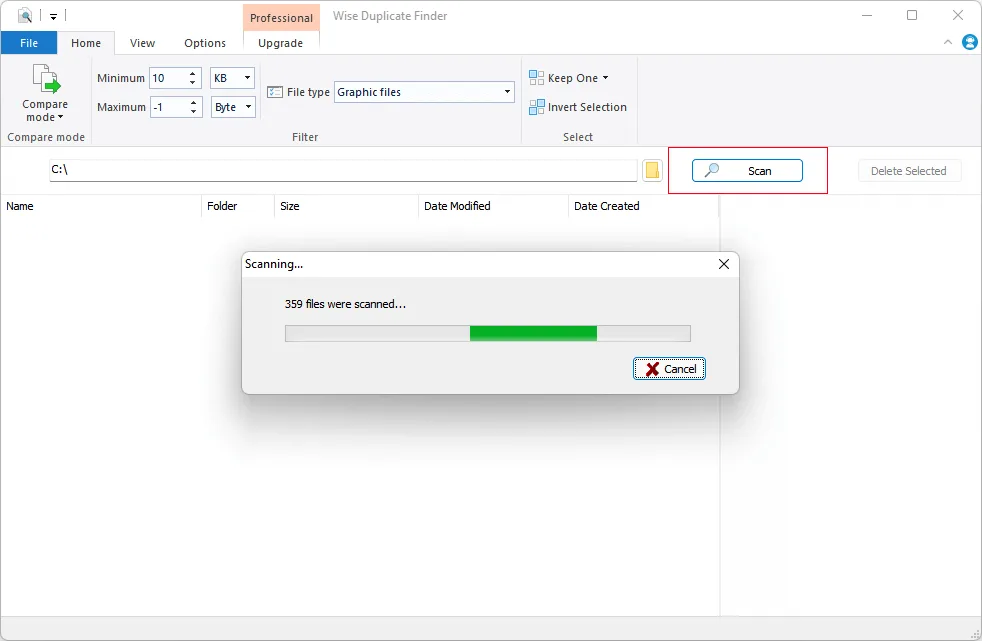
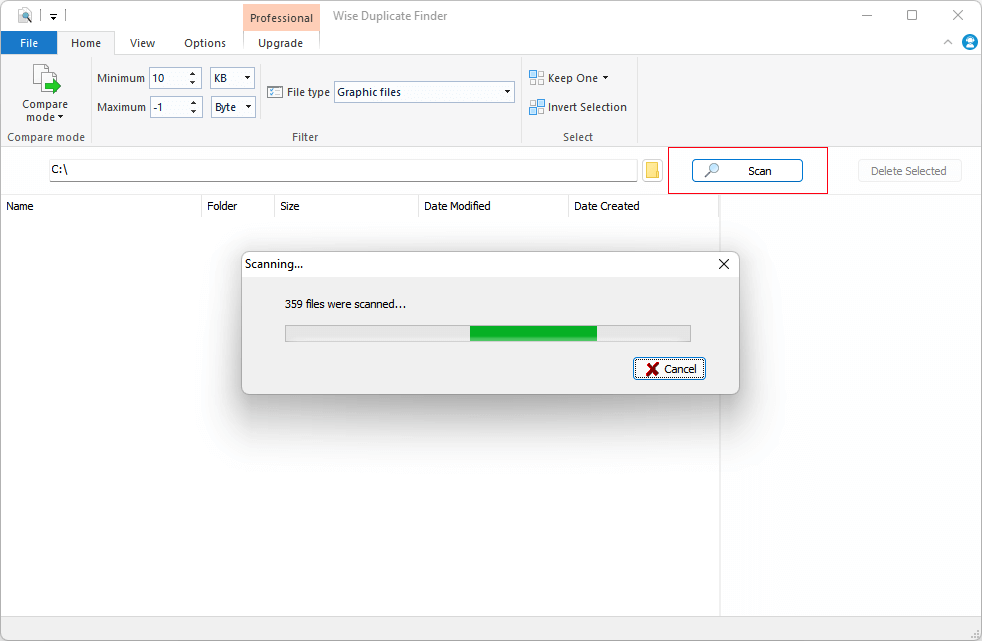
Deleted files go to the Recycle Bin by default and can be recovered until it is emptied. Optional backup before permanent deletion must be enabled in Options, and the publisher says that backup applies only when using Delete Selected. It is not a blanket guarantee that every deletion can be undone. The screenshot is a publisher-supplied version 2 tutorial image showing the Professional interface during a scan, not a test of this download.
What it offers
- Scan selected folders for duplicate documents, photos, videos and other file types.
- Compare file names and sizes, partial content or entire content.
- Filter by file size and type, then review duplicates in colored groups.
- Find empty files as well as duplicate copies.
- Delete selected files to the Recycle Bin or enable backup before permanent deletion.
Good to know
- Keep One automatic selection requires a paid Pro license; the free edition supports manual selection and deletion.
- Name-and-size matching can produce false positives; full-content comparison takes longer.
- Optional backup only applies when using Delete Selected; Recycle Bin recovery ends when the bin is emptied.
Product images
Sources
References used for this listing. Retrieval dates do not indicate hands-on testing.
More in utilities
View category ↗Visual Similarity Duplicate Image Finder
Find duplicate and visually similar photos on Windows, compare image groups and review which files to move, copy or delete. MindGems offers this commercial utility as a trial.
Fast Duplicate File Finder
Find exact duplicate files by comparing their contents, preview matches and choose which copies to remove with MindGems Fast Duplicate File Finder for Windows.
Duplicate Photo Cleaner 7.24.0.58
Find duplicate and similar photos by image content, compare results and choose which copies to move or delete. The Windows trial scans without a limit but deletes only up to 10 duplicate groups.

FolderMatch 5.2.4
Compare folders and files side by side, synchronize selected differences and find duplicate files with FolderMatch for Windows. A fully functional 30-day trial is available.
Duplicate File Finder Mini 7.0
Find large files with matching sizes on Windows, review grouped results and move unwanted files to the Recycle Bin. Mini compares file sizes, not contents.