
Multimedia & graphics Windows
Wise Video Converter
Convert video formats, extract MP3 audio, merge clips and compress video files with Wise Video Converter for 64-bit Windows. A free download and paid Pro upgrade are offered.
- Operating system
- Windows 7, 8, 8.1, 10 and 11 (64-bit only)
- Architecture
- 64-bit; specific CPU architecture not stated in the reviewed specifications
- Download package
- EXE installer
Publisher minimums: 1 GHz Pentium-class CPU, 4 GB RAM and 80 MB installation space. Output files need additional storage. No 32-bit Windows support is listed.
Link checked · Download guidance
What is Wise Video Converter?
Wise Video Converter handles local video files that need a different format or an audio-only copy. The publisher lists conversions such as MOV to MP4, M4V to MP4 and MP4 to WebM, alongside MP3 extraction. Its conversion queue supports multiple files, while separate merging and compression tools address combining clips or reducing file size.
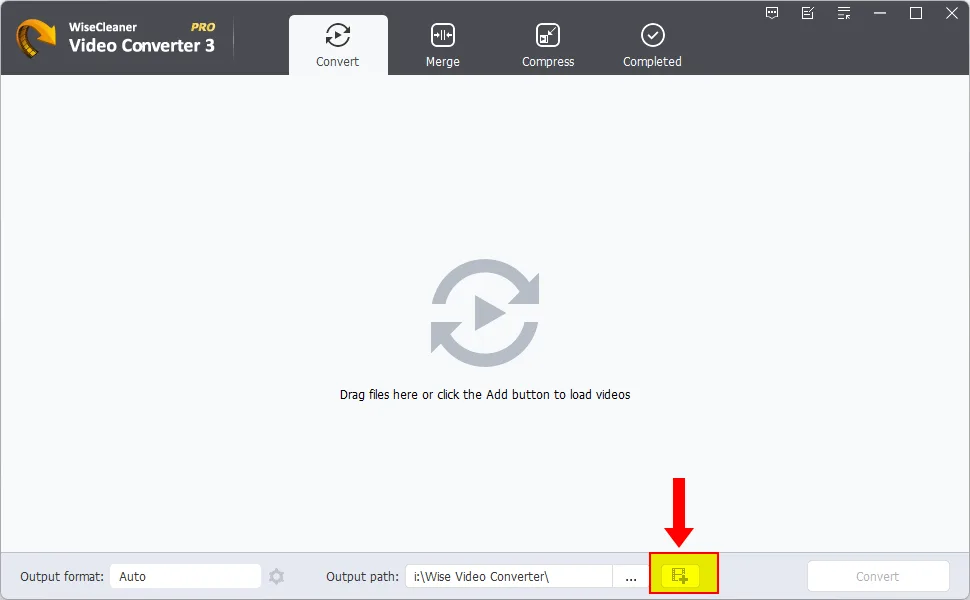
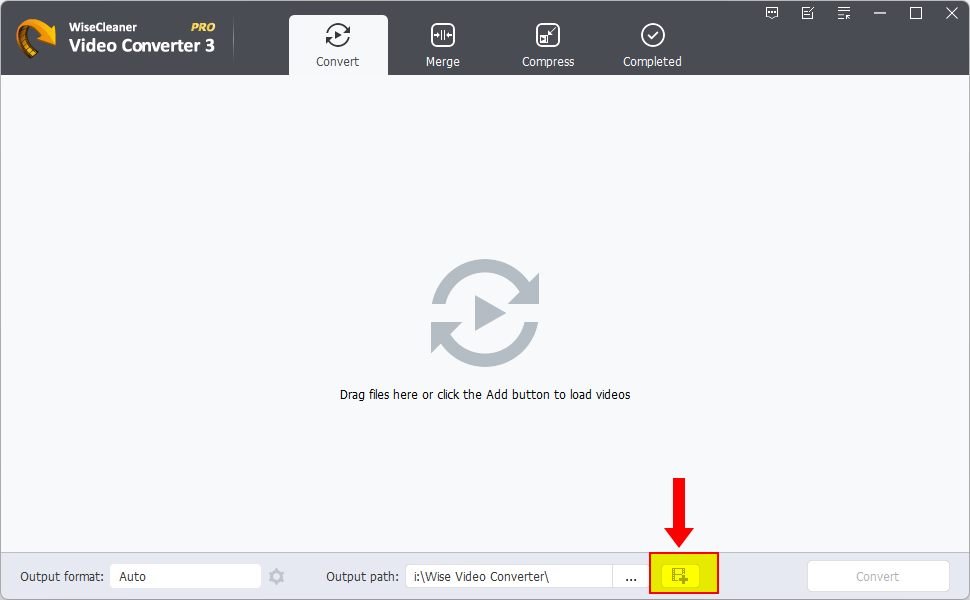
The documented workflow starts with Add or drag-and-drop. Settings expose the output format and video/audio codecs; Execute converts one queued item, while Convert handles multiple items. Finished files appear under Completed, where Open takes you to the output location. These steps come from the publisher guide, not a hands-on installation.
Despite the publisher’s YouTube wording, the guide starts with a video already downloaded to your computer. This entry does not establish that the application downloads videos from a URL. WiseCleaner offers a free download and a paid Pro upgrade; the reviewed current pages do not establish the exact free-versus-Pro feature limits. The screenshot is the publisher’s annotated Pro interface, not proof that every visible feature is included for free.
What it offers
- Convert between video formats, including the publisher’s MOV-to-MP4 and MP4-to-WebM examples.
- Extract MP3 audio from video files.
- Queue multiple videos and choose output format, video codec and audio codec.
- Merge video files or adjust encoding, resolution and bitrate for compression.
- Add image or text watermarks and apply the publisher’s listed effects and filters; current free-tier availability is not established.
Good to know
- Requires 64-bit Windows; the publisher does not list a 32-bit build in its current requirements.
- A paid Pro upgrade is offered, but the reviewed current pages do not specify all free-tier restrictions. The displayed tutorial screenshot shows Pro.
- The documented workflow converts local files; URL-based video downloading is not established by the reviewed guide.
Product images
Sources
References used for this listing. Retrieval dates do not indicate hands-on testing.
More in multimedia & graphics
View category ↗
VideoProc Converter AI
Convert and compress video, upscale footage with AI, and record your screen with VideoProc Converter AI for Windows. The free trial has export limits; full use requires a paid license.

Any Video Converter Free 9.2.5
Convert videos to MP4, extract MP3 audio and process files in batches with Any Video Converter Free for Windows 10 and 11 (64-bit).
Shefware Video Converter Tool 1.0.0.1
Convert videos to MP4, MKV, AVI and other formats, extract audio, or process a batch of files on Windows. The free trial limits saved video to 15 seconds.

LosslessCut 3.70.2
Trim video and audio, merge compatible clips and manage media tracks without re-encoding with LosslessCut, a free, open-source editor for Windows.
Tipard Video Converter Ultimate
Convert video and audio, trim clips and rip DVDs with Tipard Video Converter Ultimate for Windows. Commercial software with a trial download.