
Utilities Windows
Xlight FTP Server
Host an FTP server on Windows with virtual servers, user access controls and transfer logs. The free Personal edition is limited to personal use and five online users.
- Operating system
- Windows 10 and 11; Windows Server 2016, 2019, 2022 and 2025
- Architecture
- x64 (64-bit)
- Download package
- EXE installer
Publisher also lists older Windows versions and separate 32-bit, MSI and portable packages. OS compatibility is publisher-reported, not locally tested.
Link checked · Download guidance
What is Xlight FTP Server?
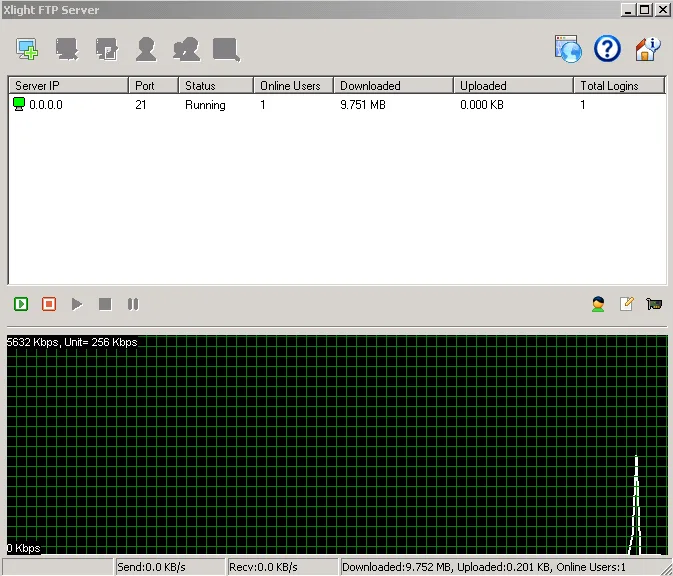
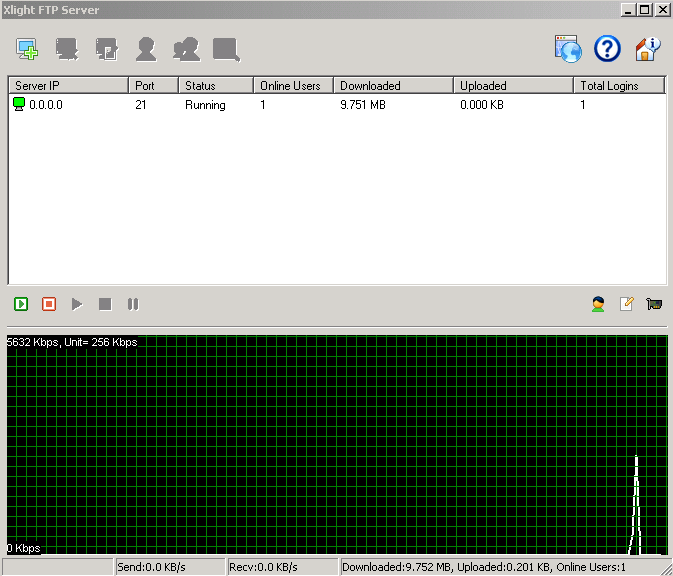
Xlight FTP Server turns a Windows computer into a file-transfer server. Its graphical interface manages virtual servers, user paths and access controls, while transfer logs and bandwidth controls help administer file access. The publisher offers both installers and standalone portable packages; the download linked here is the 64-bit EXE installer.
Choose the edition before relying on secure-transfer or administration features. Personal is free only for personal use, allows five online users and does not include SSL or SFTP. Standard adds SSL and permits 50 online users. Professional adds functions such as remote administration, Active Directory, LDAP and ODBC integration. SFTP is a separately licensed add-on for Standard or Professional, not an included feature of the free edition. The trial runs as Professional for 30 days, after which an unregistered copy becomes Personal.
What it offers
- Create multiple virtual servers with separate ports and hierarchical user, group and public paths.
- Manage file access and bandwidth through server controls.
- Record FTP sessions and transfer logs, including UNIX xferlog format.
- Run as a Windows system service; standalone portable packages are also offered.
Good to know
- Personal is free for personal use only and is limited to five online users; SSL and SFTP are not included.
- Standard permits 50 online users but excludes remote administration, ODBC, LDAP, Active Directory and email notifications.
- SFTP requires an additional license for Standard or Professional. The unregistered Professional trial becomes Personal after 30 days.
Product images
Sources
References used for this listing. Retrieval dates do not indicate hands-on testing.
More in utilities
View category ↗ZOC Terminal 9.04.4
Connect to remote shells, network equipment and legacy hosts with ZOC Terminal, a Windows SSH, Telnet and serial client with tabbed sessions and scripting.
Serva 5.0.0 (Community, build 24072914)
Run a portable Windows PXE server for network boot and OS installation, or use Serva for HTTP, FTP and TFTP file delivery. Community is free for personal, non-commercial use with PXE limits.

FileZilla Client 3.69.3
Move files between your computer and a server using FTP, FTPS or SFTP. This FileZilla Client download is the older 3.69.3 release.
FolderMill 5.6
Automatically print incoming documents or convert them to PDF and images with FolderMill for Windows. Its free evaluation version adds watermarks or print cover pages.
Network Drive Control 1.72
Map different network drives at Windows logon for home, work or school with Network Drive Control, a free utility that selects mappings by connected network.