
Utilities Windows
AnyTXT Searcher
Find words inside PDF, Office, text and e-book files with AnyTXT Searcher, a free full-text desktop search tool. This download is the standard Windows x64 installer.
- Operating system
- Windows; minimum supported version for this build is not established by the publisher catalog
- Architecture
- x64 (x86-64)
- Download package
- EXE installer, standard package
Separate OCR package. The catalog still lists Win32 links, but its February 2025 release notes say 32-bit Windows support was abandoned; this entry selects only x64.
Link checked · Download guidance
What is AnyTXT Searcher?
AnyTXT Searcher searches the contents of documents rather than relying only on their filenames. Its document parser extracts text into a local index, making it useful when you remember a phrase from a PDF, Word document or spreadsheet but not where you saved the file. The publisher lists support for Office documents, plain text, e-books and other document formats, plus search-result snippets and text previews.
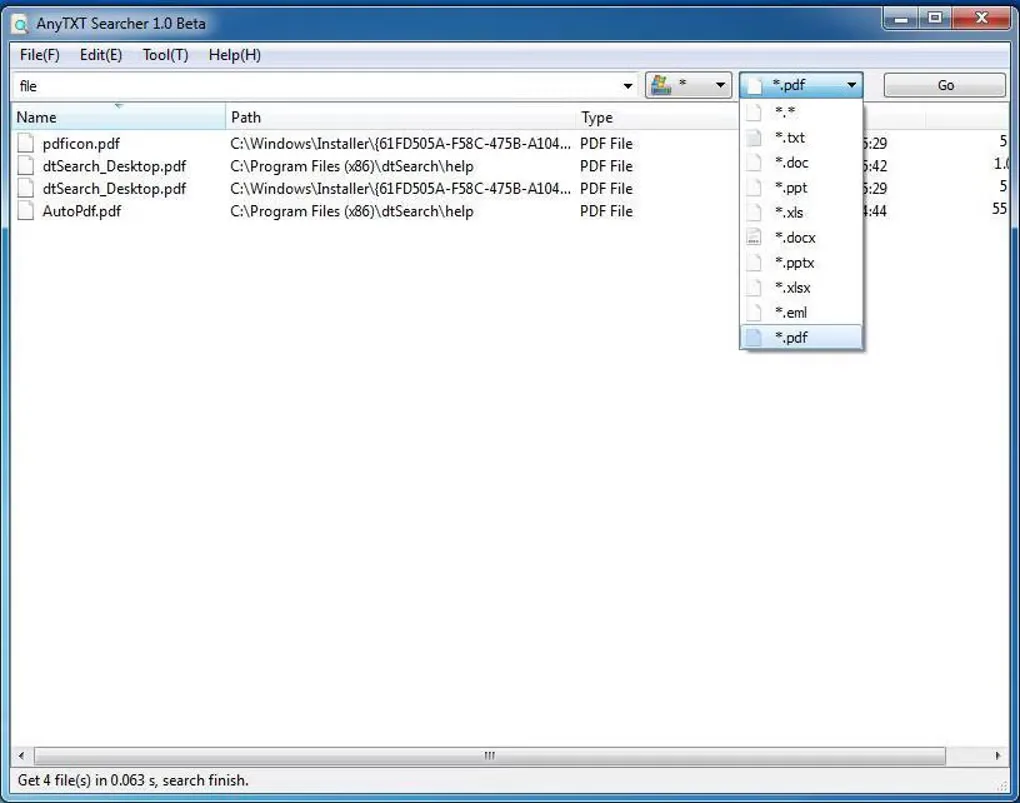
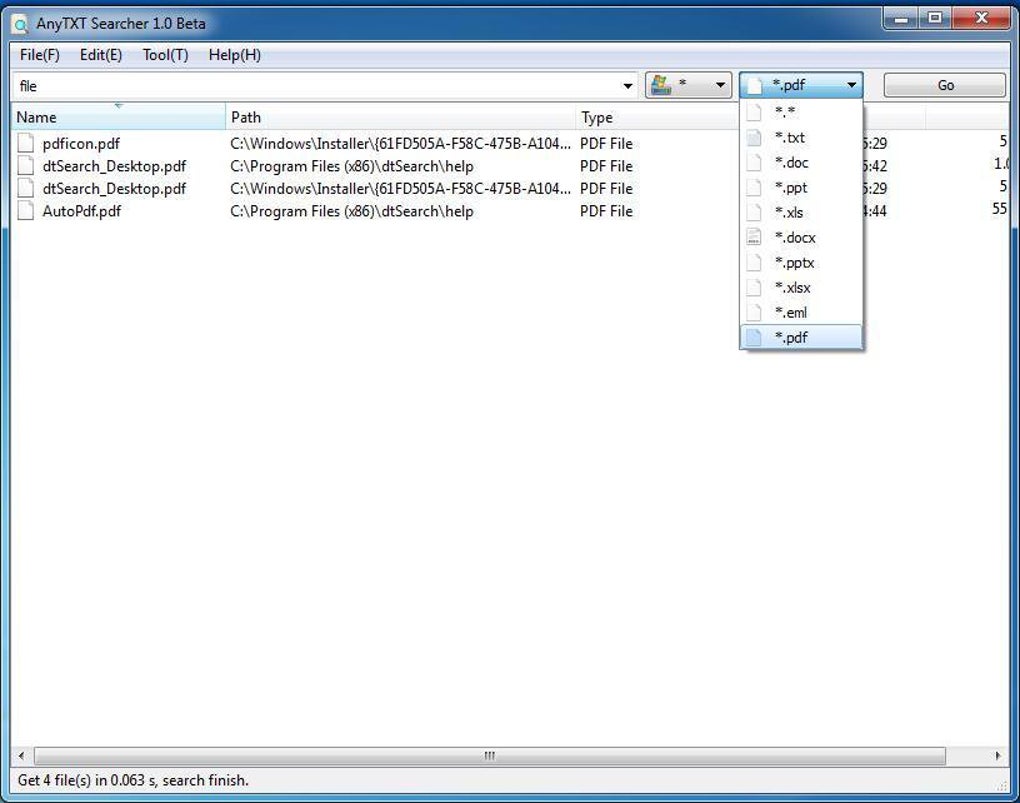
The linked package is the standard Windows x64 installer, version 1.3.3725. The publisher offers a separate OCR installer for image and scanned-document workflows; do not assume the standard package includes that separate OCR distribution. Searching also depends on what has been indexed: the publisher says archive formats must be enabled manually through Options > Index Manager > Index Rules. The screenshot shows an older 1.0 Beta interface, not the current download's appearance.
What it offers
- Search indexed file contents in PDF, Word, Excel, PowerPoint and plain-text documents.
- Index supported e-book and WPS Office formats alongside common office files.
- Narrow results by directory, file type or filename.
- Read text previews and snippets containing the search terms.
- Configure indexing rules, including optional archive-content indexing.
Good to know
- This link selects the standard installer; the publisher lists a separate OCR installer for image and scanned-document searching.
- Archive indexing is not enabled automatically: the publisher instructs users to add archive formats in Index Rules.
- The publisher catalog does not establish an exact minimum Windows version for the selected build, and its Win32 links conflict with a release note ending 32-bit support.
Product images
Sources
References used for this listing. Retrieval dates do not indicate hands-on testing.
More in utilities
View category ↗
Doxillion Document Converter
Convert documents between formats such as DOCX, PDF, ODT and TXT with Doxillion for Windows. Batch conversion handles multiple files; the free home-use edition supports fewer formats.

Kiwix JS Electron 3.9.3
Read Wikipedia and other archived websites offline with Kiwix JS Electron for Windows. Choose ZIM archives for a searchable local reference library.
PDF Explorer 1.5.66.2
Catalog PDF and CHM collections, search document text and metadata, and extract images with PDF Explorer for Windows. The publisher offers a 30-day trial.
FileLocator Pro 2022 (build 3566)
Search inside documents, source code and archives on Windows with FileLocator Pro, with highlighted matches, optional indexes and a 30-day Pro trial.

WinFindr 1.9
Find files, folders and registry data, or search inside PDF and Word documents with WinFindr, a free Windows search tool available as a portable app.