
Utilities Windows
Armbian Imager
Download and flash Armbian OS images to SD cards and USB drives from Windows. Choose a single-board computer, select an image and verify the written media.
- Operating system
- Windows; minimum version not established by the reviewed publisher sources
- Architecture
- x64
- Download package
- EXE installer
Administrator privileges required. Separate Windows ARM64 and MSI packages are listed by the publisher.
Link checked · Download guidance
What is Armbian Imager?
Armbian Imager prepares boot media for single-board computers. Rather than finding an OS image separately and passing it to a generic disk writer, you can choose the manufacturer, board and image inside the application. It downloads, decompresses and writes the image, with checksum validation and post-write verification. You can also select a local image.
The Windows download linked here is the x64 EXE installer for version 2.5.0. A separate ARM64 build is available from the project, and Windows use requires Administrator privileges. The publisher sources reviewed do not specify a minimum Windows version.
Version 2.5.0 adds guided first-boot profiles for settings such as network, user, language and time zone, along with a separate Settings page. Profiles are not compatible with every image: the release notes say older images without metadata_csum or 64bit support can still be flashed but cannot receive a profile. Writing replaces the contents of the selected device, so back up its files and check the target before confirming.
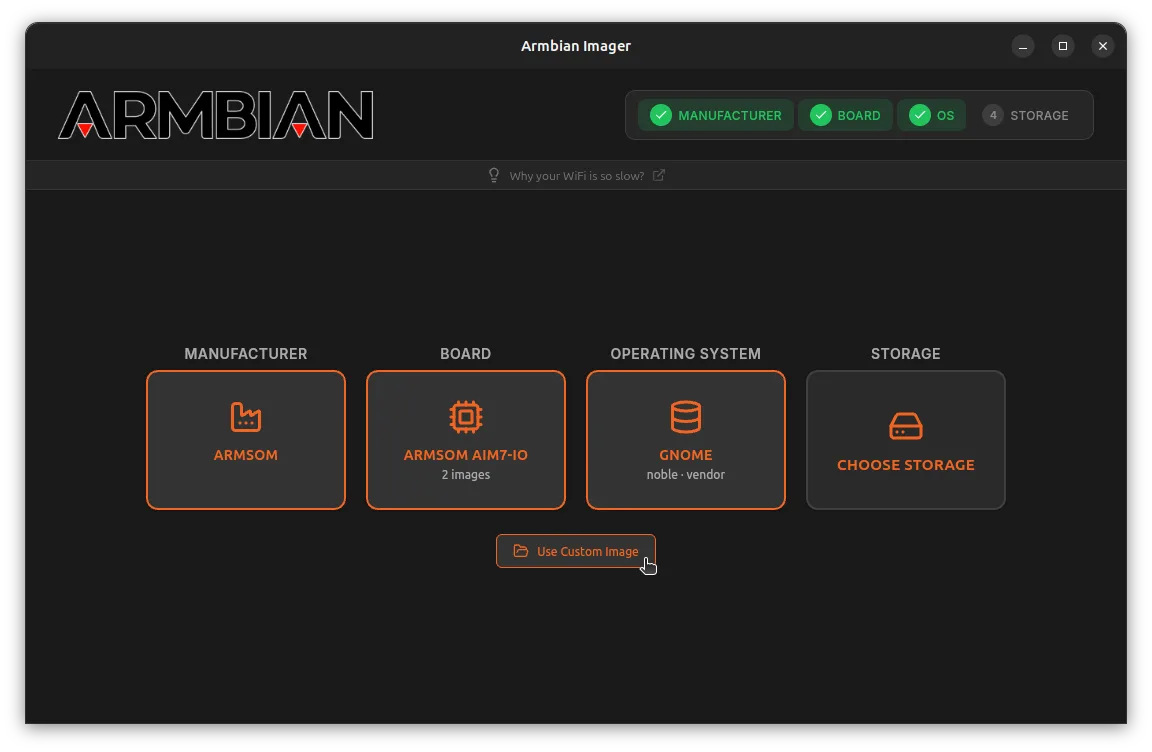
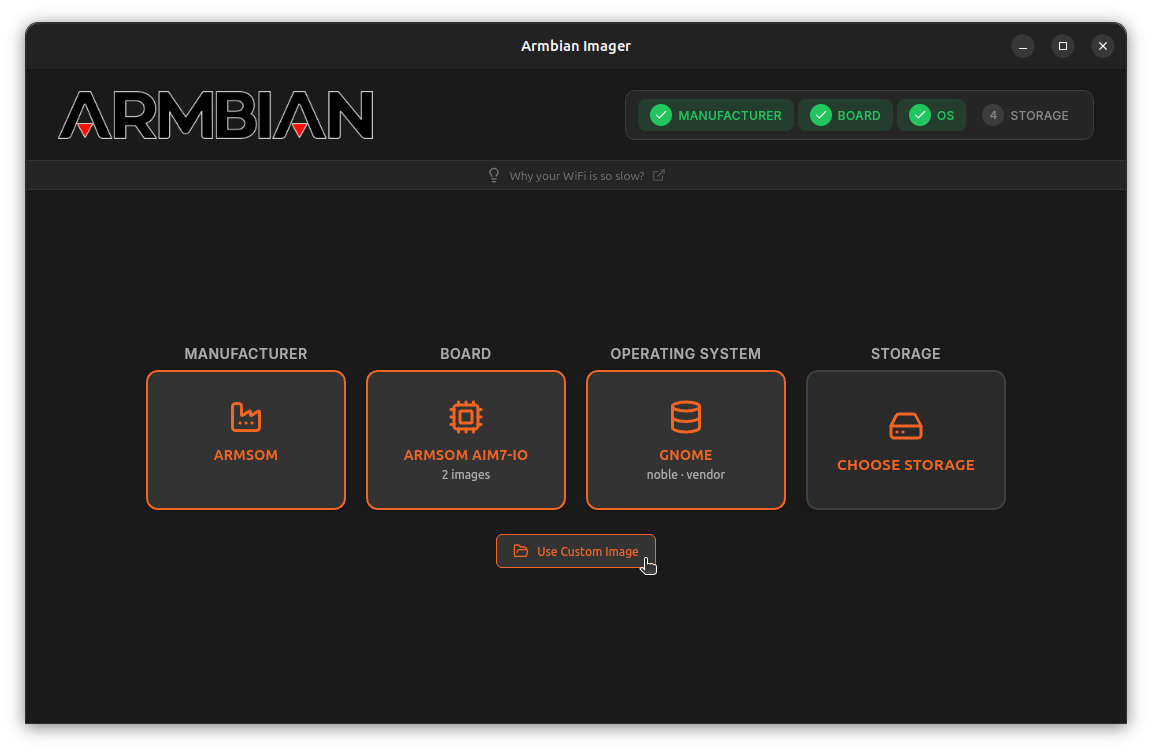
The screenshot is a historical public-preview image published by It's FOSS in December 2025. It illustrates the cross-platform selection workflow, not the current Windows 2.5.0 appearance.
What it offers
- Choose a manufacturer, board and Armbian image through the built-in catalog.
- Download, decompress and write an image with checksum validation and post-write verification.
- Select a local image instead of a catalog download.
- Create guided first-boot profiles for network, user, language and time-zone settings on compatible images.
- Use the separate Settings page for writing, profiles, downloads and application updates.
Good to know
- Flashing overwrites the selected storage device; Windows operation requires Administrator privileges.
- Older images without metadata_csum or 64bit support cannot receive first-boot profiles, although they can still be flashed without one.
- The linked installer is x64, not ARM64. A minimum supported Windows version was not established from the reviewed sources.
- If you used a first-boot profile with a local UFS image on versions 2.0.2–2.0.4, the publisher says to delete or rebuild that image because it may retain passwords and Wi-Fi credentials. Version 2.5 cleans affected cached images, not your local files.
Product images
Sources
References used for this listing. Retrieval dates do not indicate hands-on testing.
- Armbian Imager: Flash Armbian OS to SD & USB Drives ↗Retrieved
- armbian/imager — official README and license ↗Retrieved
- Release Armbian Imager v2.5.0 · armbian/imager ↗Retrieved
- Official release API — Armbian Imager v2.5.0 ↗Retrieved
- The Upcoming Armbian Imager Tool is a Godsend for Non-Raspberry Pi SBC Owners ↗Retrieved
More in utilities
View category ↗
balenaEtcher 2.1.9
Flash operating-system images to SD cards and USB drives with balenaEtcher, a free, open-source image writer for Windows.
GiliSoft USB Lock
Control USB storage access on Windows with separate read and write restrictions, trusted-device lists, and controls for phones and removable media. A commercial trial is available.
Win32 Disk Imager 1.0.0
Write raw disk images to SD cards and USB drives, or read removable media into an image file for backup, with this free, open-source Windows utility.
ImageUSB 1.5.1007
Create USB drive images or write one image to several USB flash drives at once with PassMark's free Windows utility. Writing and zeroing erase target-drive contents.
USBImager 1.0.10
Write raw or compressed disk images to USB drives with USBImager, a free, open-source utility. This Windows download uses the simplified write-only interface.