
Utilities Windows
USBImager
Write raw or compressed disk images to USB drives with USBImager, a free, open-source utility. This Windows download uses the simplified write-only interface.
- Operating system
- Windows; minimum version not specified by the publisher
- Architecture
- i686 (32-bit x86), as identified by the publisher-linked filename
- Download package
- ZIP archive containing a portable executable; simplified write-only GDI build
Selected file: usbimager_1.0.10_wo-i686-win-gdi.zip. No Windows build-level or ARM compatibility claim; the package was not installed or run.
Link checked · Download guidance
What is USBImager?
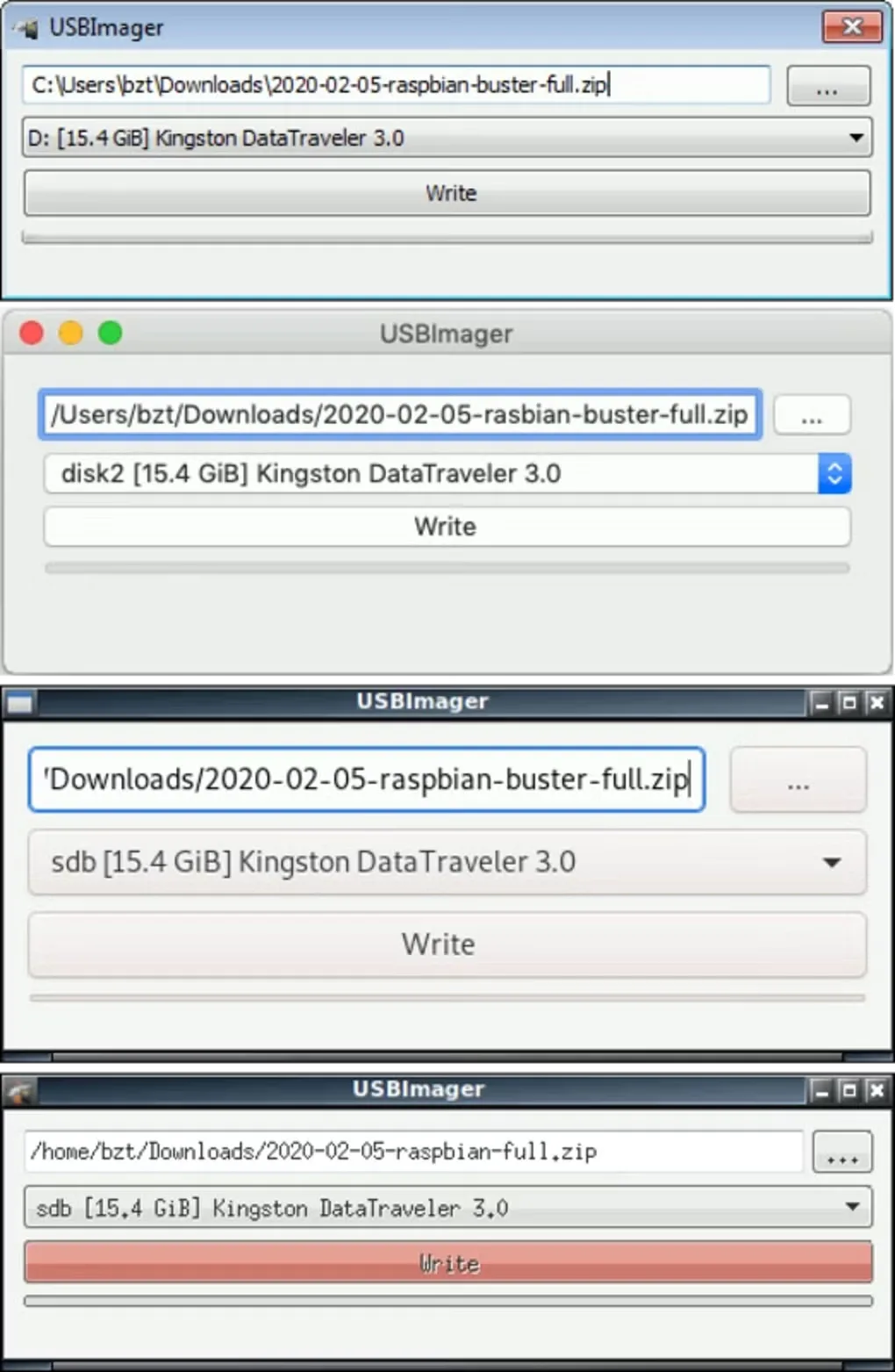
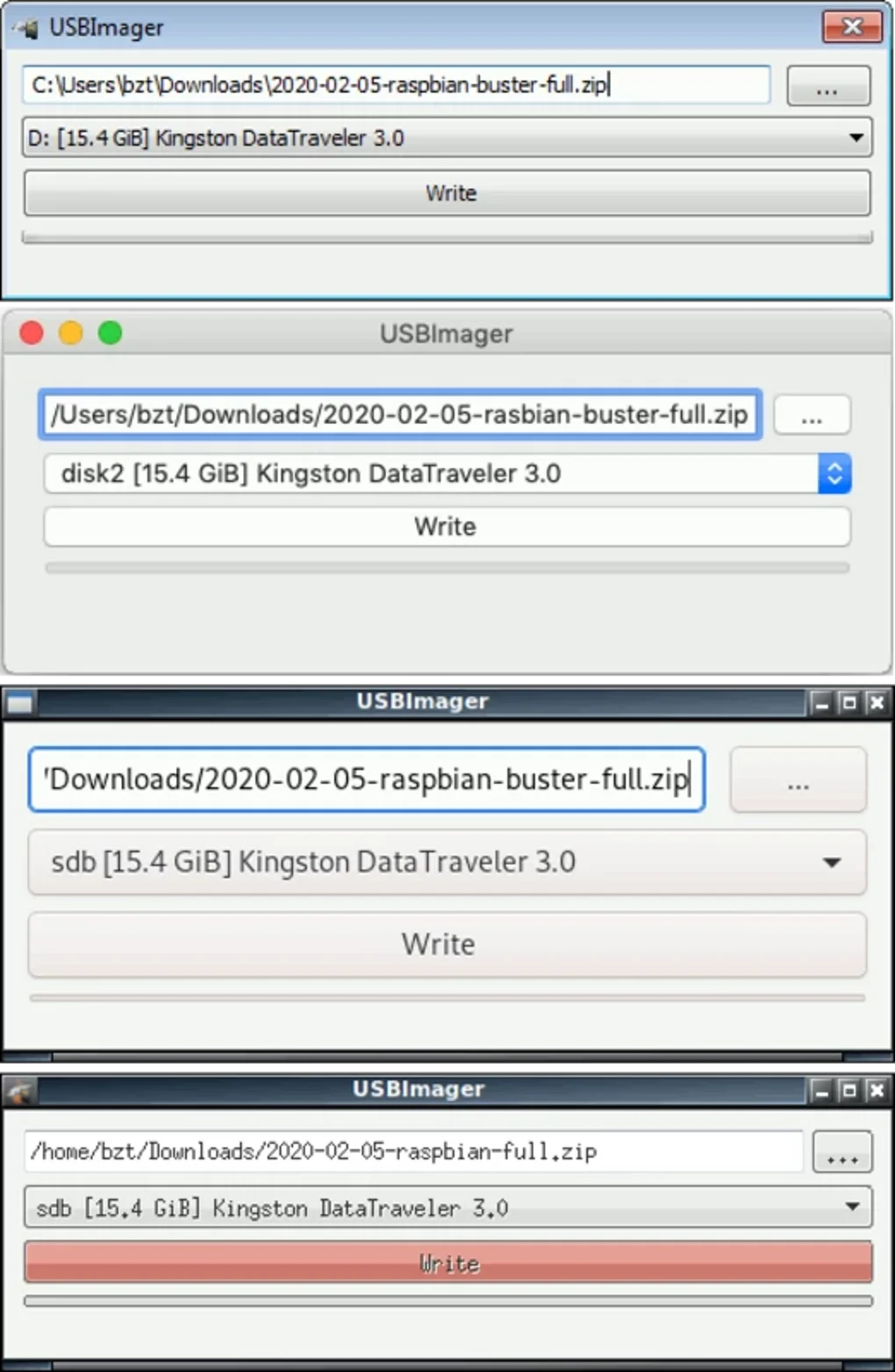
USBImager puts a disk image onto a USB drive through a small graphical interface. Select the source image in the first field, choose the destination device in the second, and use Write to begin. It is useful when you already have an operating-system image and need to transfer that image to removable media, rather than copy its files individually.
The publisher supports raw images such as IMG, ISO, BIN and DD, along with on-the-fly decompression of GZ, BZ2, XZ and ZST images. Supported archives include ZIP and TAR, but only the first file in a multi-file archive is used as input. USBImager also offers a comparison of the written disk against the source image; this is a publisher-documented feature, not a test performed for this listing.
The linked Windows ZIP is version 1.0.10 with the simplified write-only interface. Extract the archive to use its executable; the publisher says the other files provide desktop integration. Do not choose this package for creating backups: backup creation belongs to the standard interface, which is a different build of the same application. Check the target device carefully before writing, since the operation replaces disk contents. The publisher page does not specify a minimum Windows version for this exact package.
What it offers
- Write raw disk images, including IMG, ISO, BIN, RAW and DD, to a selected USB device.
- Read GZ, BZ2, XZ and ZST compressed images on the fly rather than requiring prior extraction.
- Read supported archives such as ZIP, TAR, CPIO and PAX as image input.
- Compare the written disk with the image using the publisher-documented verification feature.
- Run the executable from the extracted ZIP without a separate installer.
Good to know
- This download has the simplified write-only interface; use the standard interface instead if you need to create backups.
- For an archive containing multiple files, only the first file is used as the input image.
- Writing an image replaces destination disk contents; verify the selected device before starting.
- A minimum Windows version for this exact package is not specified on the publisher page; no installation or compatibility test was performed.
Product images
Sources
References used for this listing. Retrieval dates do not indicate hands-on testing.
More in utilities
View category ↗
Win32 Disk Imager 1.0.0
Write raw disk images to SD cards and USB drives, or read removable media into an image file for backup, with this free, open-source Windows utility.
OSFMount 3.3.1000
Mount disk images as Windows drives or create temporary RAM disks with OSFMount, a free 64-bit utility from PassMark Software.
TransMac 15.5
Open Mac-formatted drives and DMG images on Windows with TransMac. Read APFS volumes, copy files to HFS+ storage and manage disk images during a 15-day trial.
OSForensics 11.1 build 1017
Search files and emails, examine recent Windows activity and organize digital evidence with PassMark OSForensics. A limited Free edition and paid editions are available.
Clear Disk Info 4.4.1.0
Read HDD and SSD health information, including S.M.A.R.T. attributes and NVMe warnings, with a portable Windows utility. Automatic monitoring and alerts require a paid license.