
Utilities Windows
OSForensics
Search files and emails, examine recent Windows activity and organize digital evidence with PassMark OSForensics. A limited Free edition and paid editions are available.
- Operating system
- Windows 7, 8, 10 and 11; Windows Server 2012, 2016, 2019 and 2022
- Architecture
- 64-bit support; 32-bit deprecated by publisher
- Download package
- EXE installer
Publisher lists at least 2 GB RAM (16 GB or more recommended) and 500 MB free disk space, or operation from a USB drive. Requirements are publisher statements, not installation-test results.
Link checked · Download guidance
What is OSForensics?
OSForensics is a Windows digital-investigation suite from PassMark Software. It brings file-content searching, deleted-file recovery, activity analysis and case management into one application. It can search a Windows computer or a forensic image, including supported documents, email archives and unallocated clusters.
For examining findings, the suite includes file and registry viewers, a timeline of file and system activity, and MD5, SHA-1 and SHA-256 hash comparison. Case management and report export help collect evidence into an investigation rather than leaving results scattered across individual tools. These are publisher-described capabilities, not results of an installation or recovery test.
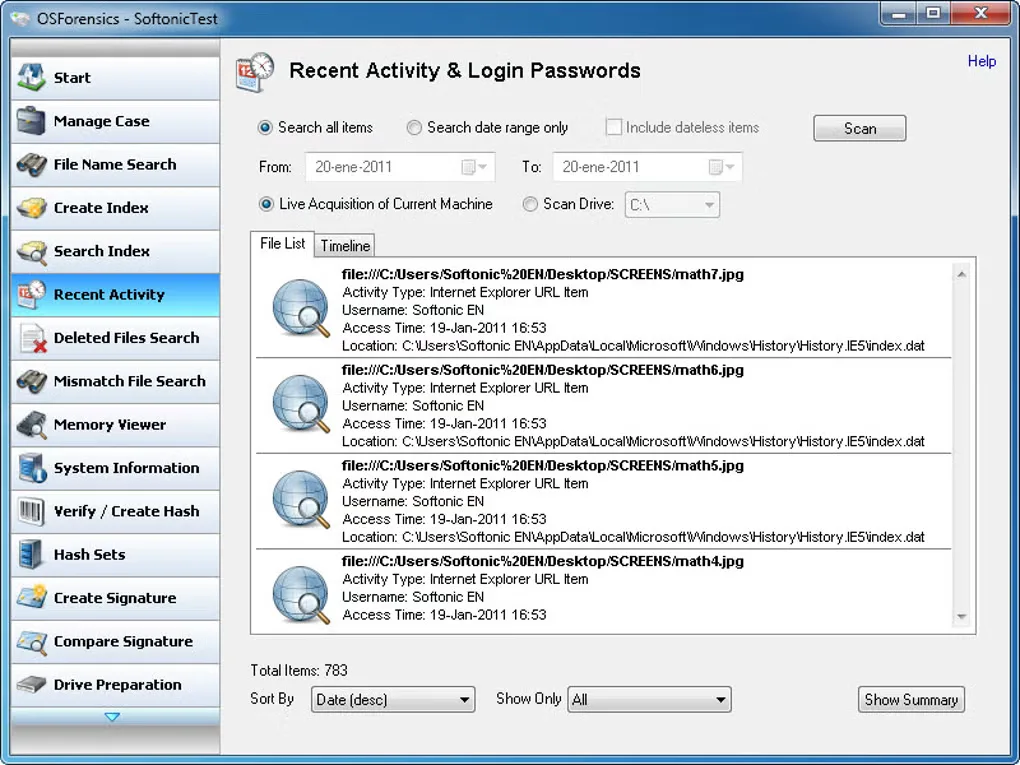
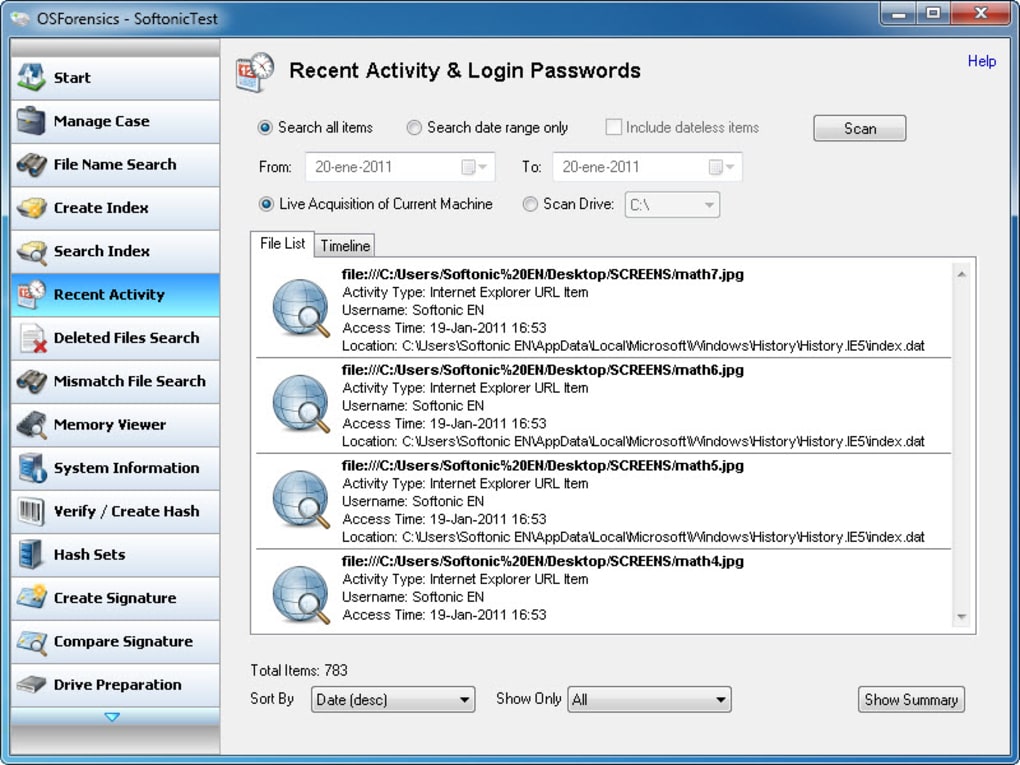
Edition limits matter: the Free edition restricts case management and the number of files that can be indexed and searched. The publisher reserves features such as hash-set import/export and restoring multiple deleted files in one operation for paid editions. The linked Windows EXE is advertised as version 11.1 build 1017; the gallery screenshot shows an older interface, not a verified view of that build.
What it offers
- Search file contents and supported email archives on a Windows computer or forensic image.
- Search for deleted files and examine evidence of recent activity, including websites and connected USB drives.
- Compare MD5, SHA-1 and SHA-256 hashes and identify files whose contents do not match their extensions.
- Inspect file and system activity in a timeline, with file, registry and raw-disk viewers available in the suite.
- Organize evidence into cases and export investigation reports; availability and limits depend on the edition.
Good to know
- The Free edition limits managed cases and indexed/searchable files; paid editions add hash-set import/export, multi-file deleted-file restoration and other capabilities.
- The publisher lists 64-bit support and deprecates 32-bit Windows support; this is a Windows application, not a native macOS or Linux download.
- The retained gallery image depicts a legacy interface. The installer was checked with HEAD only, not downloaded, installed or tested.
Product images
Sources
References used for this listing. Retrieval dates do not indicate hands-on testing.
More in utilities
View category ↗OSFMount 3.3.1000
Mount disk images as Windows drives or create temporary RAM disks with OSFMount, a free 64-bit utility from PassMark Software.
Inventoria 11.06
Track stock across locations, create supplier purchase orders and review inventory reports with Inventoria, NCH Software's Windows inventory manager.

MFCMAPI 26.0.26291.01
Inspect MAPI stores and mailbox properties to investigate Exchange and Outlook issues with MFCMAPI, a free Windows diagnostic tool for experienced users and developers.

DiskCheckup 3.6 (Build 1001)
Monitor SMART drive attributes, view temperatures and run supported drive self-tests with PassMark DiskCheckup for Windows.
Active@ Disk Editor
Inspect and edit raw disk sectors, partitions and files with Active@ Disk Editor, a freeware Windows hex editor with file-system templates.