
Utilities Windows
NetworkMiner
Extract files, images, emails and host details from PCAP captures with NetworkMiner, a free, open-source network forensics tool for Windows.
Version 3.2 · Direct publisher file
Link checked · Download guidance
What is NetworkMiner?
NetworkMiner turns captured network traffic into an inventory of hosts and recovered artifacts. Open a PCAP file to examine communicating devices and extract supported files, images, messages and credentials, or capture live traffic from a network interface. Extracted data stays on the local computer. The free edition suits inspecting what a capture contains without starting from individual packet fields.
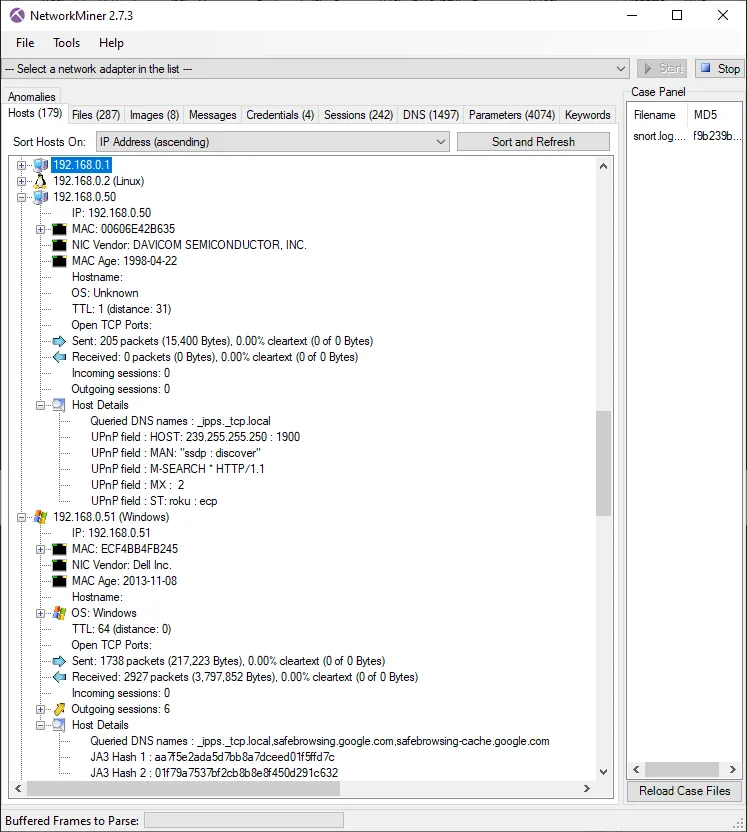
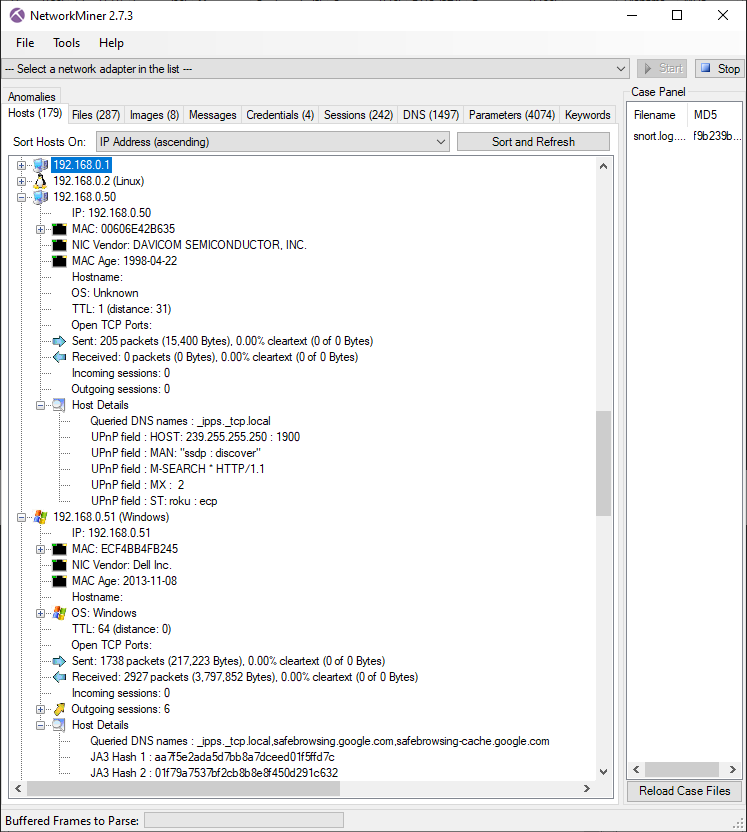
This download is NETRESEC's NetworkMiner 3.2 Free Edition, distributed as a portable ZIP rather than an installer. The publisher identifies Windows as its primary platform and specifies .NET Framework 4.8 or later. The screenshot illustrates the host inventory in version 2.7.3; it is a publisher example, not a capture of version 3.2 or a test performed by SoftGalaxy.
Choose the edition by the capture format and output you need: the publisher reserves PcapNG parsing and structured exports such as CSV, Excel and JSON-LD for NetworkMiner Professional. NetworkMiner does not decrypt TLS traffic, so it cannot extract files carried inside encrypted HTTPS sessions. Opening a capture can also write malicious transferred files to disk; the publisher recommends Linux or Windows Sandbox when analyzing malicious traffic to reduce self-infection risk.
What it offers
- Build a host inventory from captured network traffic for passive asset discovery.
- Parse PCAP and Windows ETL capture files in the free edition.
- Extract supported transferred files, images, emails and credentials to the local computer.
- Capture live traffic from a network interface on Windows.
- Search captured data for user-supplied strings or byte patterns.
Good to know
- PcapNG parsing and structured exports such as CSV, Excel and JSON-LD require the separate Professional edition.
- Does not decrypt TLS sessions; files inside encrypted HTTPS traffic are not extracted.
- Automatically extracts transferred files, which can include malware. Opening an extracted malicious file can infect the analysis computer.
- Requires .NET Framework 4.8 or later; live Windows raw-socket capture also needs administrator access and an inbound firewall rule.
Product images
Sources
References used for this listing. Retrieval dates do not indicate hands-on testing.
More in utilities
View category ↗OSForensics 11.1 build 1017
Search files and emails, examine recent Windows activity and organize digital evidence with PassMark OSForensics. A limited Free edition and paid editions are available.

iLEAPP 2026.4.5
Parse iOS and iPadOS forensic extractions on Windows with iLEAPP, a free, open-source tool that turns device artifacts into reports and timelines.

WifiInfoView 3.00
Inspect nearby Wi-Fi networks, compare signal strength and channels, and export access-point details with NirSoft's portable Windows Wi-Fi scanner.
CommView for WiFi 7.5 Build 977
Capture and inspect wireless packets, access points and channel activity on Windows with CommView for WiFi. A compatible Wi-Fi adapter and its supplied monitoring driver are required.
MyLanViewer Network/IP Scanner 6.7.9
Find computers, IP and MAC addresses, and shared folders on a Windows LAN with MyLanViewer, a paid network scanner with a trial and portable ZIP option.