
Utilities Windows
OverKeys
Keep an alternative keyboard layout visible while you type on Windows. OverKeys provides a customizable overlay for Colemak, Dvorak, Canary and other layouts.
- Operating system
- Windows; Softonic lists Windows 11
- Architecture
- x64
- Download package
- EXE installer
Publisher also offers a portable ZIP. Minimum Windows version/build is not specified in the reviewed installation guide; compatibility was not tested.
Link checked · Download guidance
What is OverKeys?
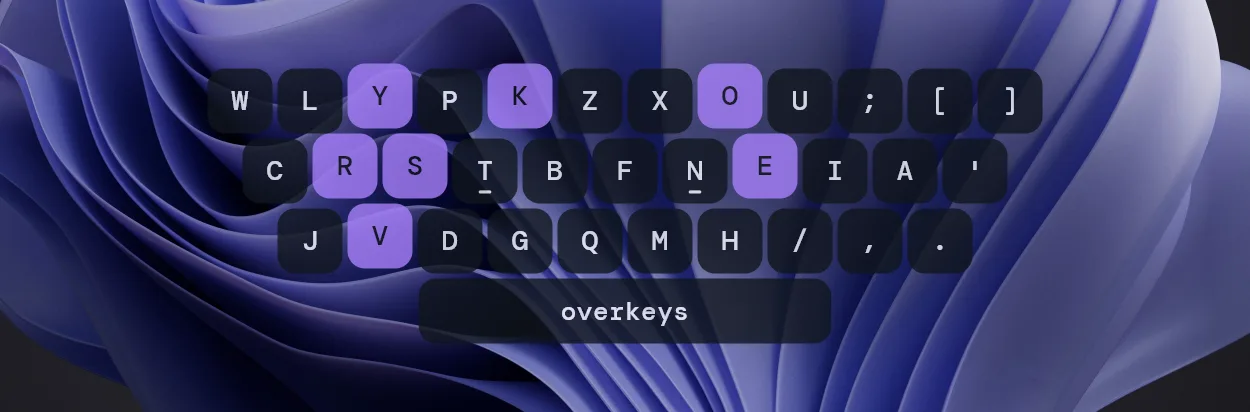
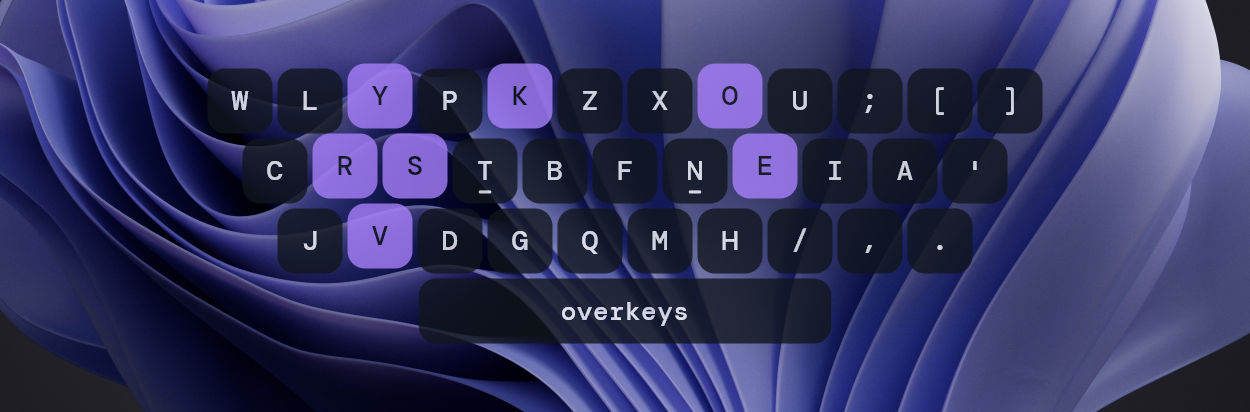
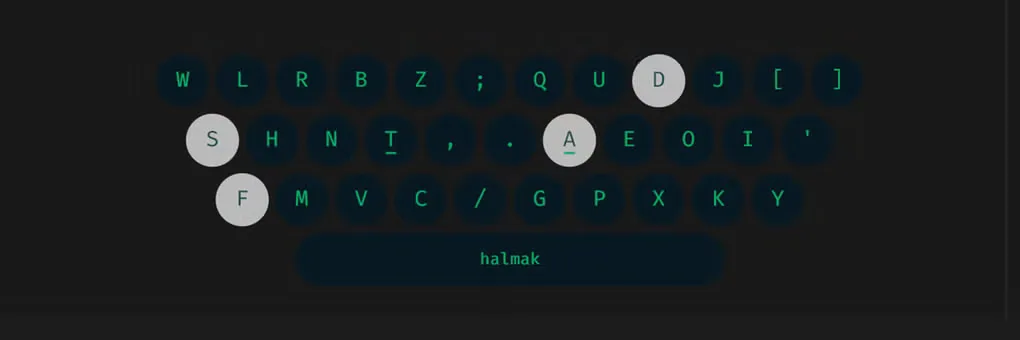
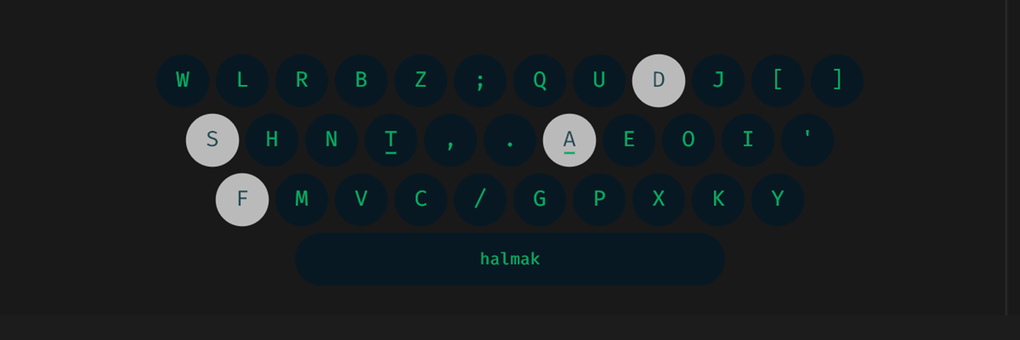
OverKeys displays a keyboard-layout overlay while you work in other Windows applications. It is useful when you are learning an unfamiliar arrangement and want a visual reference outside a dedicated typing page. Built-in choices include Colemak, Dvorak, Canary, Graphite and Halmak, with staggered, matrix and split-matrix display styles.
Open Preferences from the system tray to adjust colors, fonts, key sizes and positioning. Learning mode color-codes keys by finger position, while reactive Shift mapping shows alternate symbols. Auto Hide can remove the overlay after inactivity; a single left-click on the tray icon toggles visibility.
Custom layouts require advanced settings and JSON configuration rather than just selecting a built-in layout. The named theme examples in the publisher gallery were configured manually and are not bundled presets. This entry links to the Windows x64 EXE installer for version 0.3.5; the publisher also offers a portable ZIP. The documentation reviewed does not specify a minimum Windows build.
What it offers
- Display built-in layouts including Colemak, Dvorak, Canary, Graphite and Halmak.
- Choose staggered, matrix or split-matrix keyboard display styles.
- Customize colors, fonts, key sizes and overlay positioning.
- Use finger-position colors in learning mode and alternate symbols with reactive Shift mapping.
- Toggle visibility from the system tray or hide the overlay automatically after inactivity.
Good to know
- Custom layouts require enabling advanced settings and editing a JSON configuration file.
- The named theme examples in the publisher gallery are manually configured, not bundled presets.
- The selected installer is x64; the reviewed publisher installation guide does not specify a minimum Windows build.
Product images
Sources
References used for this listing. Retrieval dates do not indicate hands-on testing.
- OverKeys 0.3.5 — publisher README ↗Retrieved
- OverKeys v0.3.5 release notes ↗Retrieved
- OverKeys v0.3.5 — official release assets ↗Retrieved
- OverKeys 0.3.5 — basic usage ↗Retrieved
- OverKeys 0.3.5 — custom layouts ↗Retrieved
- OverKeys 0.3.5 — installation guide ↗Retrieved
- OverKeys - Download — normal protected browser observation ↗Retrieved
- OverKeys — publisher repository and image samples ↗Retrieved