
Utilities Windows
Picto Selector
Create printable visual schedules with Picto Selector, a free Windows tool for arranging pictograms, adding your own images and exporting sheets as PDFs or images.
- Operating system
- Windows 11, 10, 8, 7 and Vista; Citrix also listed by publisher
- Architecture
- Selected installer architecture not specified
- Download package
- EXE installer
Publisher lists 32/64-bit Windows compatibility, not a separate architecture label for this EXE. No installation or compatibility testing performed.
Link checked · Download guidance
What is Picto Selector?
Picto Selector turns a sequence of activities into a visual schedule made from pictograms. Teachers, parents and carers can build sheets from the included picture library rather than resize and align each image in a word processor. The publisher describes a library of more than 34,000 pictograms, with translations in several languages.
Start with New Sheet and use Show Pictos to choose pictures. Search the library, insert pictograms between existing ones and let the row and column layout determine their size. You can reuse earlier schedules, adjust colors and borders, or add images from your computer. Finished sheets can be printed or exported as a PDF or image file.
On first launch, the application asks where to store its database and prompts you to create a user. The publisher documents local and network use, and a manual update check in the Help menu. The linked Windows EXE is the installer exposed on the official download page; its exact current version and binary architecture were not identified in the inspected sources.
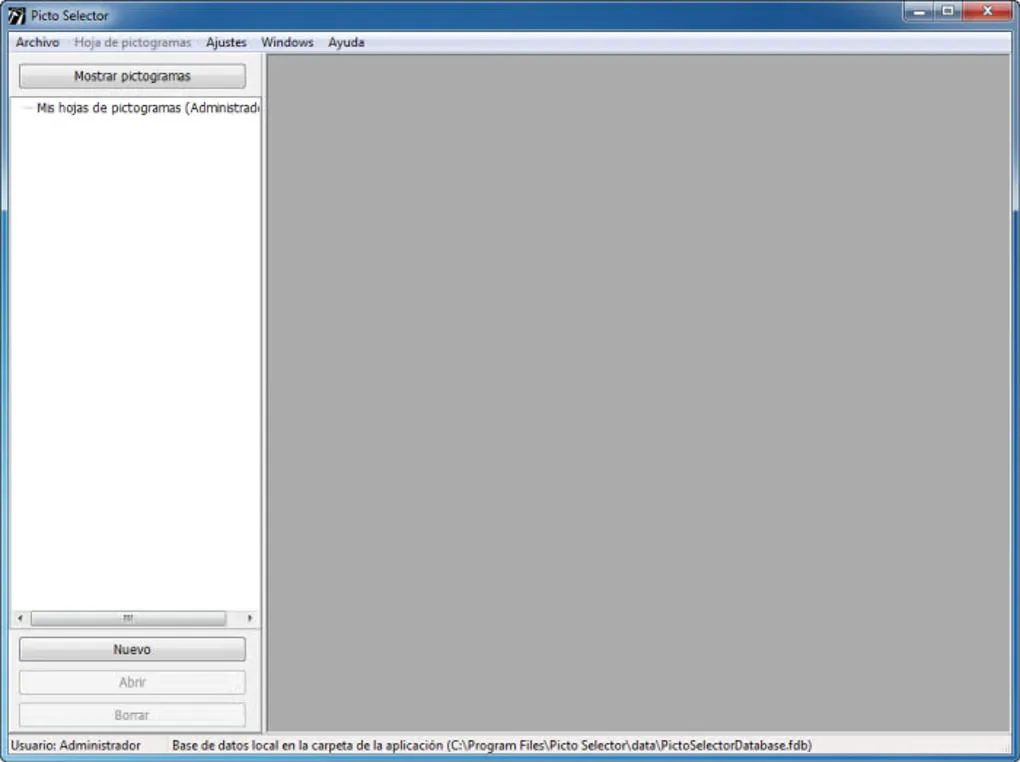
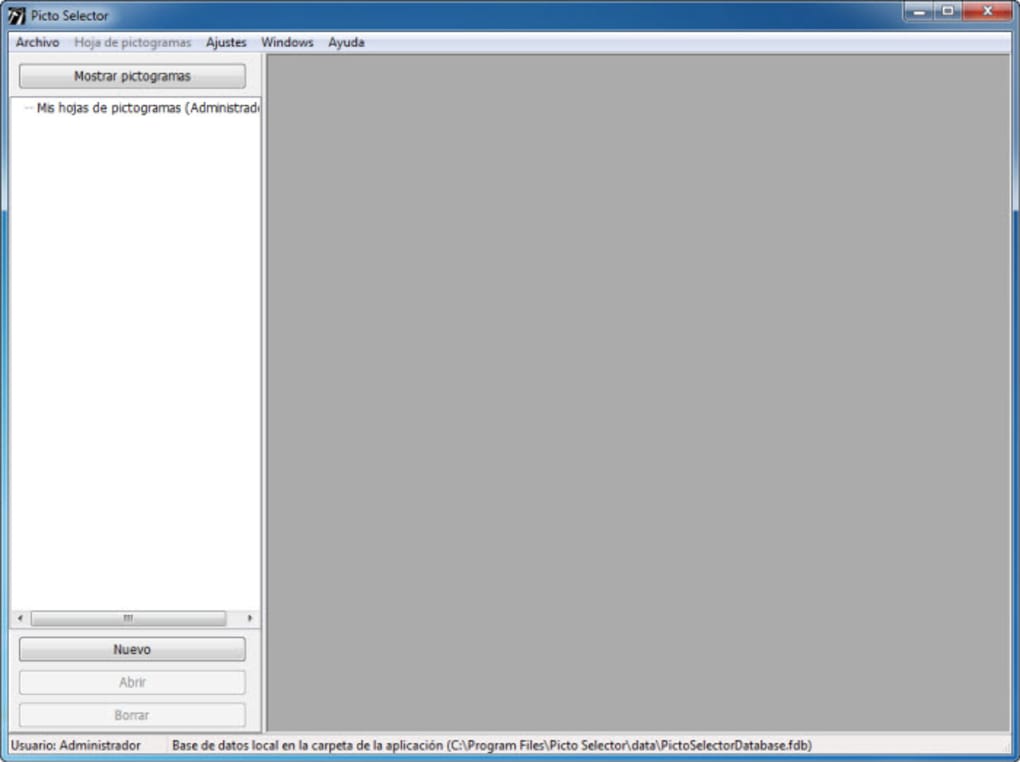
The program is freeware, but that does not make every bundled pictogram unrestricted artwork. Picto Selector says it does not own the pictograms and directs commercial users to contact the relevant image owners, whose websites are listed under Help > About Picto-Selector. The screenshot shows an older Spanish-language Windows interface, not a verified view of the current installer.
What it offers
- Search the included pictogram library and arrange pictures into visual schedules.
- Size pictograms automatically according to the number of rows and columns, and reuse existing schedules.
- Add your own images and customize sheet colors and borders.
- Print finished sheets or export them as PDF or image files.
Good to know
- Commercial use of bundled pictograms requires checking with their respective owners; freeware availability does not grant blanket image reuse rights.
- The inspected publisher pages do not identify the exact version or binary architecture of the selected installer.
Product images
Sources
References used for this listing. Retrieval dates do not indicate hands-on testing.
- Welcome | Picto-Selector ↗Retrieved
- Download | Picto-Selector ↗Retrieved
- Freeware | Picto-Selector ↗Retrieved
- FAQS | Picto-Selector ↗Retrieved
- About | Picto-Selector ↗Retrieved
- Picto Selector - Download ↗Retrieved
More in utilities
View category ↗Print Conductor 12
Batch print PDFs, Word documents and images on Windows with Print Conductor. Arrange a file list, choose a printer and adjust settings for individual documents.
Doxillion Document Converter
Convert documents between formats such as DOCX, PDF, ODT and TXT with Doxillion for Windows. Batch conversion handles multiple files; the free home-use edition supports fewer formats.

Jmol 16.5.7
Explore molecules, crystals and biomolecules in 3D with Jmol, a free, open-source Java viewer for Windows. Measure molecular geometry and display vibrations, surfaces and orbitals.
Money Manager Ex 1.9.4
Organize accounts, plan budgets and track household cash flow with Money Manager Ex, a free, open-source personal finance app for Windows.

Shutdown Timer Classic 1.3.2
Set a countdown to shut down, restart, sleep, hibernate or lock a Windows PC with Shutdown Timer Classic, a free, open-source utility.