
Utilities Windows
pstoedit
Convert PostScript drawings into editable vector formats with pstoedit for Windows, using a graphical interface or command-line tools and a separate Ghostscript installation.
- Operating system
- Windows; Softpedia lists Windows 11, 10, 8 and 7
- Architecture
- x64 (selected publisher installer)
- Download package
- EXE installer with graphical interface
OS versions are catalog listings, not installation tests. Ghostscript is a separate runtime dependency; the publisher also notes that Visual Studio 2019 redistributable runtime files may be needed.
Link checked · Download guidance
What is pstoedit?
pstoedit translates PostScript graphics into vector formats that drawing and CAD applications can import or edit. It is aimed at preserving drawing objects rather than simply exporting a page as a bitmap. Supported output drivers include DXF, SVG, WMF and EMF, although capabilities differ between drivers. Line drawings and text using standard fonts are the publisher’s recommended kinds of input.
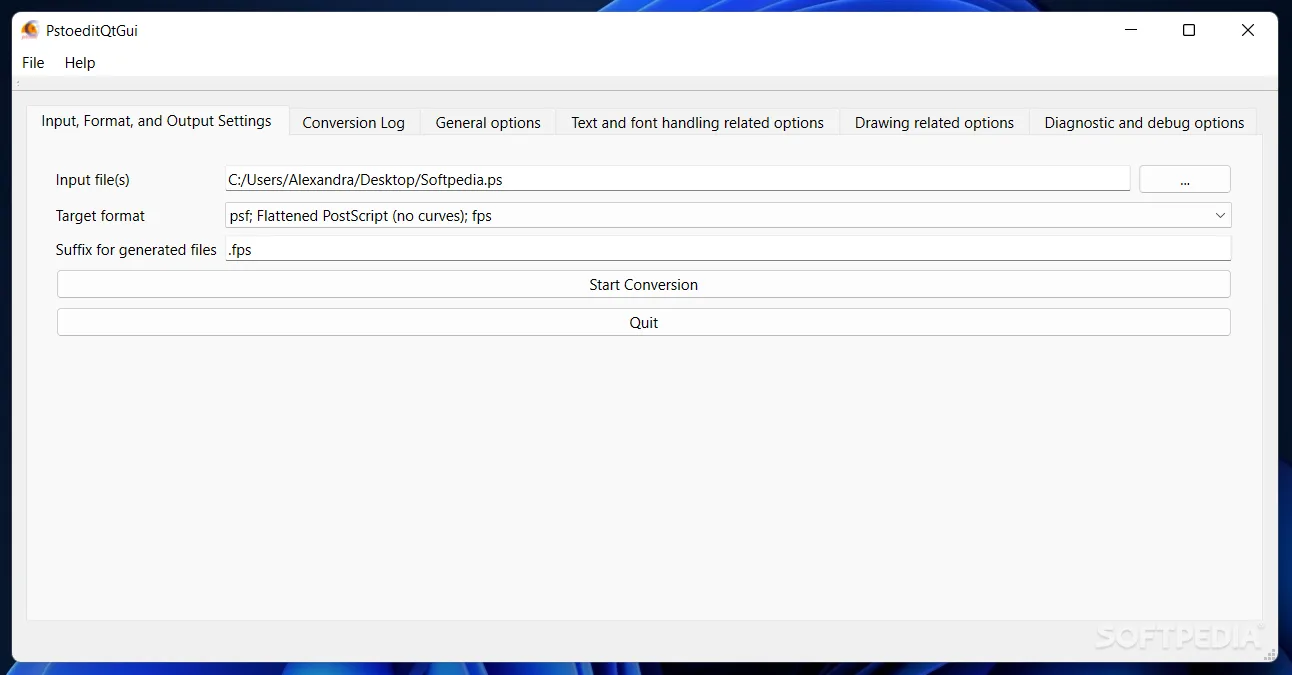
The Windows package includes PstoeditQtGui as an alternative to command-line operation. Choose input files and a target format, then adjust conversion options in tabs for general settings, text and fonts, drawing behavior, or diagnostics. The publisher documents converting multiple files in one job. The interface also links individual options to the manual.
Ghostscript must be installed separately for normal conversion. PDF input needs particular care: Ghostscript 9.56 and later changed the PDF interpreter, so the publisher instructs users to convert PDF to PostScript first before converting it to another vector format. This is not a general-purpose solution for turning scanned pages into editable drawings. Bitmap images, fill patterns and clipping are not supported equally by every output driver.
What it offers
- Export PostScript graphics through vector-format drivers including DXF, SVG, WMF and EMF.
- Use PstoeditQtGui for file selection, output settings and tabbed conversion options.
- Convert multiple input files in one GUI job.
- Control scaling, rotation, text and font handling through documented options.
- Use command-line operation when a graphical workflow is not needed.
Good to know
- A separate working Ghostscript installation is required for normal conversion.
- With Ghostscript 9.56 or later, convert PDF input to PostScript first; direct PDF conversion no longer uses the required interception mechanism.
- Bitmap images, general fill patterns and clipping have backend-specific limitations; output fidelity depends on the selected driver.
Product images

Sources
References used for this listing. Retrieval dates do not indicate hands-on testing.
- pstoedit — publisher repository and README ↗Retrieved
- Pstoedit v4.3 — publisher release ↗Retrieved
- Pstoedit v4.3 — source-linked official release assets ↗Retrieved
- PSTOEDIT 4.3 — publisher manual (redirected to calvina.de) ↗Retrieved
- pstoedit — official project homepage (redirected to calvina.de) ↗Retrieved
- PStoEdit - Download - Softpedia ↗Retrieved