
Utilities Windows
Remove Empty Directories
Find empty folders below a chosen directory, review the results and delete selected folders with Remove Empty Directories (RED), a free Windows utility.
Version 2.2 · Direct publisher file
Link checked · Download guidance
What is Remove Empty Directories?
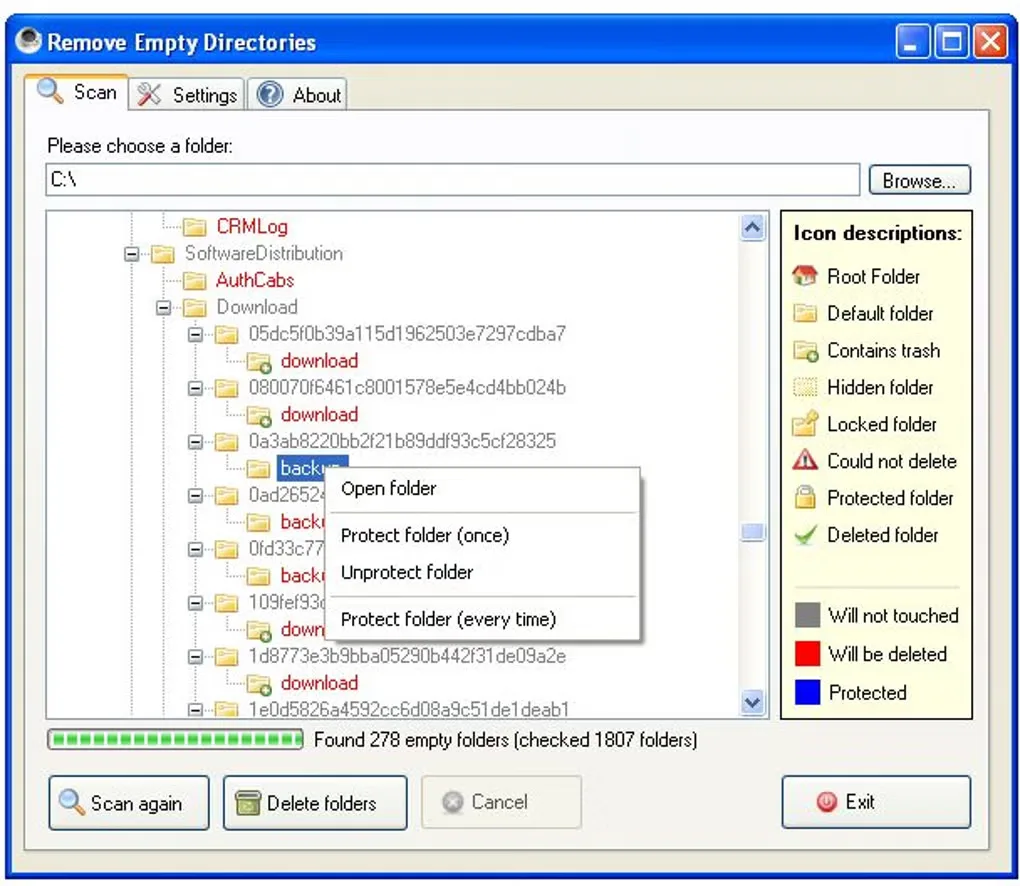
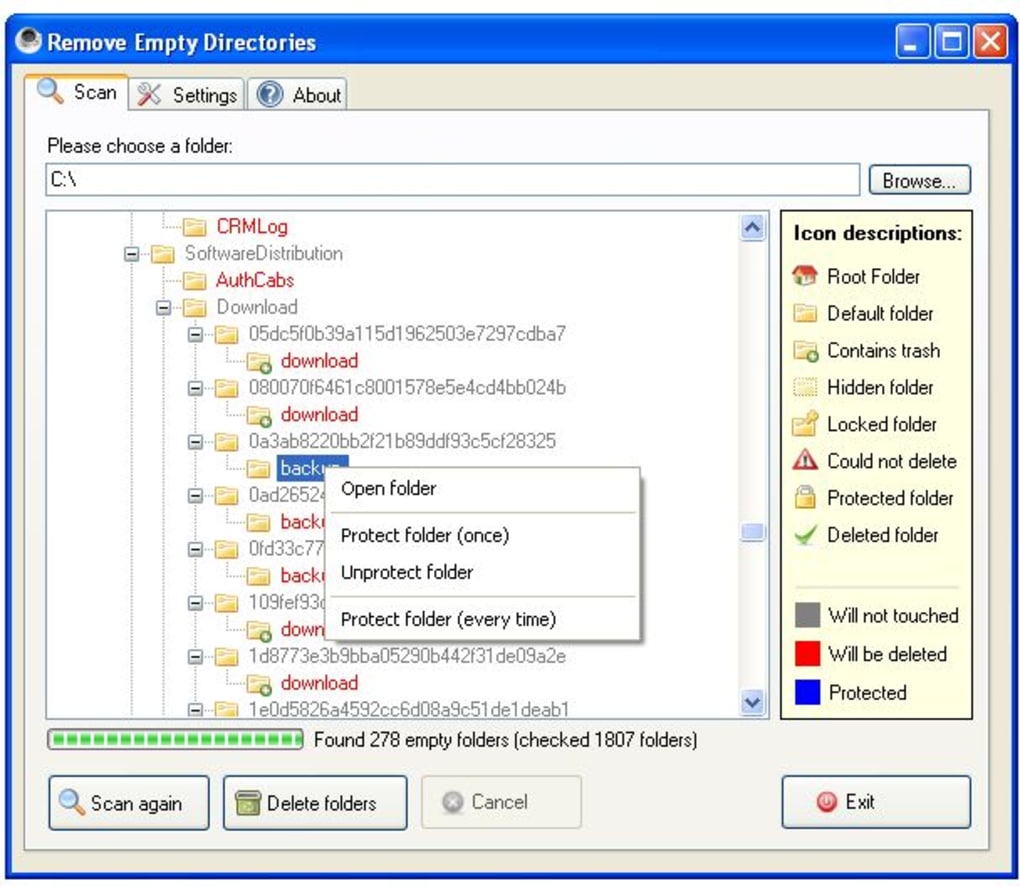
Remove Empty Directories, also called RED, searches recursively below a folder you choose and displays the empty directories it finds before deletion. It is useful for reviewing a cluttered folder tree without opening each branch manually. This entry links to the normal Windows installer for version 2.2, which the author labels the stable release, rather than the separate 2.3-beta.0 package.
Review the scan results before using Delete folders. Filter lists let you keep particular directories, and RED can optionally treat folders containing empty files as empty. That setting changes what qualifies for deletion, so it needs the same attention as the folder list. Multiple deletion modes include moving folders to the Recycle Bin. The normal 2.2 edition runs without administrator rights, but the publisher warns that it cannot clean some system directories.
Requirements differ between the older download page and the current project README: the author page lists Windows XP, Vista or 7 with .NET Framework 3.5 or later; the current README lists Windows 7 or 10 with .NET Framework 4.6.2 or later and says 2.2 should still work on XP or Vista. These are publisher statements, not a compatibility test. Windows 11 support for this selected 2.2 installer is not established by those official sources.
What it offers
- Scan subfolders recursively from a selected starting folder.
- Preview empty directories before deleting them.
- Keep or exclude directories with configurable filter lists.
- Optionally treat directories containing empty files as empty.
- Choose from multiple deletion modes, including the Recycle Bin.
Good to know
- The normal version 2.2 edition cannot clean some system directories without administrator rights.
- Enabling the empty-file rule broadens deletion beyond folders that contain no files; review the results before deleting.
- Official requirements differ between the older author page and current README; Windows 11 compatibility for this selected installer has not been verified.
Product images
Sources
References used for this listing. Retrieval dates do not indicate hands-on testing.
More in utilities
View category ↗
Czkawka 12.0
Find duplicate files, empty folders and similar media with Czkawka, a free Windows file-cleanup utility. This is the discontinued GTK interface, whose final release is 12.0.
ConvertAll 1.0.3
Convert simple and compound units on Windows with ConvertAll, a free, open-source converter with searchable units, two-way calculations and number-base tools.
Direct Folders
Jump to favorite and recent folders from Windows Open/Save dialogs with Direct Folders, a folder-navigation utility from Code Sector.
WinLaunch
Organize Windows apps, files, folders and links in a Launchpad-style grid with WinLaunch, a free, open-source application launcher.
Wise Duplicate Finder 2.1.9
Find duplicate documents, photos and videos on Windows with Wise Duplicate Finder. Review matching files before deletion; automatic Keep One selection requires Pro.