
Utilities Windows
ResophNotes
Write and organize plain-text notes on Windows with tags, keyboard shortcuts and Markdown preview. ResophNotes is free, but its developer warns that Simplenote synchronization may stop working.
- Operating system
- Windows 10 or later
- Architecture
- 64-bit
- Download package
- Desktop ZIP archive
Publisher lists a separate Portable 64-bit ZIP. Archive contents and installation behavior were not inspected; no software was run.
Link checked · Download guidance
What is ResophNotes?
ResophNotes is a Windows note-taking application for short text notes you want to search, tag and revisit. It combines keyboard-driven editing with pinned notes, internal links and a Markdown preview. An optional storage mode keeps a separate .txt file for each note, and existing .txt files can be imported.
For everyday capture, the publisher lists Ctrl N for a new note and Ctrl F or Ctrl L for search. F11 switches to Single Note Mode when you want to work with one note. Version 1.8.1 also adds a dark mode, enabled by launching resophnotes.exe with the black argument. These are documented features, not results of an installation or hands-on software test.
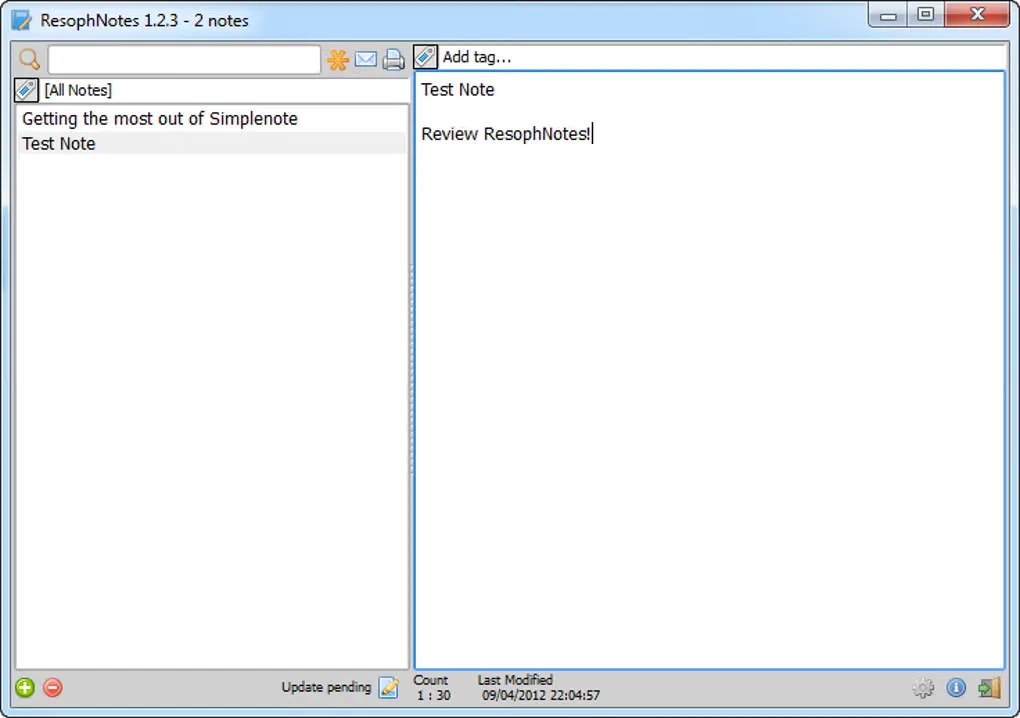
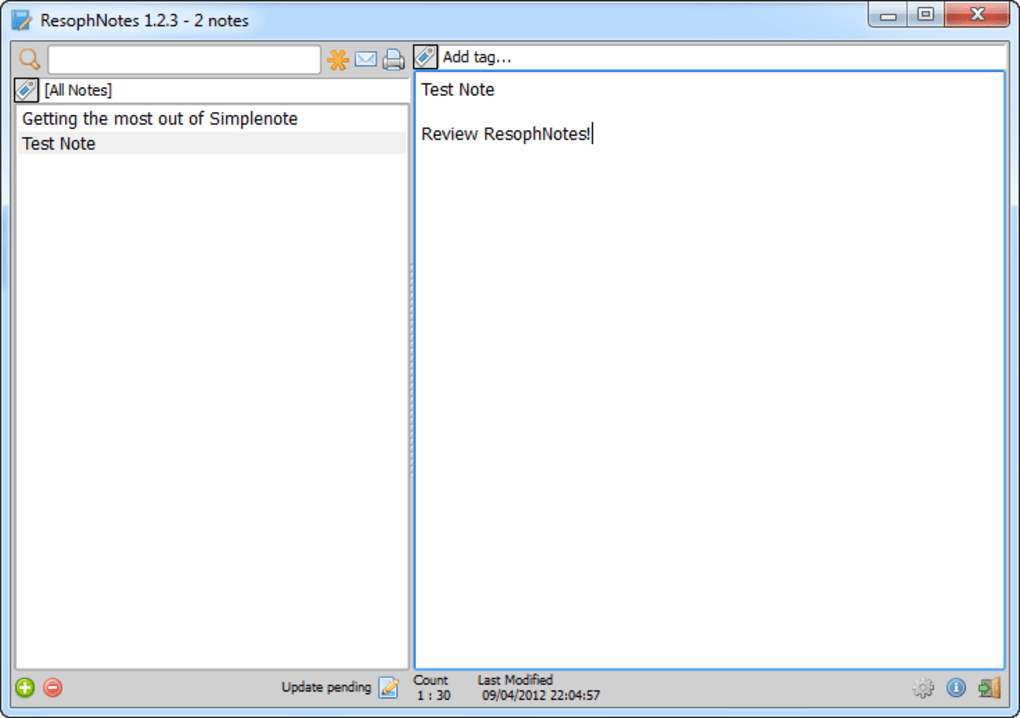
The linked download is the publisher’s Desktop 64-bit 1.8.1 ZIP for Windows 10 or later; a separate portable package is available on the official site. Simplenote integration should not be the deciding reason to choose this app: the developer explicitly warns that third-party synchronization may lose support. The screenshot illustrates the older 1.2.3 interface and is not a capture of the current build.
What it offers
- Create, search and organize text notes with tags and pinning.
- Preview Markdown and connect notes with internal links.
- Use global hotkeys, keyboard navigation and F11 Single Note Mode.
- Import .txt files and optionally store one plain-text file per note.
- Enable the documented 1.8.1 dark mode with resophnotes.exe black.
Good to know
- The developer warns that Simplenote may stop supporting third-party synchronization; ongoing sync is not guaranteed.
- The selected Desktop 64-bit build requires Windows 10 or later; the older Vista listing on Softonic does not describe this package.
Product images
Sources
References used for this listing. Retrieval dates do not indicate hands-on testing.
- ResophNotes - Quick Notes on Windows ↗Retrieved
- ResophNotes - Terms of Use ↗Retrieved
- ResophNotes - Download ↗Retrieved
More in utilities
View category ↗
QOwnNotes 26.10.13
Write and organize plain-text Markdown notes with QOwnNotes for Windows, a free, open-source editor with preview, tags and optional Nextcloud or ownCloud integration.
Perpetual Notes 5.00
Write and search rich-text notes with Perpetual Notes, a free Windows app that keeps notes in RTF files and lets you choose your own cloud service for syncing.
Tp-Note 1.27.3
Turn clipboard text into local Markdown notes with Tp-Note for Windows. Use templates, synchronized filenames and a browser preview alongside your text editor.
RedNotebook 2.43
Keep a desktop journal with formatted entries, hashtags, pictures and reusable templates. RedNotebook is free, open-source software with a Windows installer.
FromScratch 1.4.3
Keep quick notes and to-do lists in an autosaving scratchpad. FromScratch for Windows adds checkboxes, folding and keyboard shortcuts to a plain-text workspace.