
Utilities Windows
SoftPerfect WiFi Guard
See devices on your Wi-Fi network and receive alerts for unfamiliar connections. SoftPerfect WiFi Guard offers an unlimited-duration trial that displays up to 20 devices.
- Operating system
- Windows 7–11; Windows Server 2008 R2–2025 (publisher-listed)
- Architecture
- Publisher lists Intel, AMD and ARM64; selected installer architecture not independently inspected
- Download package
- EXE installer; separate portable ZIP available from publisher
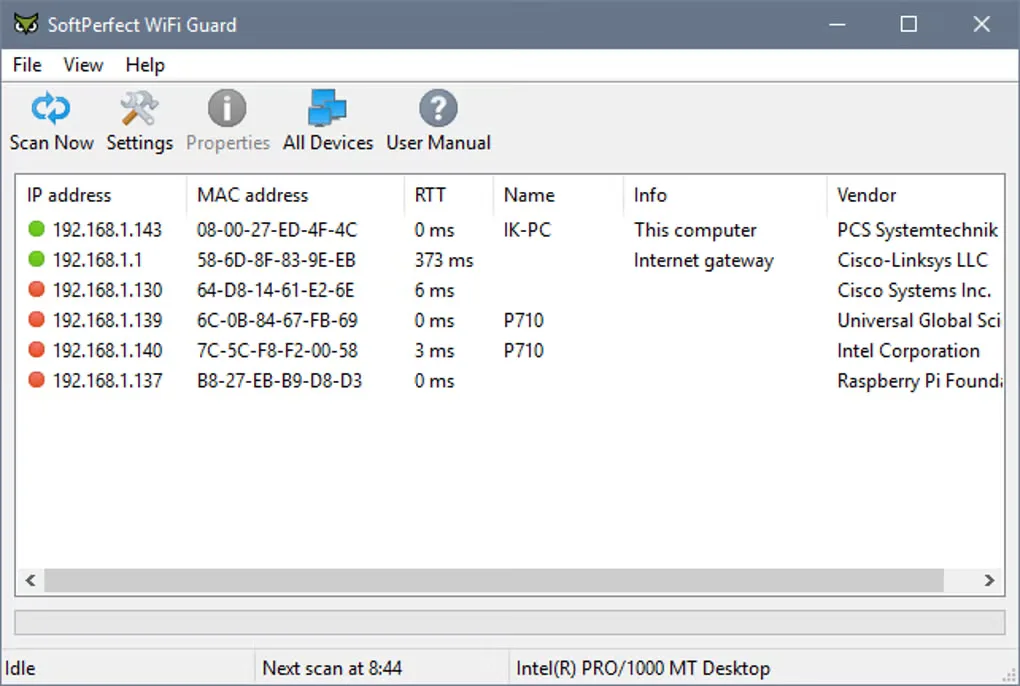
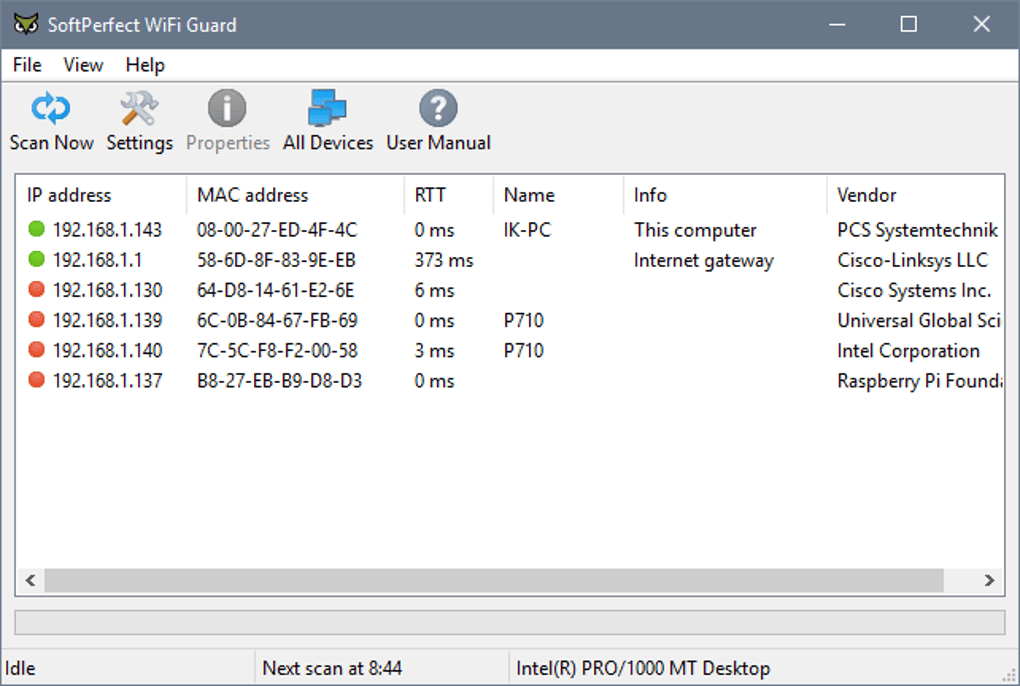
Compatibility is publisher-stated, not installation-tested. The gallery screenshot illustrates an earlier interface and is not presented as a capture of version 26.10.
Link checked · Download guidance
What is SoftPerfect WiFi Guard?
SoftPerfect WiFi Guard monitors a small home or office network for connected devices. Run a scan to see IP and MAC addresses, device names, response times and hardware vendors, then identify the equipment you recognise. Scheduled rescans help you notice unfamiliar connections without repeatedly checking the list yourself.
The useful first step is choosing the correct network adapter. Scan Now builds the device list; open a device's Properties to mark it as recognised and add a descriptive comment. An unknown red entry is a device you have not identified, not proof of an intruder. Phones using private network addresses can also appear as new devices.
Treat the application as a monitoring tool, not a way to remove someone from your network. The publisher recommends changing the router's Wi-Fi password when a device cannot be identified. The current version is commercial software: its free trial has no time limit but displays a maximum of 20 devices. The download here is the publisher's Windows EXE installer, not the separate portable ZIP.
What it offers
- List detected devices with IP and MAC addresses, names, ping times and hardware vendors.
- Scan manually or repeat scans at a configurable interval.
- Receive alerts when an unrecognised device is detected.
- Mark recognised equipment as known and add comments to identify it later.
- Detect firewalled computers that do not respond to ping, according to the publisher.
Good to know
- The unlimited-duration free trial displays at most 20 devices; unrestricted use requires a paid licence.
- An unknown device is not necessarily an intruder: legitimate equipment starts unrecognised, and private MAC addresses can make a familiar phone appear new.
- Monitoring and alerts do not remove an unwanted connection. The publisher's documented response is to change the Wi-Fi password on the router.
Product images
Sources
References used for this listing. Retrieval dates do not indicate hands-on testing.