
Utilities Windows
Sphinx (Esfinge)
Encrypt text and files, generate passwords and keep credentials in a local encrypted vault with Esfinge, listed as Sphinx for Windows on Softonic.
Version 2.58.7 · Direct publisher file
Link checked · Download guidance
What is Sphinx (Esfinge)?
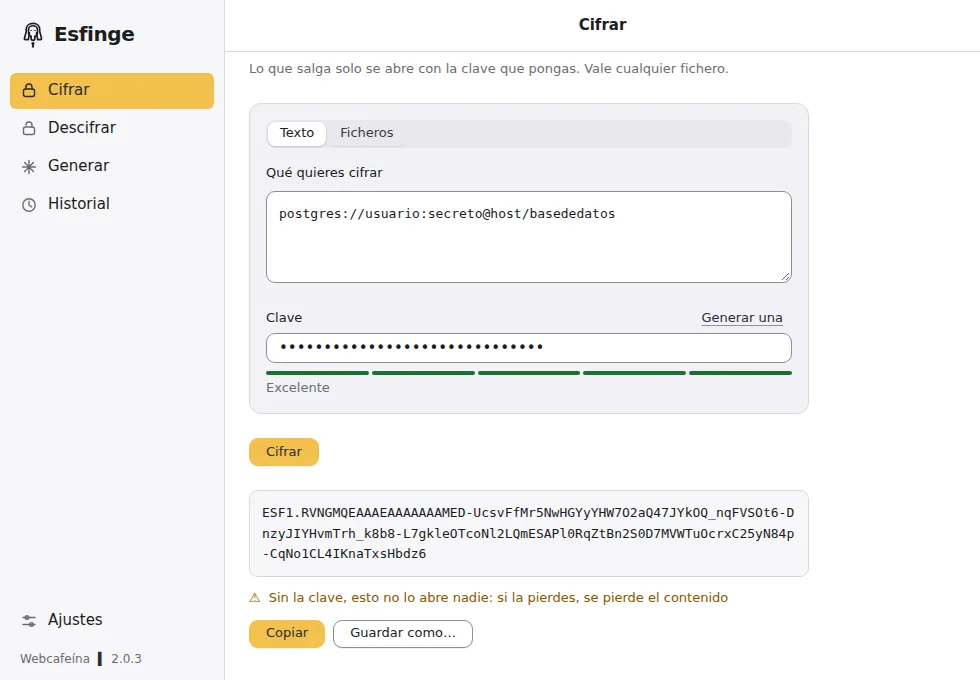
Esfinge is Webcafeína's desktop encryption and password-management application, listed as Sphinx on Softonic. It can turn a password, token or connection string into an encrypted ESF1 text line, or encrypt files dragged into its window without changing the originals. The publisher describes XChaCha20-Poly1305 encryption with Argon2id key derivation. These are documented capabilities, not an independent security audit.
For reusable credentials, the application also offers a searchable local encrypted vault with notes, documents, password generation and one-time verification codes. The publisher documents imports from Dashlane, Bitwarden, 1Password, LastPass and Chrome. Local use does not require an account; an optional encrypted account supports use across devices. Browser filling requires a separate extension and enabling the local browser channel in Settings.
Key handling is the important constraint. Ordinary encrypted text and files cannot be recovered without their encryption key, according to Webcafeína. The vault has a separate recovery key shown once when it is created; that exception is not a recovery service for other encrypted files. Keep recovery material separate from the data it unlocks.
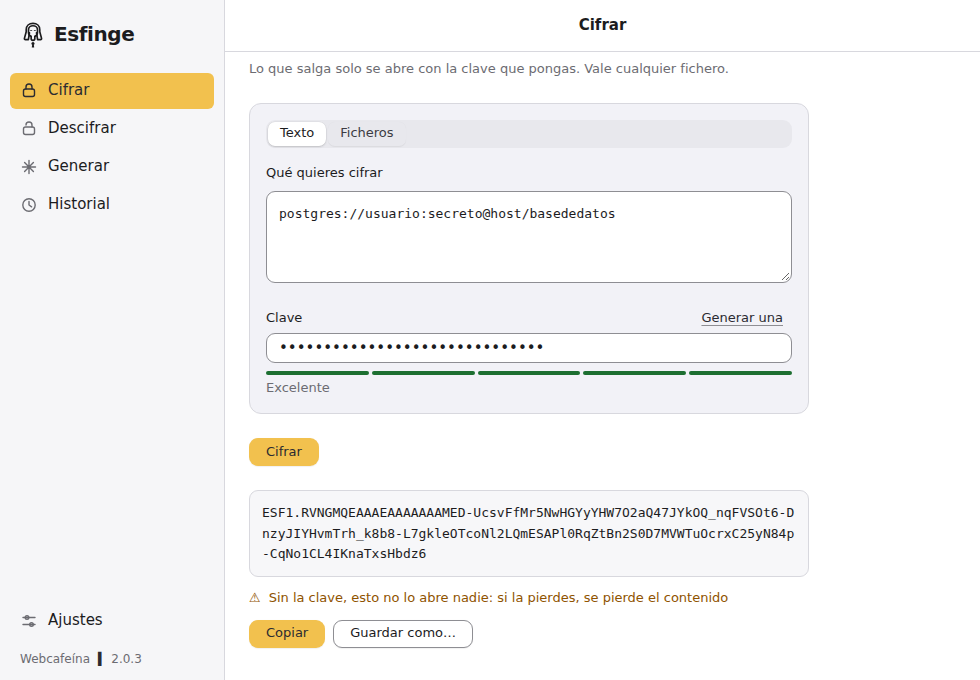
This entry links to the publisher's Windows EXE installer for version 2.58.7, not Softonic's differently formatted 2.5.8.7 version label. The publisher states that the application is unsigned, so Windows can show a warning. Softonic lists Windows 11 and a Spanish interface; the consulted publisher pages do not establish a minimum Windows build or installer CPU architecture. The screenshot is the publisher's older Spanish-language light-theme illustration, whose footer shows 2.0.3, rather than a capture of this release.
What it offers
- Encrypt and decrypt text such as passwords, tokens and connection strings using an encryption key.
- Encrypt files through drag and drop, including multiple files with one key, while leaving originals unchanged.
- Generate passwords and organize credentials, notes and documents in a searchable local encrypted vault.
- Import vault data from documented supported managers and generate one-time verification codes.
- Use optional browser extensions with an explicitly enabled local channel for credential filling.
Good to know
- Losing the encryption key can make encrypted text and files unrecoverable. The vault's separately issued recovery key applies to the vault, not every encrypted file.
- The publisher distributes an unsigned application; Windows may show an unrecognized-app warning.
- The consulted publisher pages do not specify a minimum Windows build or the installer CPU architecture. Softonic lists Windows 11 and Spanish.
- Source availability is not an open-source license: Webcafeína reserves rights and requires written permission for the uses restricted by its license.
Product images
Sources
References used for this listing. Retrieval dates do not indicate hands-on testing.
More in utilities
View category ↗
Bitwarden 2026.10.1
Store logins, organize vault items and generate passwords with Bitwarden for Windows. The desktop app supports multiple accounts and optional Windows Hello unlock.

KeePass 2.61.1
Store passwords in an encrypted database, generate new passwords and fill login forms with KeePass, a free, open-source password manager for Windows.

KeePassXC 2.8.0
Store passwords in an encrypted local database, generate passwords and fill logins with KeePassXC, a free, open-source password manager for Windows.
Authme 7.1.1
Keep TOTP two-factor authentication codes on your Windows desktop, import supported authenticator exports and copy codes from one place with Authme.

Cryptomator 1.19.4
Encrypt files and filenames in password-protected vaults before syncing them to cloud storage with Cryptomator, a free, open-source Windows application.