
Utilities Windows
SysTracer
Compare Windows file and registry snapshots with SysTracer to investigate changes after installing or running software. The publisher's trial limits snapshots and comparison results.
- Operating system
- Windows 11, 10, 8.1, 8, 7, Vista and XP; Windows Server 2022, 2019, 2016, 2012, 2008 and 2003 listed for x64
- Architecture
- x64
- Download package
- EXE installer
Publisher-listed compatibility, not independently tested. Separate x86 and portable ZIP downloads are available; this link selects the x64 installer.
Link checked · Download guidance
What is SysTracer?
SysTracer records Windows system snapshots so you can compare what changed between two points in time. Take a snapshot before installing or running a program, record another afterward, and compare files, folders and registry entries to find additions, modifications and deletions. You can restrict the scan to selected folders and registry paths rather than recording everything.
Snapshots can also include installed programs, running processes, loaded DLLs and open TCP/UDP ports. HTML and PDF reports provide a way to review recorded information outside the application. These are before-and-after comparisons; this entry does not claim continuous real-time monitoring or automatic rollback.
SysTracer is commercial shareware, not an unrestricted free utility. The unregistered trial keeps only five snapshots and limits the differences shown or exported. Standard and Pro licenses unlock different functions: command-line automation and transferring snapshots between computers require Pro. The selected download is the publisher's version 3.0 x64 EXE installer; separate x86 installers and portable ZIP packages are offered on its download page.
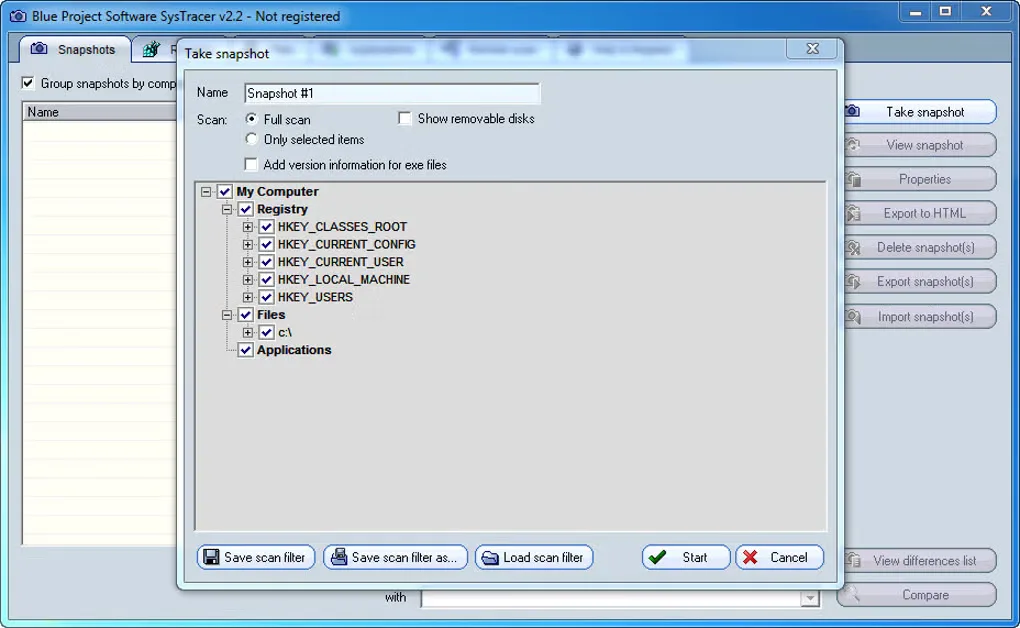
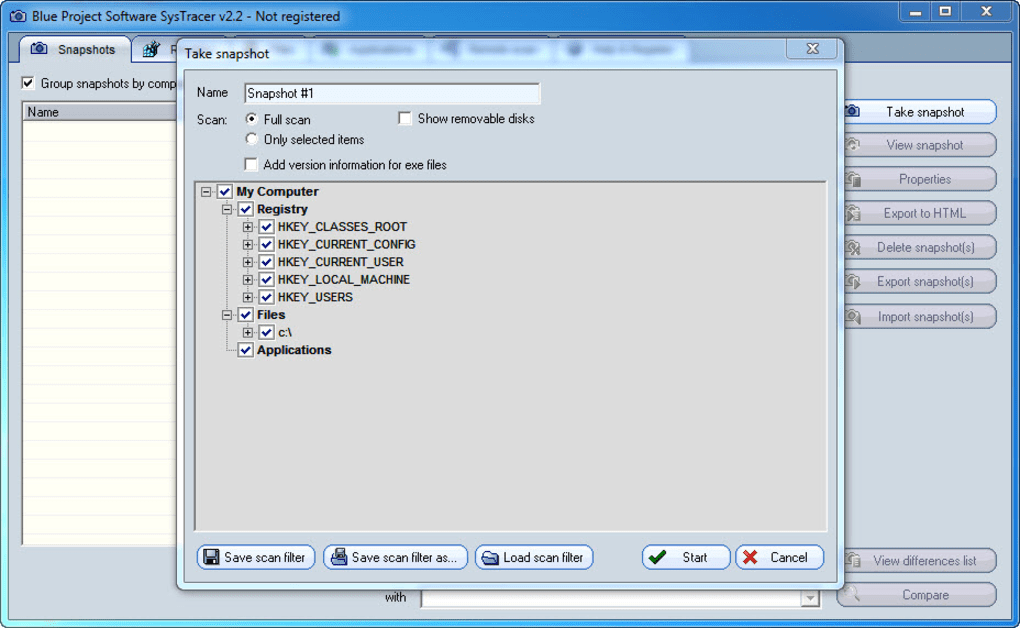
The screenshot is a historical SysTracer v2.2 interface from the source gallery, showing the Take snapshot dialog. It illustrates the scan-selection workflow, not the redesigned version 3.0 interface.
What it offers
- Compare two snapshots to identify added, modified or deleted files and registry entries.
- Limit recording to selected folders and registry paths.
- Record installed programs, running processes, loaded DLLs and open TCP/UDP ports.
- Export snapshot information and differences to HTML or PDF, subject to trial limits.
Good to know
- The free trial allows only five snapshots and a limited number of comparison differences; difference exports are also limited.
- Command-line support and importing or exporting snapshots between computers require SysTracer Pro, not the standard edition.
- The gallery screenshot depicts version 2.2; the publisher documents a redesigned interface in version 3.0.
Product images
Sources
References used for this listing. Retrieval dates do not indicate hands-on testing.
- SysTracer - Track file and registry changes in your computer ↗Retrieved
- SysTracer Download ↗Retrieved
- SysTracer Order & Pricing ↗Retrieved
- SysTracer Features ↗Retrieved
- SysTracer - Download ↗Retrieved
- Terms of use ↗Retrieved
More in utilities
View category ↗
RegistryChangesView 1.31
Compare Windows Registry snapshots to inspect added, removed and modified keys or values, then export selected changes with NirSoft's portable freeware utility.
Regshot 1.9.0
Compare two Windows registry snapshots and optional folder scans with Regshot, a free, open-source utility that writes text or HTML change reports.
OSForensics 11.1 build 1017
Search files and emails, examine recent Windows activity and organize digital evidence with PassMark OSForensics. A limited Free edition and paid editions are available.

RegCool 3.1.0.8
Edit the Windows registry, compare snapshots and work with offline .REG and .HIVE files using RegCool, a registry editor with search, bookmarks and backup tools.
Registry Workshop 5.1.0
Search, compare and edit the Windows registry with Registry Workshop, an advanced editor with undo history, registry backups and a 30-day trial.