
Utilities Windows
XLaunchpad
Organize Windows shortcuts in a paged launcher, drag icons into folders and open the launcher from a screen corner with XLaunchpad.
- Operating system
- Windows 7, 8, 8.1 and 10 (publisher-listed)
- Architecture
- Not specified in the inspected sources
- Download package
- ZIP archive (publisher download; HEAD-verified MIME)
Publisher requirements: 128 MB RAM and 100 MB available storage. Windows 11 compatibility and archive contents are unconfirmed.
Link checked · Download guidance
What is XLaunchpad?
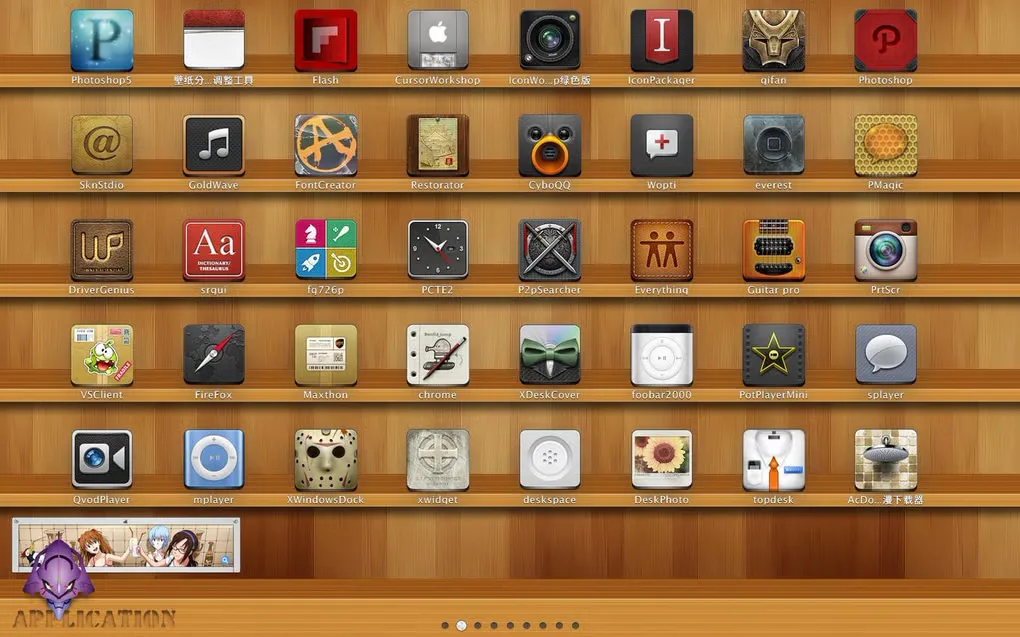
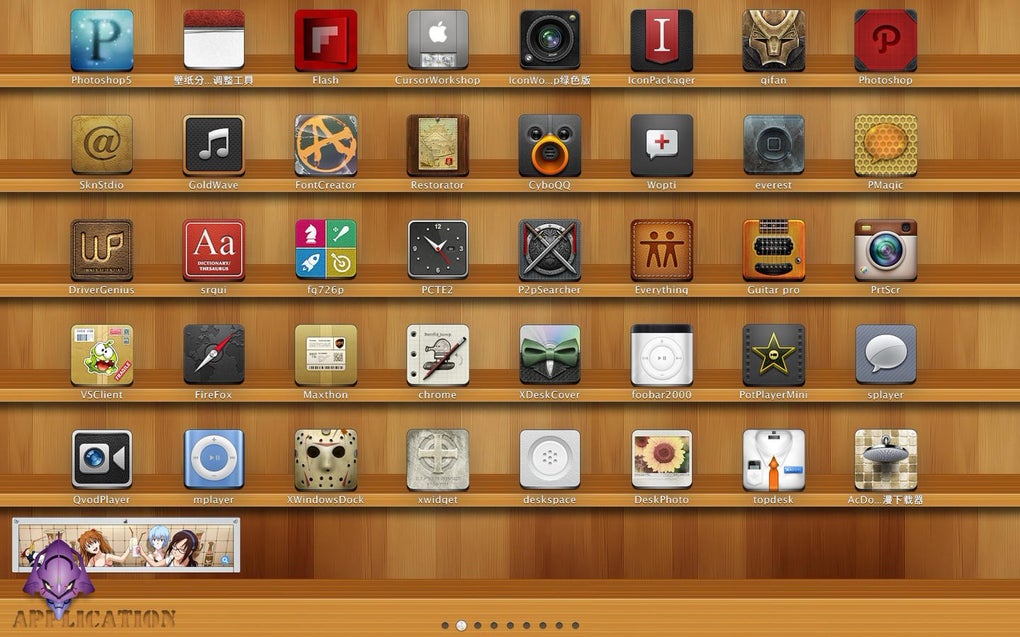
XLaunchpad puts Windows shortcuts into a visual launcher rather than leaving them scattered across the desktop. Drag icons into the arrangement you want, or drop one icon onto another to create a folder and give that folder a name. Multi-page scrolling provides additional pages for organizing shortcuts.
The publisher lists a desktop mode and screen-corner activation, including access to shortcuts without returning to the desktop. It suits people who prefer browsing a grid of recognizable icons and folders to looking through a conventional shortcut list.
The official page identifies version 1.8 with a release date of August 22, 2018 and lists Windows 7, 8, 8.1 and 10. It does not establish Windows 11 compatibility. The linked publisher download resolves to a ZIP archive; its HTTP headers were checked with HEAD only. The archive was not downloaded, its contents and architecture were not inspected, and the application was not installed or tested.
What it offers
- Arrange shortcuts by dragging icons to different positions.
- Create folders by dropping one icon onto another, then name the folder.
- Organize shortcuts across multiple scrollable pages.
- Activate the launcher through a screen-corner hot zone.
- Use the publisher-listed desktop mode or access shortcuts without returning to the desktop.
Good to know
- The publisher lists Windows 7, 8, 8.1 and 10 only; Windows 11 compatibility is unconfirmed.
- The official release history shown ends at version 1.8 dated August 22, 2018; no newer release is established by these sources.
- Download headers identify a ZIP archive, but its contents, CPU architecture and installation behavior have not been verified.
Product images
Sources
References used for this listing. Retrieval dates do not indicate hands-on testing.