
Utilities Windows
XMeters
Keep CPU, memory, disk and network readings on the Windows taskbar with XMeters, a customizable system monitor that is free for personal use.
- Operating system
- Windows 7, 8 and 10, as documented by gHacks
- Architecture
- x86 and x64, as identified by Silent Install HQ
- Download package
- EXE installer
Windows 11 native taskbar support is not confirmed. No exact supported build range was established; no installer or runtime compatibility testing was performed.
Link checked · Download guidance
What is XMeters?
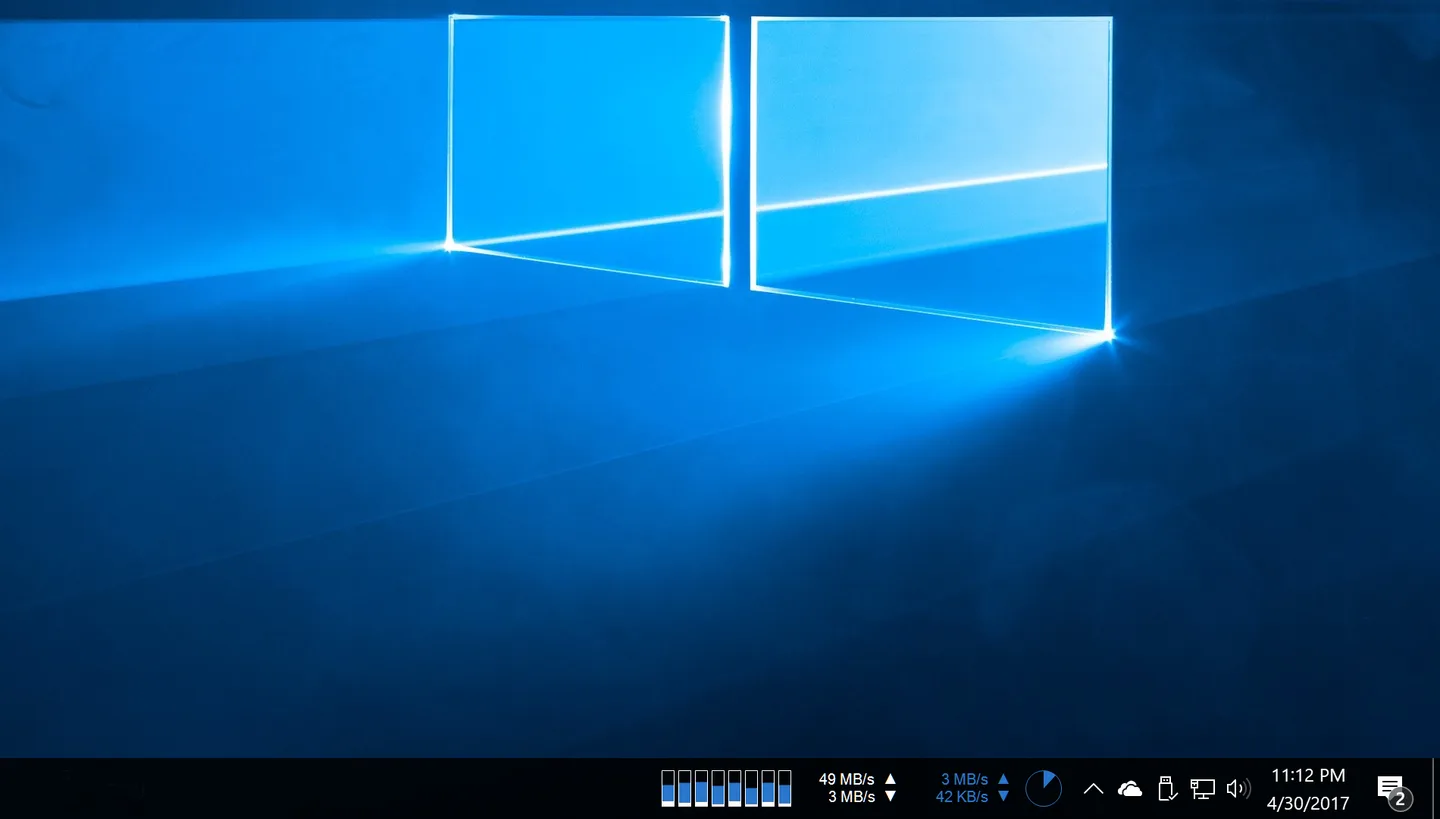
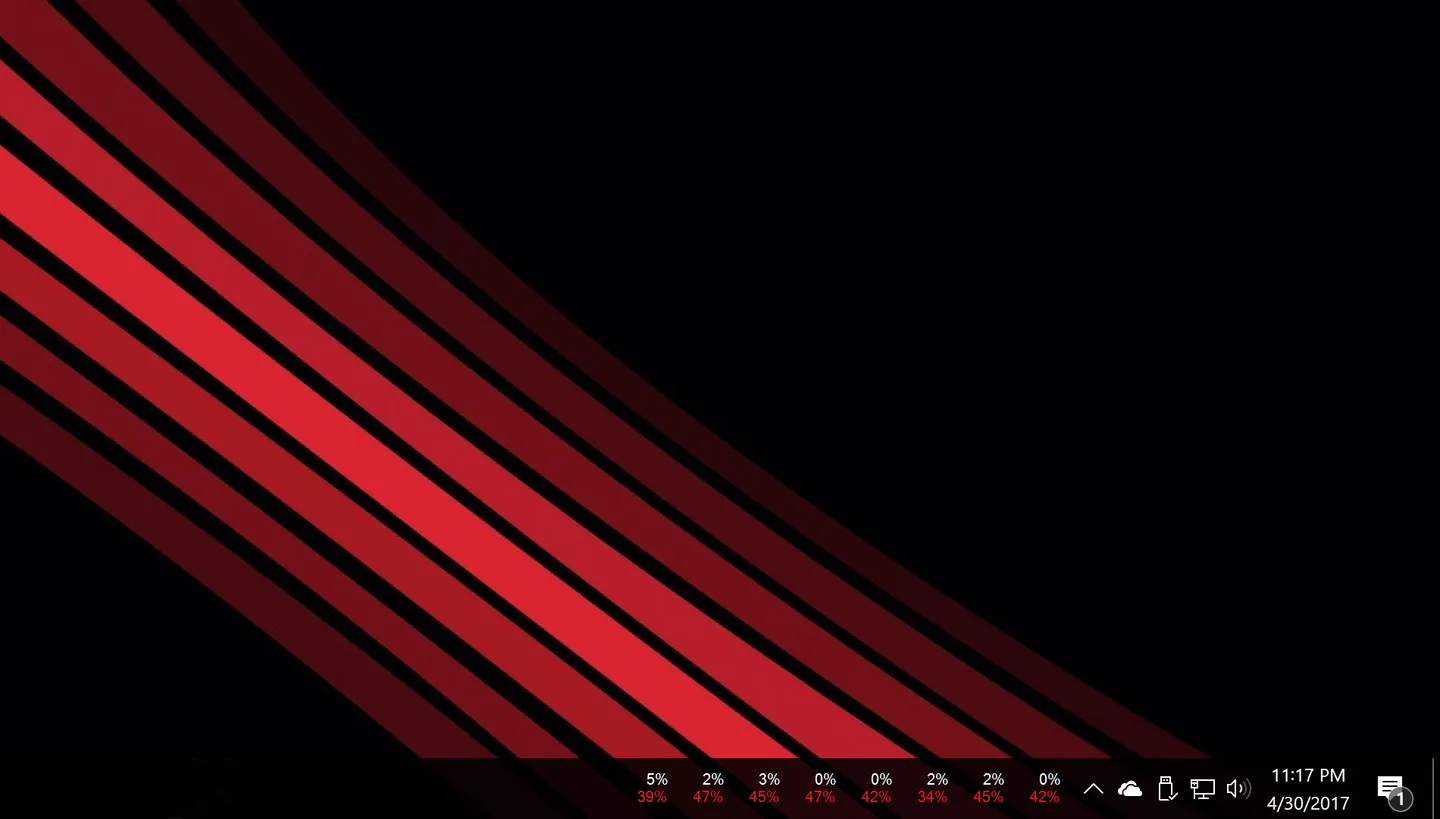
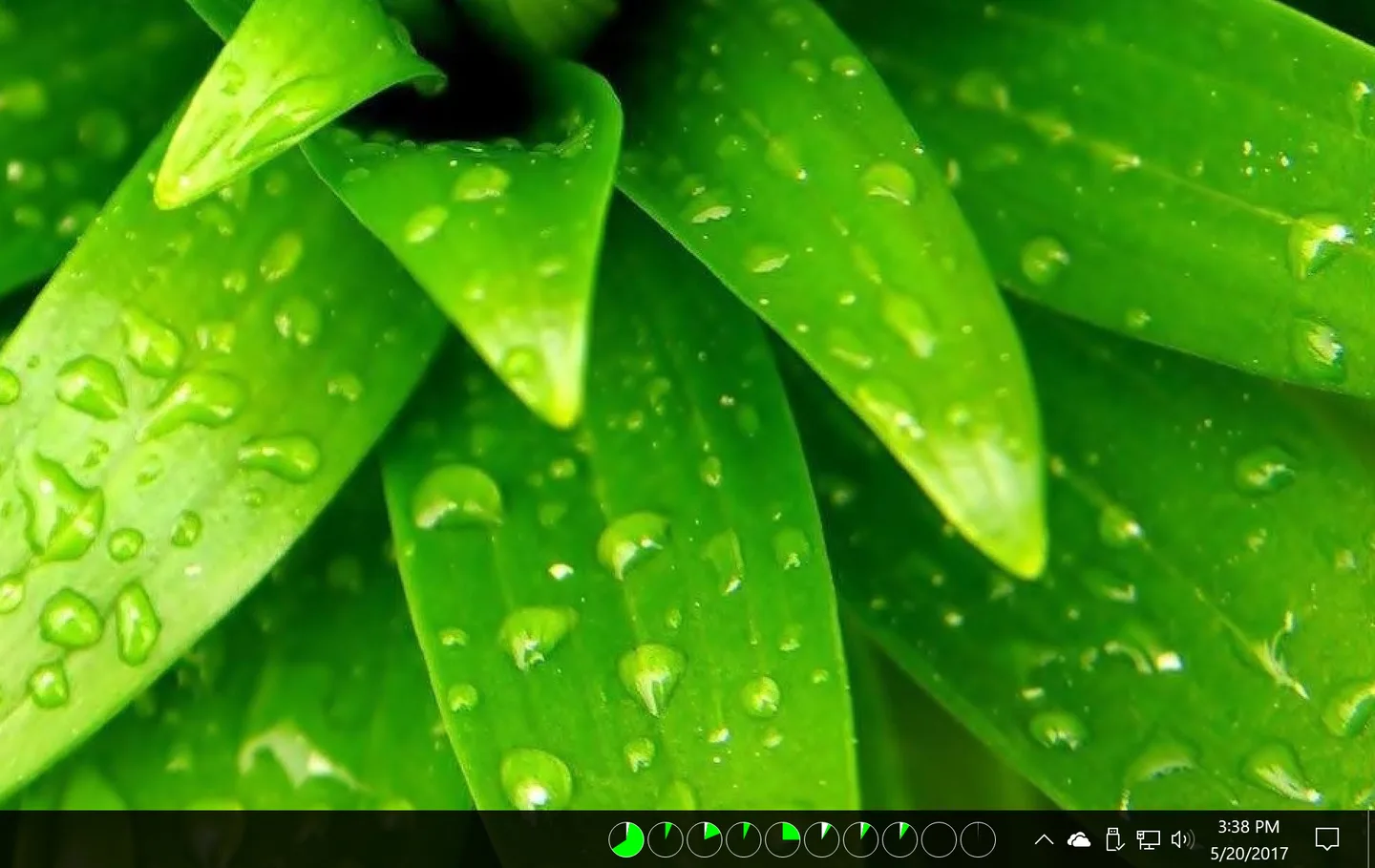
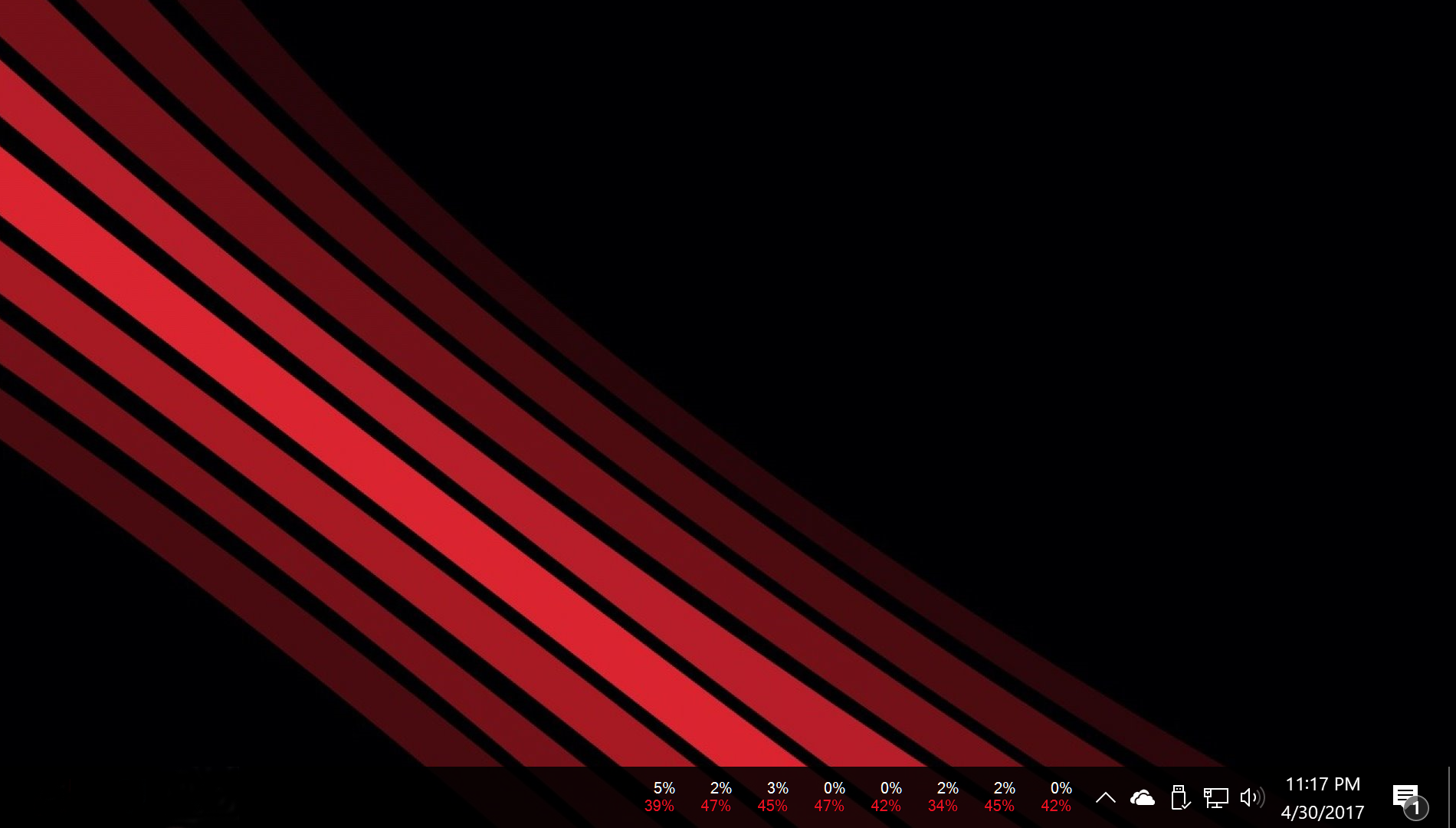
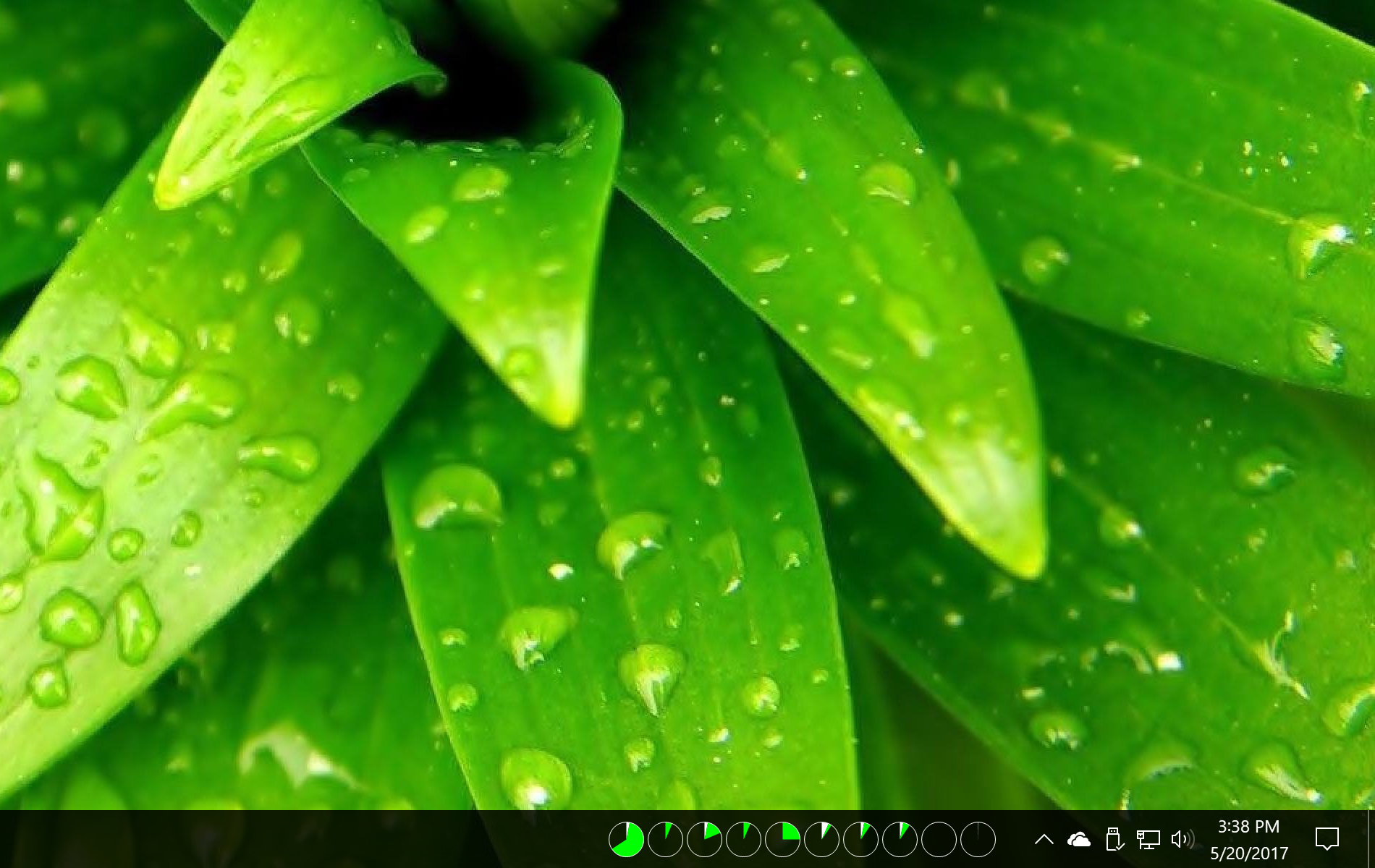
XMeters puts system readings on the Windows taskbar so you can watch CPU load, memory use, disk activity and network traffic without keeping a monitoring window in front of your work. Its meters can use bars, pie charts or text, with options such as individual CPU-core readings and a choice of network interface. It is an information display, not a tool for repairing or accelerating a PC.
Left-click a meter to open Windows Task Manager when you need to investigate a reading. Right-click to open XMeters configuration, use the checkboxes to hide unwanted meters, and drag the meter tabs to change their order. To remove the display from a traditional Windows taskbar, uncheck XMeters in the taskbar Toolbars menu.
The publisher offers XMeters free for personal use. The free edition has a refresh-rate restriction: intervals shorter than three seconds require the paid edition, according to MajorGeeks. Published documentation describes Windows 7, 8 and 10; do not treat Softonic’s Windows 11 label as confirmation that it works on the standard Windows 11 taskbar. The gHacks update describes third-party taskbar restoration as a requirement there, and the sources inspected do not establish a supported Windows 11 build range.
The download links to the publisher-hosted XMetersSetup.exe. Its availability and binary MIME type were checked with HEAD only; the installer was not downloaded, installed or tested.
What it offers
- Monitor CPU, memory, disk and network activity directly on the Windows taskbar.
- Choose bar, pie or text displays and customize meter colors.
- Show individual CPU-core readings or select the network interface to monitor.
- Enable, disable and reorder meters in the configuration window.
- Open Windows Task Manager by left-clicking a meter.
Good to know
- Free-edition refresh intervals below three seconds require a paid upgrade, according to the retained MajorGeeks listing.
- Standard Windows 11 taskbar compatibility is not established; gHacks describes a third-party traditional-taskbar restoration requirement, without an exact supported build range.
- Publisher documentation offers free personal use; unrestricted business-use licensing was not established.
Product images
Sources
References used for this listing. Retrieval dates do not indicate hands-on testing.
- XMeters — publisher product page and screenshot carousel ↗Retrieved
- XMeters — publisher help ↗Retrieved
- XMeters - Download — normal browser observation ↗Retrieved
- Package Request: XMeters — explicit publisher installer URL ↗Retrieved
- XMeters Silent Install (How-To Guide) — installer identification ↗Retrieved
- gHacks — XMeters taskbar workflow and compatibility caveat ↗Retrieved
- MajorGeeks — XMeters 1.0.103.0 and free-edition refresh limit ↗Retrieved
More in utilities
View category ↗Taskbar Monitor 0.5.4
Display CPU, memory, disk and network graphs on the Windows taskbar, with configurable history and update intervals. Windows 11 support is experimental.

HWiNFO 8.54
Inspect PC hardware, monitor system sensors and export reports with HWiNFO for Windows. The x64/ARM64 edition is free for personal, non-commercial use.
AnVir Task Manager 9.4 (publisher-listed; installer version not inspected)
Inspect Windows processes, services and startup programs with AnVir Task Manager Free, which combines resource monitoring with delayed-startup controls.
NetSpeedTray 2.1.7
See live upload and download speeds on the Windows taskbar, inspect network history and track data usage with the free, open-source NetSpeedTray.

TrafficMonitor 1.86
See upload and download speeds, CPU usage and RAM usage in a floating window or the Windows taskbar. This download is TrafficMonitor 1.86 Lite for x64 Windows.